
When you pick up a new keyboard, what do you actually care about first?
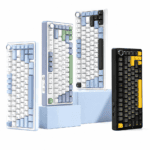
For most people, the instinct is to look at the specs: polling rate, latency, actuation precision. And those numbers matter — the MCHOSE Ace75 Hall Effect Keyboard delivers an 8K polling rate, 0.08ms latency, and 0.001mm RT precision, all of which hold their own at this price point. But what truly separates a keyboard that’s merely good enough from one that’s genuinely great is rarely the number on the box. It’s the small, everyday details that never make it onto the spec sheet.
The Ace75 made me rethink what “great” actually means.
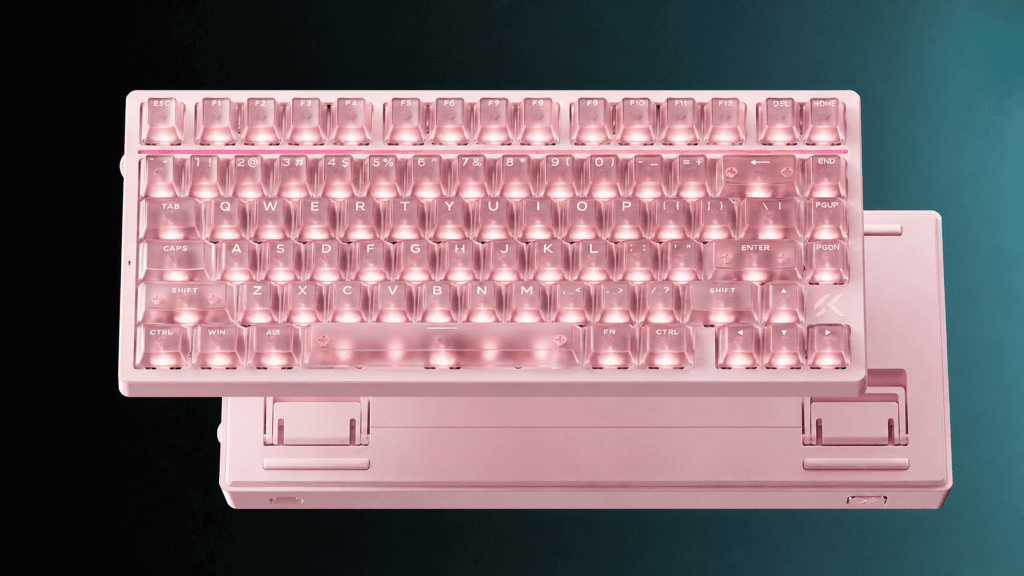
Six-Layer Acoustic Damping: From “It Makes Noise” to “It Sounds Right”
A keyboard is, first and foremost, something you type on. The sound it makes and the feel under your fingers decide whether you’ll actually want to use it every day.
The problem with many entry-level keyboards isn’t that they can’t type — it’s what happens after you press a key. Hollow cavity noise, wobbly stabilizers, that cheap “plastic slab” feel. The Ace75 puts real work into the parts you never see: a six-layer acoustic damping structure, including sandwich silicone, a PO switch pad, a PET acoustic film, bottom foam, and a silicone base pad.
In plain terms, every keystroke lands solid — no cheap, hollow emptiness. Reviewers have noted that the Ace75 “fully inherits the strengths of the ACE68v2, with a sturdy shell and fully-loaded acoustic damping.” Users of the BMW magnetic switch version go further, describing the typing feel as “solid, with HIFI-grade sound.”
Here’s the interesting part: acoustic damping never appears on any spec sheet. It won’t show up alongside the 8K polling rate or the 0.001mm precision on a marketing poster. But every single time you press a key, it’s quietly doing its job.
The Dedicated RT Button: From “Dig Through the Software” to “Just Press It”
One of the core appeals of a Hall effect keyboard is adjusting the Rapid Trigger (RT) actuation threshold. Different games and playstyles call for different trigger depths.
But here’s the catch with the traditional approach: open the driver software, find the settings page, drag a slider, save, exit. That’s easily tens of seconds of fiddling — and nobody wants to do that mid-match.
The Ace75 offers a refreshingly direct solution: a dedicated physical RT button.
One press cycles between three presets — profile one for CS2, profile two for Valorant — no need to alt-tab out and dig through menus. Its RT Smart calibration goes a step further, automatically matching trigger depth to your press speed: more sensitive on fast taps, more forgiving on slow ones to prevent accidental actuation.
One reviewer summed it up perfectly: “One setting for Valorant, switch back to normal feel for coding” — that kind of scenario-based switching is genuinely useful. And when you toggle the RT button, the light strip and LOGO change color in sync — so you don’t even have to look down. A glance from the corner of your eye tells you which profile is active.
A single button solving this problem gets far closer to the true definition of usable than any complex driver interface ever could.
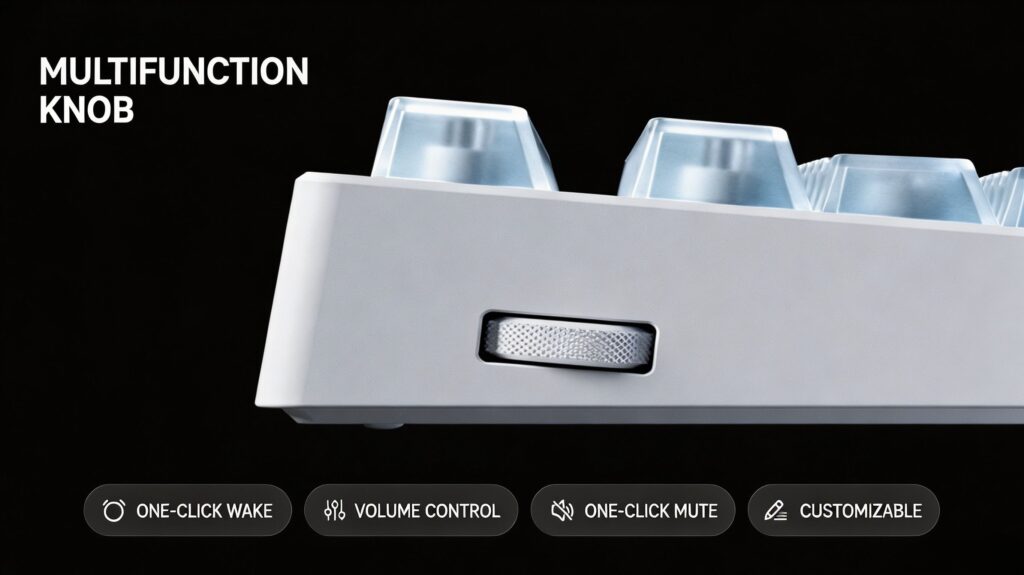
The Multi-Function Knob: From “Tab Out to Adjust” to “A Quick Flick”
Volume control seems trivial. But it happens dozens of times a day.
The traditional workaround is either an FN + key combo, or dragging your mouse to a tiny icon in the corner of the screen. In-game, that’s especially painful — tab out to adjust volume, come back, and you might have already lost the round.
The Ace75 mounts a multi-function metal knob on the left side. Rotate to adjust volume, press to mute. One-handed, no shift in focus, no interruption to your game. As one user put it: “The built-in volume knob and physical RT button make everything feel smooth and intuitive.”
This little knob may look minor, but it saves you a few seconds every single day — and in a competitive match, a few seconds can be the difference between a win and a loss.
The Through-Style Dynamic Light Strip: From “It Lights Up” to “It Actually Plays”
Plenty of keyboards have RGB. But most of them only light up — you can change the color, switch the mode, and that’s it.
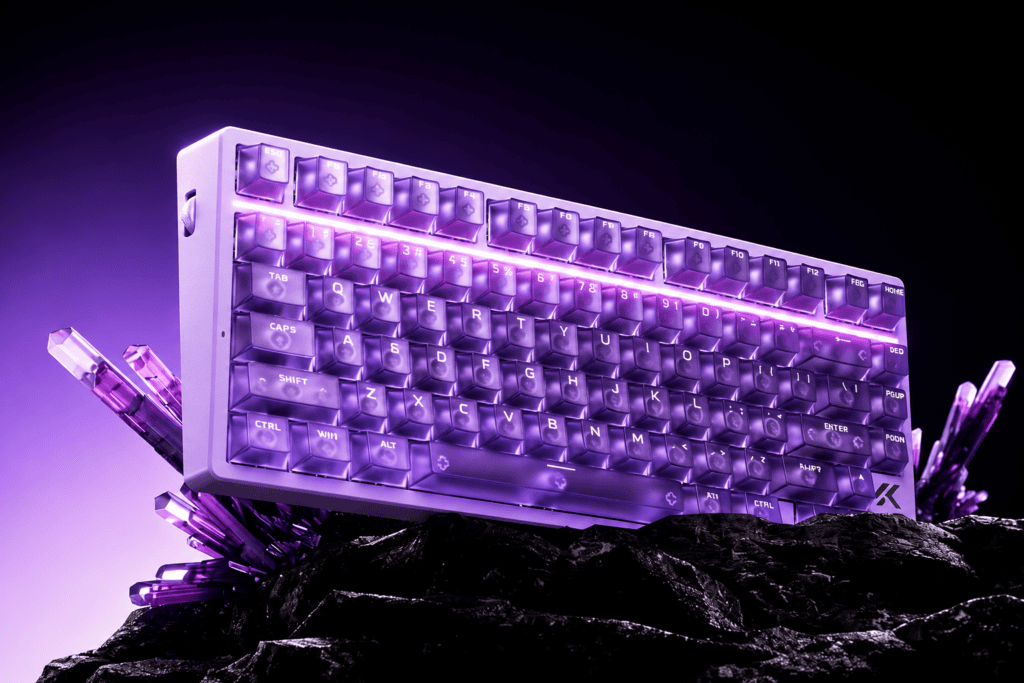
The Ace75’s through-style dynamic light strip is different. Built from 28 individually addressable ARGB beads, its standout feature is custom GIF display support.
What does that mean in practice? You can bring the light strip to life — play animations, show your LOGO, even display custom patterns. This isn’t tacky, aimless RGB; it’s a canvas you actually get to play with. The strip also pulses in sync with the volume knob, adding a little touch of ceremony to something as simple as turning the sound up.
Lighting doesn’t affect performance or feel. But it’s the first thing you see when you power on every day — and the leap from “it lights up” to “it actually plays” comes down to exactly this kind of thoughtful touch.
M HUB Driver: From “Install Before You Use” to “Open a Browser and Go”
Driver software is often the “last mile” of the keyboard experience — no matter how good the hardware is, clunky software ruins it.
The Ace75’s M HUB driver offers a clever answer: a web-based version with no installation required. Plug in the keyboard, open the official page, and the system detects it automatically. Adjusting the trigger travel takes just three steps: choose your switch → calibrate the key → drag the slider and save. A client version is also available, supporting one-click firmware upgrades, lighting synchronization customization, and fine-grained performance tuning.
No installers, no compatibility headaches — just open a browser and start. This one detail turns “tuning your keyboard” from a chore into something that just feels natural.
Final Thoughts: Details Are the Dividing Line
What won me over about the Ace75 wasn’t the big numbers on the poster — though the 8K polling rate and 0.001mm precision genuinely deliver. What made me feel this keyboard is different were the unassuming details:
| Detail | What It Changes |
|---|---|
| Six-layer acoustic damping | Every keystroke feels solid and grounded |
| Dedicated RT button | Profile switching drops from tens of seconds to one |
| Multi-function knob | Volume control no longer interrupts your game |
| Dynamic light strip | RGB goes from “lights up” to “actually plays” |
| M HUB web driver | Tuning goes from a hassle to effortless |
Individually, each of these is small. But together, they decide whether a keyboard is “great on paper, average in use” or “great on paper AND genuinely comfortable to use.”
The distance from good enough to genuinely great is exactly this small margin of detail.
And the MCHOSE Ace75 — happens to cross that line.
 English
  German
  Portuguese
  Spanish
  Italian
  Finnish
  French
  Japanese
  Korean
  Swedish