
The entry-level Hall effect keyboard market is in the middle of a “spec arms race.” Features that were once flagship-only—0.005mm Rapid Trigger precision, dual 8K polling, and generous battery capacity—are steadily trickling down to friendlier price points.
The VGN Neon 75 Turbo is a textbook example of this trend. On paper, it reaches heights rarely seen in its price bracket. But here’s the real question we’ll explore: when specs jump a tier, does the actual experience jump with them?
Below is a structured, five-part breakdown—performance, feel, sound, build, and software—to find out whether this is real substance or just a spec-sheet party.
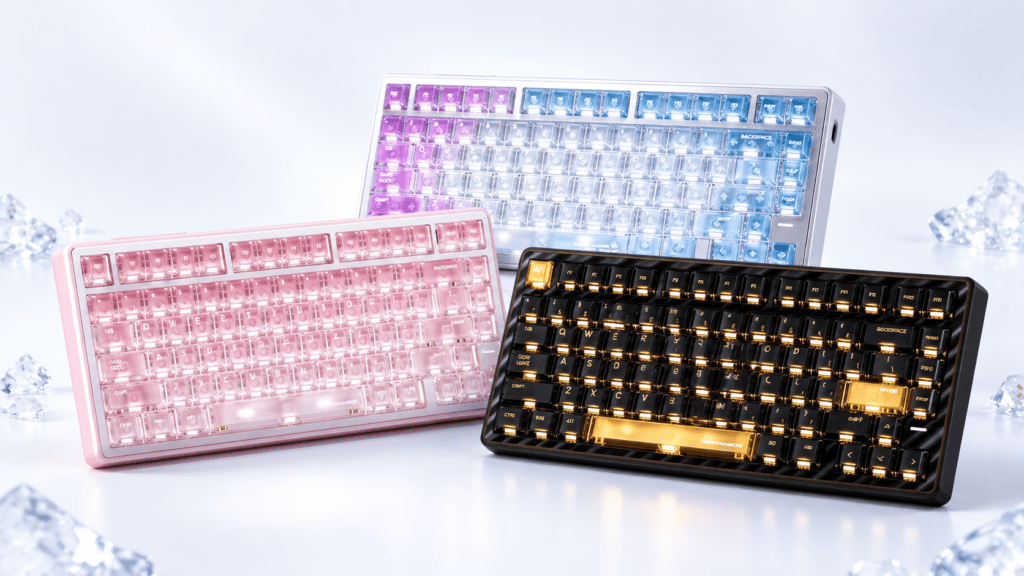
Core Performance: The Battle-Soul MVP V2 Platform in Practice
The headline feature here is raw responsiveness. Let’s unpack how those numbers translate when the game actually starts.
Reading the Specs
The Neon 75 Turbo’s performance chain is built on four key pillars:
- 0.005mm Rapid Trigger (RT) precision — Determines how finely you can tune the actuation point. The smaller the number, the more granular your adjustment range.
- 0.1ms latency — The time from signal capture to report, directly shaping how “connected” each keystroke feels.
- Dual 8K polling (wired / 2.4G) — Whether you’re plugged in or wireless, the polling rate doesn’t drop a tier.
- 128K channel scan rate — Sets the sampling frequency, working alongside RT and latency to drive the trigger-judgment pipeline.
Real-World FPS Testing
We stress-tested the board in Valorant and CS2, focusing on high-frequency actions—counter-strafing, rapid-tapping, and spray control.
- Counter-strafing: The 0.005mm RT precision shines here. Actuation can be dialed in so tightly that dead zones feel virtually nonexistent.
- Rapid-tapping: The 0.1ms latency keeps response tight and immediate, with no perceptible lag between intent and action.
- Wireless integrity: In 2.4G mode, the dual 8K polling genuinely held up—no measurable downgrade versus wired.
The Verdict on Performance
For hardcore FPS players, 0.005mm precision and 0.1ms latency are tangible, usable advantages.
For casual players, the perceptual gain is more modest—but as the saying goes, having it beats not having it.
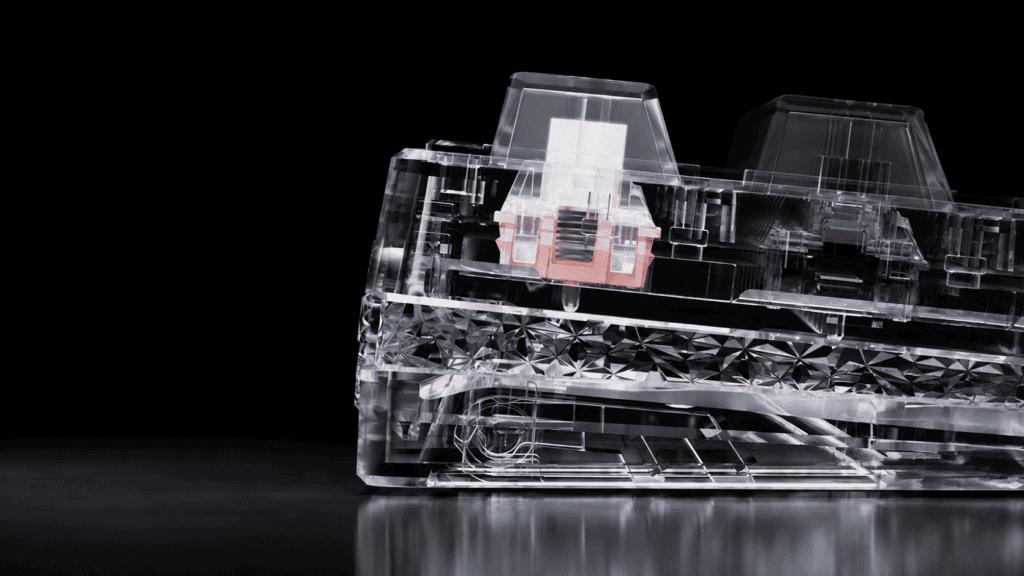
Switches & Feel: The Tianba Turbo’s “Light and Fast” Philosophy
Beyond raw speed, feel is where a keyboard either wins or loses your hands over the long haul. The Tianba Turbo switch takes a deliberately light approach.
Switch Specifications
| Parameter | Value |
|---|---|
| Initial Force | 35 ± 5 gf |
| Bottom-Out Force | 50 ± 5 gf |
| Total Travel | 3.5 ± 0.2 mm |
What the Feel Is Like
- Light actuation: At 35gf, the initial force sits firmly in light-pressure territory for a magnetic switch—easy on the fingers during long typing sessions.
- Balanced travel: The 3.5mm total travel is mainstream for Hall effect switches—neither so short that it’s hard to adapt, nor so long it feels sluggish.
- Versatile tuning: Everyday typing and sustained triggering both land in a comfortable, conventional range. This isn’t an extreme, gaming-only calibration.
How It Compares to Rivals
Against other magnetic switches at this price, the Tianba Turbo’s edge is its light weight and consistent smoothness.
That said, let’s be honest: linear magnetic switches inherently lack tactile bump feedback. Users coming from clicky or tactile mechanical switches will need a short adjustment period.
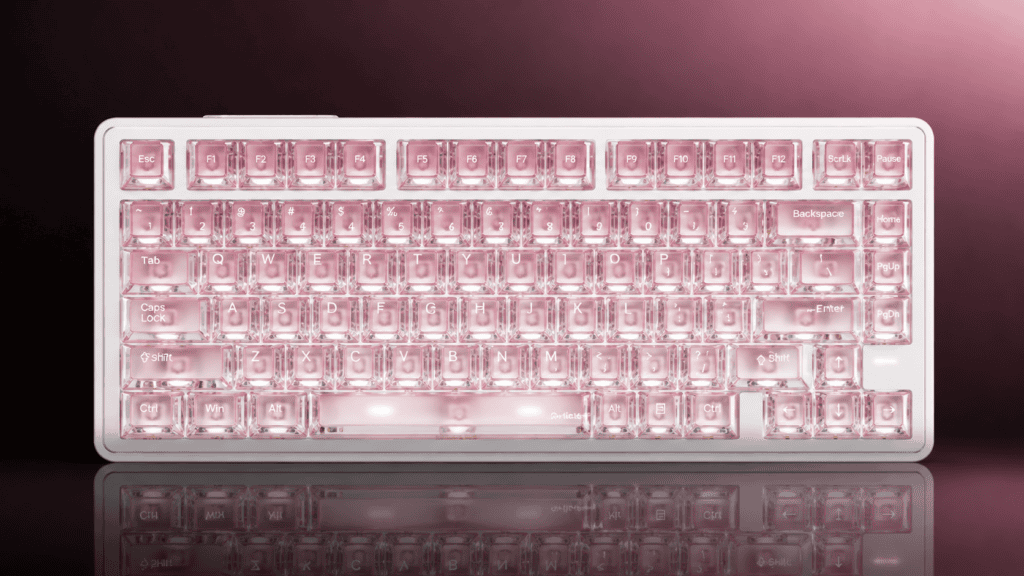
Structure & Sound: The Gasket + Five-Layer Dampening Answer
Acoustics and softness are increasingly where entry-level boards try to punch above their weight. Here’s how the Neon 75 Turbo’s internals perform.
The Configuration
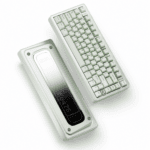
- Gasket-mount structure — Delivers a balanced, soft-bouncy typing feel.
- Five-layer dampening — Absorbs hollow cavity noise and suppresses resonance.
Sound Performance
- Cavity control: The five-layer stack effectively tames the hollow “pinginess” common to magnetic boards.
- Bottom-out tone: Leans muted and clean, with no obvious rattle or noise.
- Versus competitors: Among entry-level Hall effect keyboards, the acoustic signature lands in the upper-mid tier.
Feel Performance
The softness is well-judged—cushioned without being mushy. Key-to-key consistency is solid across the main cluster.
An Honest Word on Stabilizers
Here’s the short-coming we promised to face directly.
Entry-level magnetic keyboards routinely struggle with inconsistent large-key tuning, and the Neon 75 Turbo isn’t fully immune. The transition between the stabilized large keys and the smaller keys isn’t perfectly seamless, and attentive users may notice minor looseness.
It’s not a dealbreaker—but flagging it is essential to setting realistic expectations. This is exactly the kind of detail that separates a $45 board from a $150 one.
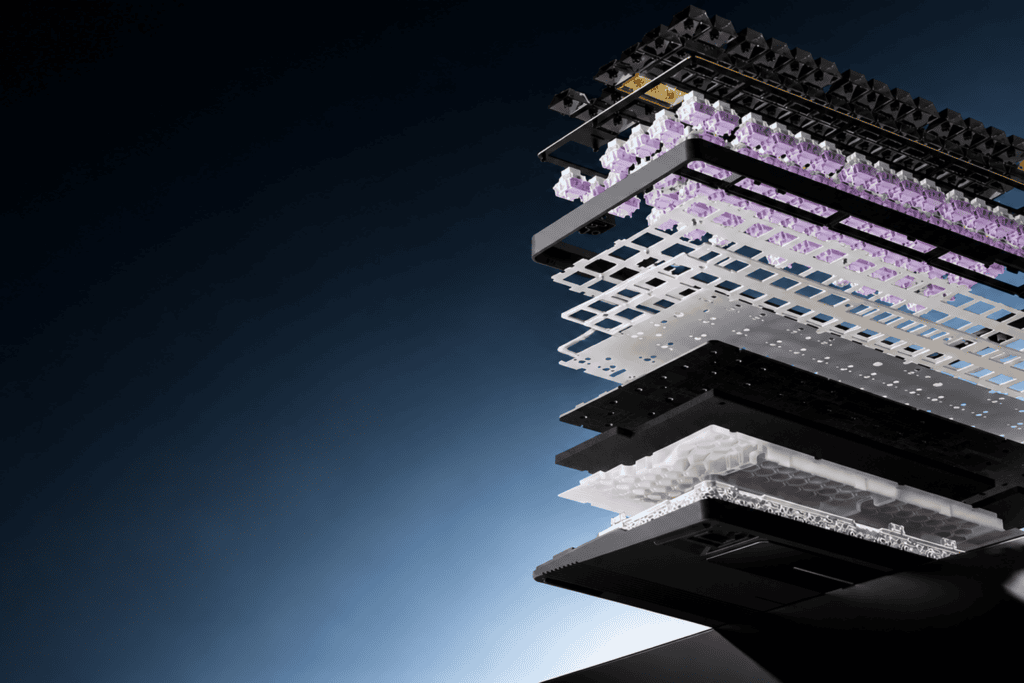
Build & Details: CNC Shell and Neon Light Strip
A keyboard also has to earn its spot on your desk visually. Let’s look at the craftsmanship.
The CNC Faceplate
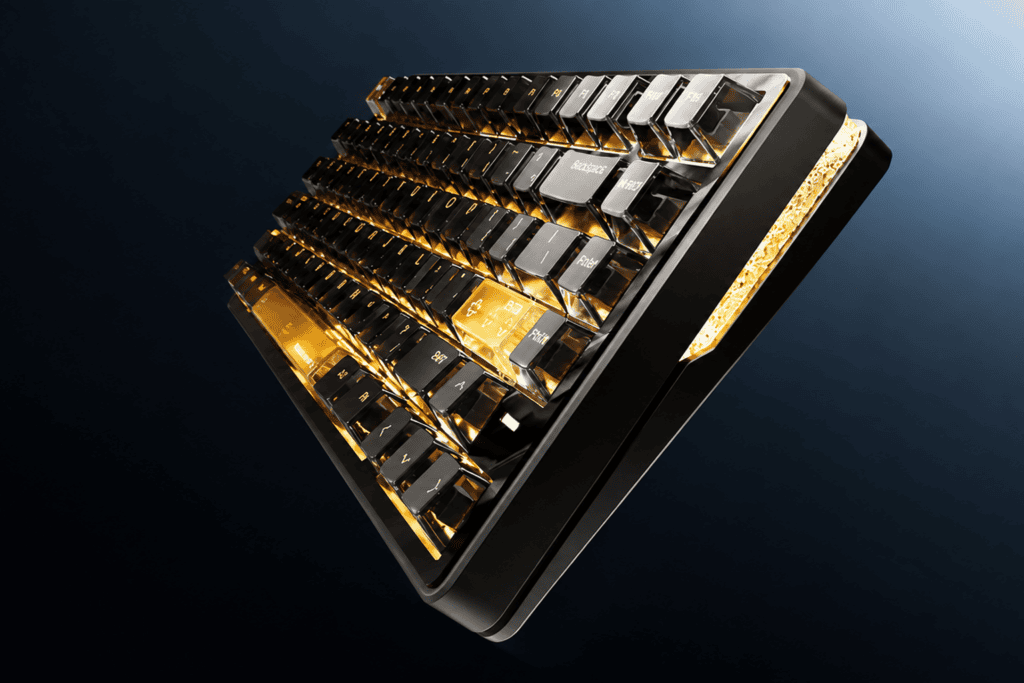
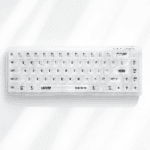
The Neon 75 Turbo’s CNC-machined faceplate gives the top surface a cleaner, more premium texture than a standard molded plastic shell—a noticeable step up in perceived quality.
The Neon Ambient Strip
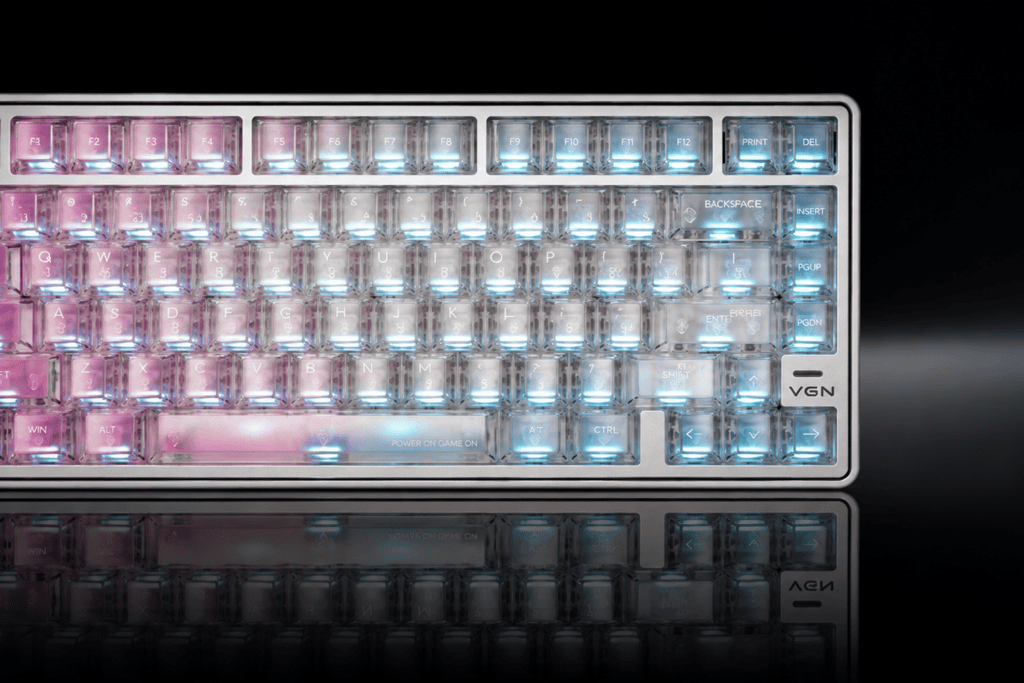
The outer-ring light strip is the board’s signature design flourish. In dim lighting, it creates a genuinely appealing ambient glow that defines the board’s identity.
Keycaps & Colorway
The gradient colorway is eye-catching in person. However, in the spirit of honesty, some users report a “plasticky” feel to the keycaps. If premium PBT texture is a top priority for you, this is worth noting—though an aftermarket keycap swap easily solves it.
Software & Features: The V HUB Experience
A keyboard this capable needs software that keeps up. Here’s where the V HUB ecosystem stands.
- Dual access: Choose between a web-based driver or a desktop client—flexible for different workflows.
- Core tuning: RT settings and SOCD configuration are both accessible, with a reasonably clear setup flow.
- Calibration note: Keep in mind you’ll need to re-calibrate after every firmware update. It’s a minor but important habit for maintaining that 0.005mm precision.
Final Verdict: Did the Experience Jump a Tier Too?
Time to answer the question we opened with. Here’s a balanced look at where the Neon 75 Turbo delivers—and where it still needs patience.
What It Nails
- Spec leadership: 0.005mm RT, 0.1ms latency, and dual 8K polling genuinely do leap a tier.
- Comfortable feel: The light, balanced Tianba Turbo switch is pleasant for daily use.
- Clean acoustics: Gasket mount plus five-layer dampening yields a tidy sound and well-balanced feel.
- Desk presence: The CNC faceplate and neon strip give it standout visual identity.
What It Doesn’t
- Stabilizer tuning still has room to grow—the common entry-level weakness.
- Keycap texture is divisive, with some “plasticky” feedback.
- Software maturity will need more time to fully prove itself.
The Bottom Line
| If you are… | The Neon 75 Turbo is… |
|---|---|
| A competitive FPS player chasing peak specs | Nearly unrivaled at this price point |
| A user wanting flawless out-of-box perfection | A great value that rewards a little patience and tuning |
The spec jump is real. Whether the experience jumps with it depends on which dimension matters most to you.
If raw competitive performance is your north star, the VGN Neon 75 Turbo has almost no competition in its bracket. If you want a perfectly polished package straight from the box, bring a touch of patience—and a willingness to fine-tune.
 English
  German
  Portuguese
  Spanish
  Italian
  Finnish
  French
  Japanese
  Korean
  Swedish