
Ever lived this scene? In the afternoon you’re deep in a CS2 match on your desktop. By evening you’re curled up on the couch with a laptop, racing to finish a proposal. Two mice sit on your desk — one for fragging, one for spreadsheets. And every time you switch devices, you’re bending over to unplug a receiver.
That fractured, two-mouse workflow is finally due for retirement.
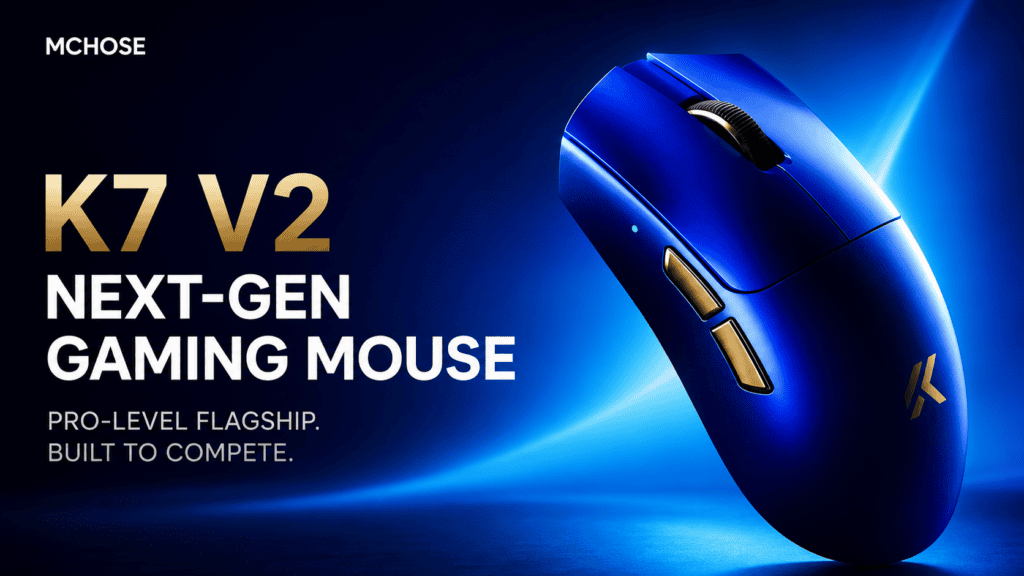
The ambition of the MCHOSE K7 V2 Ultra+ is refreshingly simple: you should only ever need one mouse on your desk. Below is a structured look at how it pulls that off — and why it doesn’t force you to compromise on either side.
Tri-Mode Switching: From “Swap the Mouse” to “Flick a Switch”
The MCHOSE K7 V2 Ultra+ wireless gaming mouse supports three connection modes: wired, 2.4GHz wireless, and Bluetooth. Sounds basic? The real win is how effortless it makes switching between them.
A three-position slider switch on the underside lets you jump between modes on demand:
- 2.4GHz for gaming — ultra-low latency when every millisecond counts
- Bluetooth for the office — one flick to pair with your laptop or tablet
- Wired for tuning or charging — zero-latency, plug-and-play
No unplugging receivers. No re-pairing rituals. No diving into a settings menu. Flick the switch — done.
One user put it vividly:
“Bluetooth-to-2.4GHz switching is fast enough to happen in a blink. I flip to Bluetooth to jot notes on my iPad, flip back to 2.4GHz, and instantly I’m a ghost on the battlefield — the latency is so low I suspect it’s smuggling my signal through light-speed express.”
This mouse never asks “Is it game time or work time?” It simply lets you switch whenever you want — because you already know which mode you need.
Magnetic Charging: Forget That Charging Is Even a Thing
The biggest pain point of a wireless mouse was never battery life. It’s that you never know when it’s about to die.
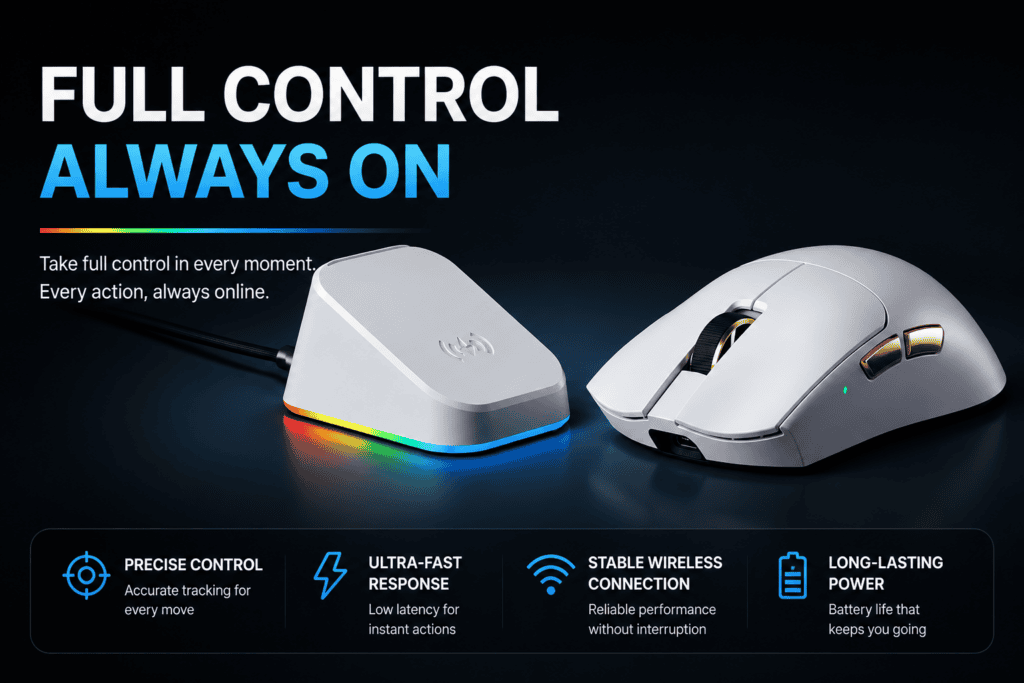
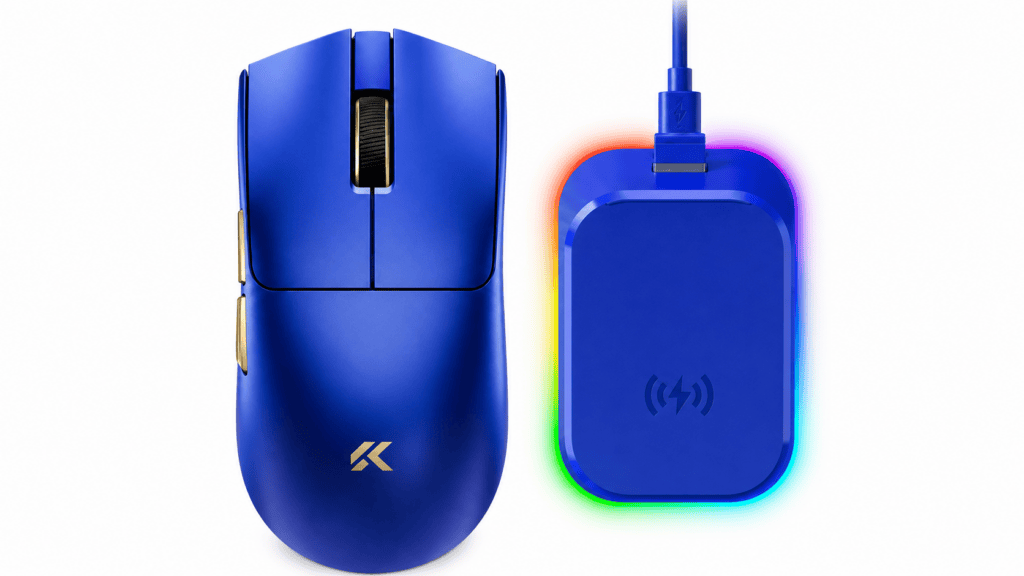
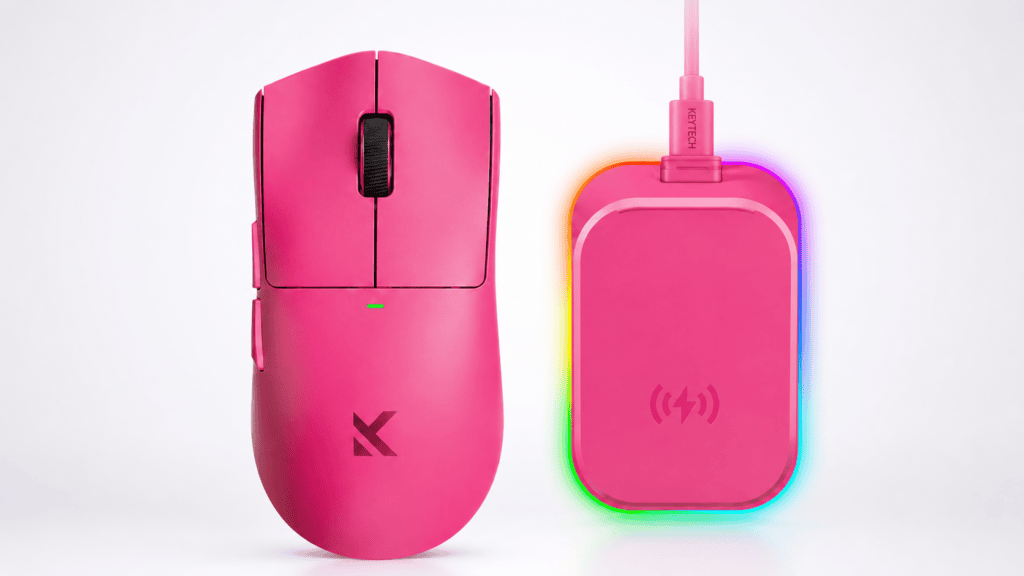
The K7 V2 Ultra+ answers this directly with a magnetic wireless charging dock. Set the mouse down casually, hear the satisfying click of magnetic alignment, watch the blue light breathe twice — and it’s charging.
One reviewer shared a genuinely relatable moment:
“I reached for it half-asleep in the morning — 87% battery. It doesn’t wait for you to remember to charge it. It just tops itself off.”
And the dock does more than power your mouse. It’s a three-in-one desktop hub:
| Function | What It Does |
|---|---|
| Charging station | Wireless magnetic top-up between sessions |
| 8K receiver | Built-in 8K polling receiver for gaming performance |
| RGB accent piece | Surrounding RGB ambient lighting, adjustable via software |
You no longer deliberately charge your mouse. You just put it down when you’re done — and it fills itself back up.
59 Grams: Light Enough for Work, Stable Enough for Battle
In mouse design, “lightweight” and “stability” are usually at war — too light and it feels floaty; too heavy and your hand aches after hours.
The K7 V2 Ultra+ lands at roughly 59 grams. That number is interesting: it isn’t the lightest on the market (there are 40-gram extremists out there), but it hits a subtle sweet spot.
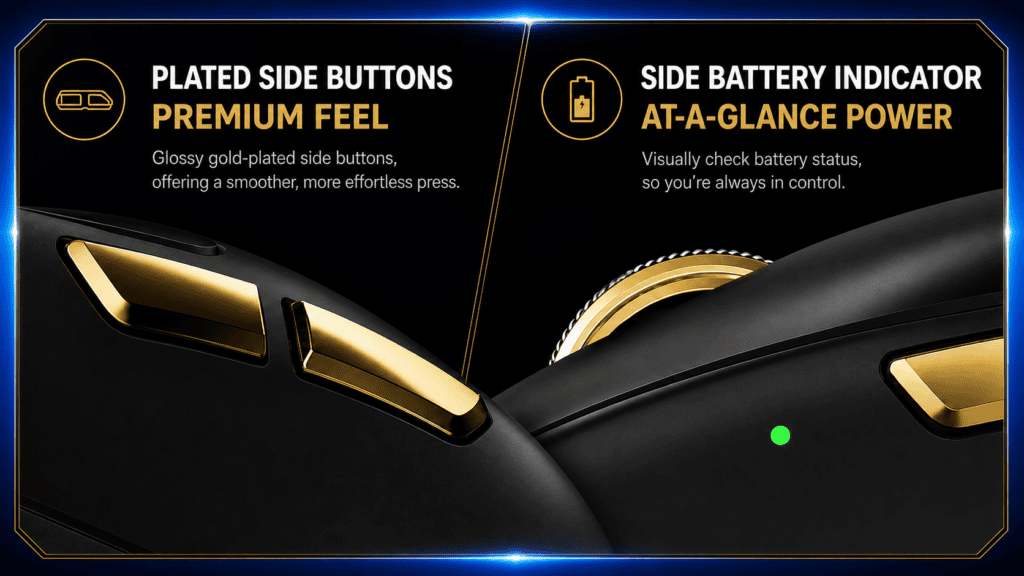
Reviews note that its back curve was tuned over tens of thousands of adjustments, giving your palm real support in a claw or palm grip. The side-skirt curvature is optimized, and the thumb-rest area leaves sensible room — no fingertips dangling in the air, no accidental side-button presses.
So what does 59g actually mean in practice?
- Gaming: Big flick shots feel effortless. Your wrist doesn’t cramp from staying tense for hours.
- Work: A full day of gripping never leaves your hand fatigued.
This isn’t the hollow, weightless feeling of a mouse that’s too light. It’s a solid, engineered heft achieved through precise weight balancing.
As one user described it:
“The moment I picked it up, my fingers just relaxed. My thumb settled naturally into the side groove — like it was custom-made for my hand.”
No Performance Compromise: Convenient for Work, Uncompromising in Games
The problem with most “all-rounder” mice is predictable — they get office-friendly, then fall apart the moment you launch a shooter.
The K7 V2 Ultra+ refuses that trade-off. It’s built on:
- PAW3955 TI custom flagship sensor
- Dual Nordic 54L main control chips
- Dual 8K polling rate across both wired and wireless modes
- Officially measured click latency as low as 0.119ms
What does that translate to? In CS2 or Valorant, its responsiveness is indistinguishable from a pro-tier esports mouse. No convenience lost in the office. No performance lost in the game. That’s what “all-around” should actually mean.
The Takeaway
Back to the question we opened with: Do you really need two mice on your desk?
The K7 V2 Ultra+ answers with a clear no — and here’s why it earns that answer:
- Tri-mode switching lets you glide between devices seamlessly
- Magnetic charging makes “remembering to charge” a thing of the past
- 59g lightweight design keeps your hand happy through games and long workdays
- Dual 8K polling + flagship sensor guarantee zero performance sacrifice in-game
It isn’t compromising between gaming and office use — it’s delivering “more than enough” in both. For anyone tired of juggling two mice and switching habits all day long, the MCHOSE K7 V2 Ultra+ offers a genuinely elegant answer.
 English
  German
  Portuguese
  Spanish
  Italian
  Finnish
  French
  Japanese
  Korean
  Swedish