
Hai mai vissuto questa scena? Nel pomeriggio sei immerso in un CS2 Partita sul tuo computer fisso. La sera sei rannicchiato sul divano con un portatile, a correre contro il tempo per finire una proposta. Due mouse sono sulla tua scrivania: uno per giocare, l'altro per i fogli di calcolo. E ogni volta che cambi dispositivo, devi chinarti per scollegare un ricevitore.
Quel flusso di lavoro frammentato, basato sull'utilizzo di due soli mouse, è finalmente giunto il momento di mandarlo in pensione.
L'ambizione del MCHOSE K7 V2 Ultra+ è piacevolmente semplice: Sulla tua scrivania dovrebbe bastarti un solo mouse. Di seguito, una panoramica strutturata su come ci riesce e sul perché non ti costringe a scendere a compromessi da nessuna delle due parti.
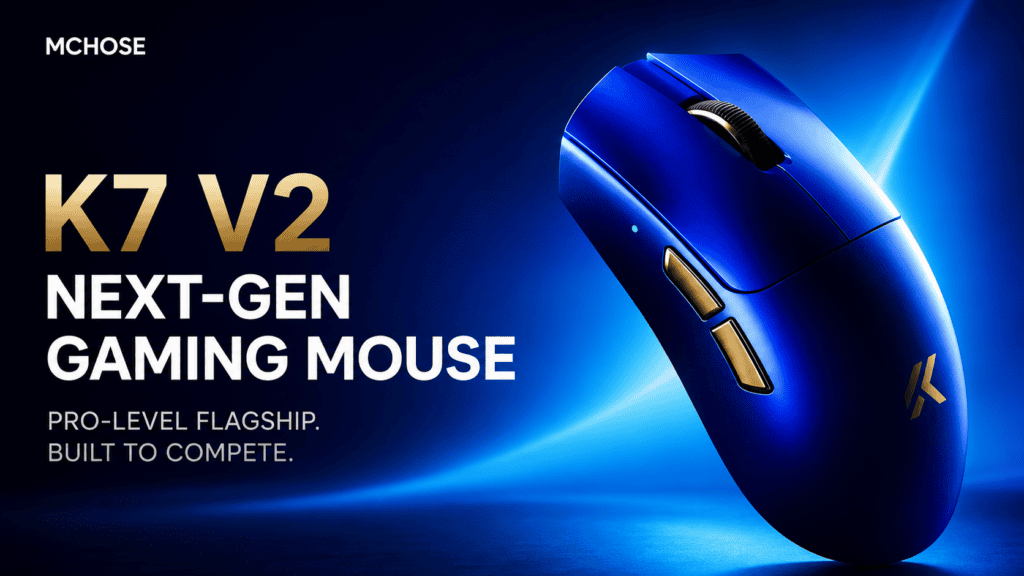
Commutazione a tre modalità: da "sposta il mouse" a "aziona un interruttore"“
IL Mouse da gioco wireless MCHOSE K7 V2 Ultra+ supporta tre modalità di connessione: Connessione cablata, wireless a 2,4 GHz e Bluetooth. Sembra banale? La vera vittoria è come senza sforzo rende più facile passare da uno all'altro.
A interruttore a scorrimento a tre posizioni sul lato inferiore permette di passare da una modalità all'altra a piacimento:
- 2,4 GHz per il gaming: latenza ultra-bassa quando ogni millisecondo conta
- Bluetooth Per l'ufficio: basta un tocco per collegarlo al laptop o al tablet.
- Cablato per la regolazione o la ricarica: latenza zero, plug-and-play
Niente più scollegamenti dei ricevitori. Niente più rituali di riassociazione. Niente più navigazione nei menu delle impostazioni. Aziona l'interruttore: fatto.
Un utente lo ha espresso in modo efficace:
“Il passaggio dal Bluetooth alla frequenza a 2,4 GHz è talmente rapido da avvenire in un batter d'occhio. Passo al Bluetooth per prendere appunti sul mio iPad, torno alla frequenza a 2,4 GHz e all'istante divento invisibile sul campo di battaglia: la latenza è così bassa che sospetto che il mio segnale viaggi alla velocità della luce.”
Questo topo non chiede mai “È ora di giocare o di lavorare?” Ti permette semplicemente di cambiare quando vuoi, perché Voi sai già di quale modalità hai bisogno.
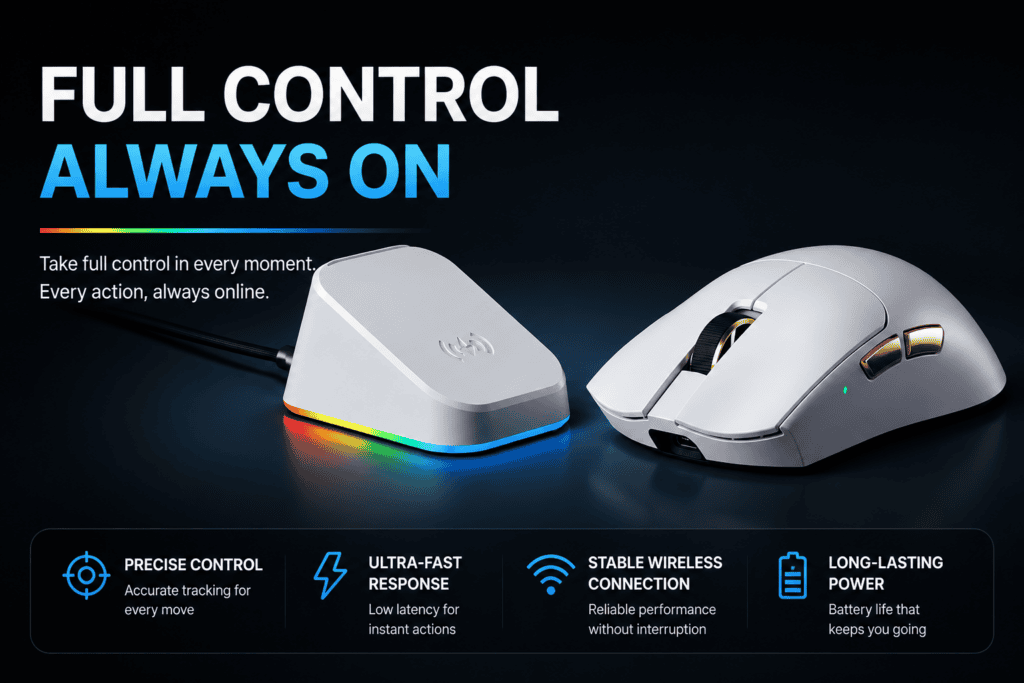
Ricarica magnetica: dimenticatevi persino della ricarica.
Il problema più grande di un mouse wireless non è mai stata la durata della batteria. È questo Non si sa mai quando sta per morire.
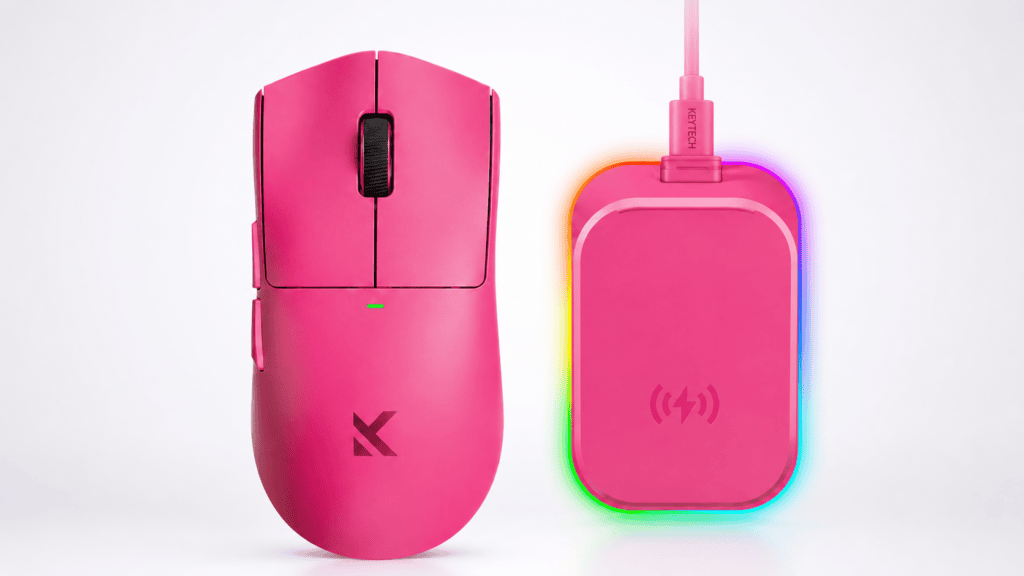
Il K7 V2 Ultra+ risponde direttamente a questa domanda con un base di ricarica wireless magnetica. Appoggia il mouse con noncuranza, ascolta il suono soddisfacente clic Se l'allineamento magnetico è corretto, osserva la luce blu pulsare due volte: significa che si sta caricando.
Un recensore ha condiviso un momento davvero toccante:
“"L'ho preso mezzo addormentato stamattina: batteria 87%. Non aspetta che ti ricordi di caricarlo. Si ricarica da solo."”
E la docking station fa più che alimentare il mouse. È una hub da scrivania tre in uno:
| Funzione | Cosa fa |
|---|---|
| Stazione di ricarica | Ricarica magnetica wireless tra una sessione e l'altra |
| ricevitore 8K | Ricevitore di polling 8K integrato per prestazioni di gioco ottimali. |
| elemento decorativo RGB | Illuminazione ambientale RGB circostante, regolabile tramite software. |
Tu non sei più deliberatamente Ricarica il tuo mouse. Ti basta appoggiarlo quando hai finito e si ricaricherà da solo.
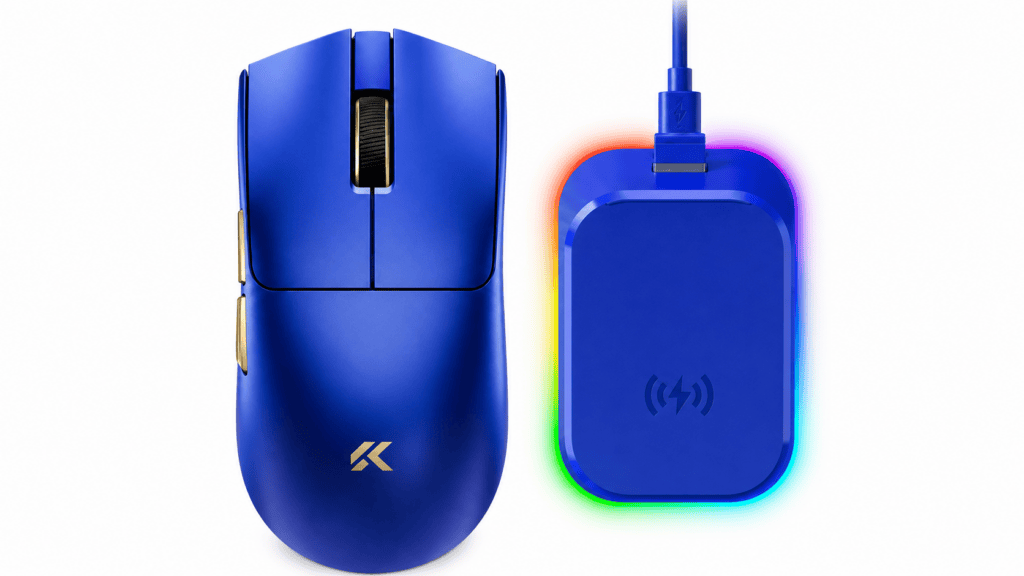
59 grammi: abbastanza leggero per il lavoro, abbastanza stabile per la battaglia.
Nella progettazione dei topi, “Leggerità” e “stabilità” sono solitamente in conflitto — se è troppo leggero, sembra fluttuare nell'aria; se è troppo pesante, dopo ore la mano fa male.
Il K7 V2 Ultra+ arriva a circa 59 grammi. Quel numero è interessante: non è il più leggero sul mercato (ci sono estremisti che arrivano a 40 grammi), ma raggiunge un punto di equilibrio perfetto.
Le recensioni notano che il suo La curva di ritorno è stata messa a punto attraverso decine di migliaia di regolazioni, Offre un supporto ottimale al palmo della mano sia in presa a pinza che a palmo. La curvatura laterale è ottimizzata e l'area di appoggio per il pollice lascia uno spazio adeguato: niente dita che penzolano nell'aria, niente pressioni accidentali dei pulsanti laterali.
Quindi, cosa significano concretamente 59 g?
- Videogiochi: Eseguire ampi movimenti di polso risulta facilissimo. Il polso non si indolenzisce per essere rimasto teso per ore.
- Lavoro: Una giornata intera passata ad afferrare oggetti non lascia mai la mano affaticata.
Questa non è la sensazione vuota e senza peso di un mouse che è pure luce. È una peso solido e robusto ottenuto attraverso un preciso bilanciamento dei pesi.
Come l'ha descritto un utente:
“Nel momento stesso in cui l'ho presa in mano, le mie dita si sono rilassate. Il pollice si è posizionato naturalmente nella scanalatura laterale, come se fosse stata fatta su misura per la mia mano.”
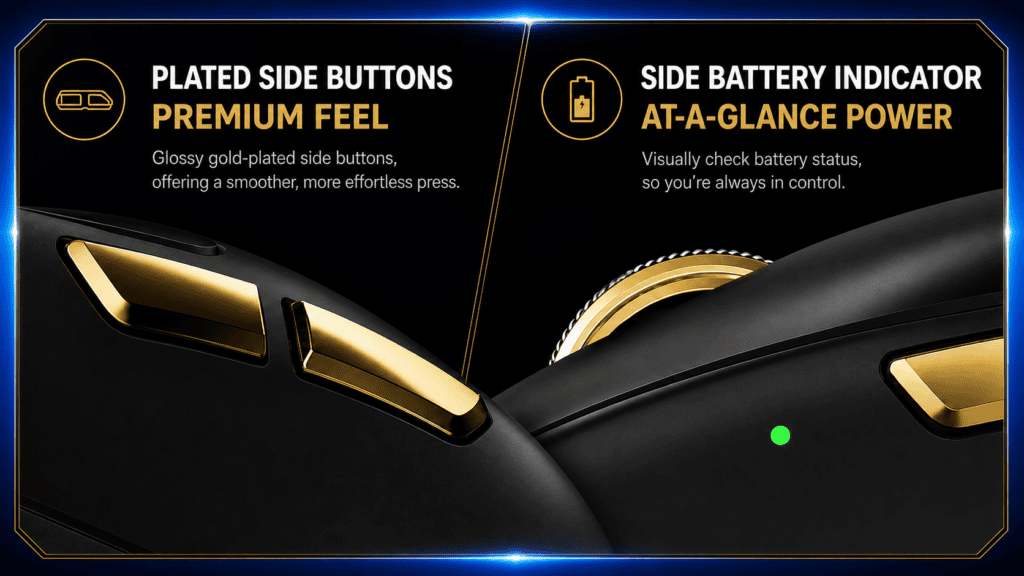
Nessun compromesso sulle prestazioni: comodo per il lavoro, senza compromessi nei giochi.
Il problema della maggior parte dei mouse "tuttofare" è prevedibile: sono adatti all'uso in ufficio, ma si rompono non appena si avvia un gioco sparatutto.
La K7 V2 Ultra+ rifiuta questo compromesso. È costruita su:
- Sensore di punta personalizzato PAW3955 TI
- Doppio chip di controllo principale Nordic 54L
- Frequenza di polling doppia 8K sia in modalità cablata che wireless
- Misurato ufficialmente Latenza del clic pari a soli 0,119 ms
Che cosa significa? In CS2 O Valorant, La sua reattività è indistinguibile da quella di un mouse da eSport di livello professionale. Nessuna perdita di comodità in ufficio. Nessuna perdita di prestazioni in partita. Ecco cosa dovrebbe significare davvero "a tutto tondo".
Il punto chiave
Torniamo alla domanda con cui abbiamo iniziato: Hai davvero bisogno di due mouse sulla tua scrivania?
Il K7 V2 Ultra+ risponde con chiarezza NO — ed ecco perché si merita questa risposta:
- Commutazione a tre modalità ti permette di passare da un dispositivo all'altro senza interruzioni
- Ricarica magnetica rende superfluo "ricordarsi di ricaricare"
- design leggero da 59 g mantiene la tua mano felice durante i giochi E lunghe giornate di lavoro
- Doppio polling 8K + sensore di punta garantire zero perdite di prestazioni in gioco
Non è un compromesso fra gioco e uso ufficio: sta offrendo “più che sufficiente” in entrambi. Per chiunque sia stanco di destreggiarsi tra due topi e cambiare abitudini tutto il giorno, il MCHOSE K7 V2 Ultra+ offre una risposta davvero elegante.
 English
  German
  Portuguese
  Spanish
  Italian
  Finnish
  French
  Japanese
  Korean
  Swedish