
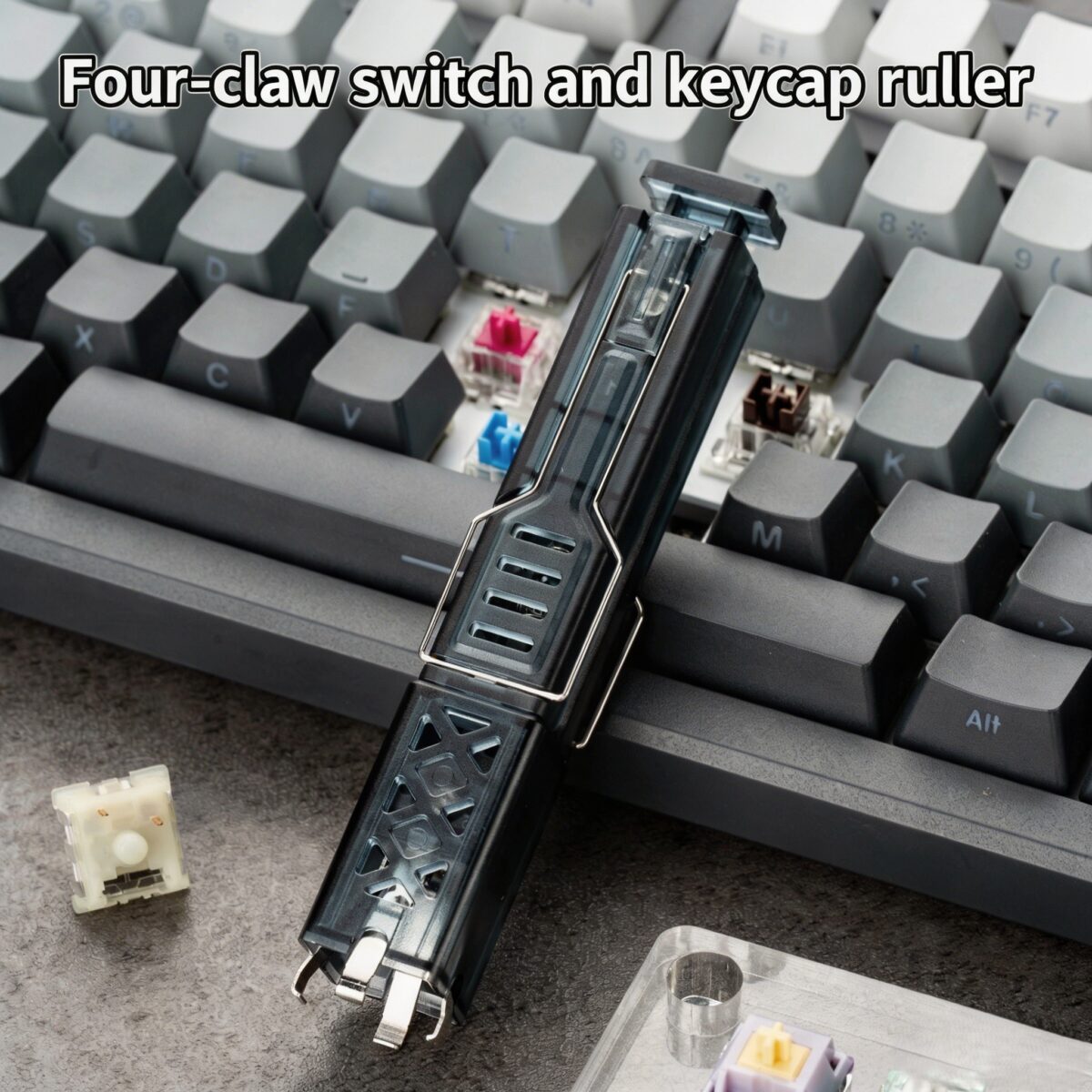
PAYSON 2-in-1 Keycap Switch Puller: The Ultimate Mechanical Keyboard Maintenance Tool

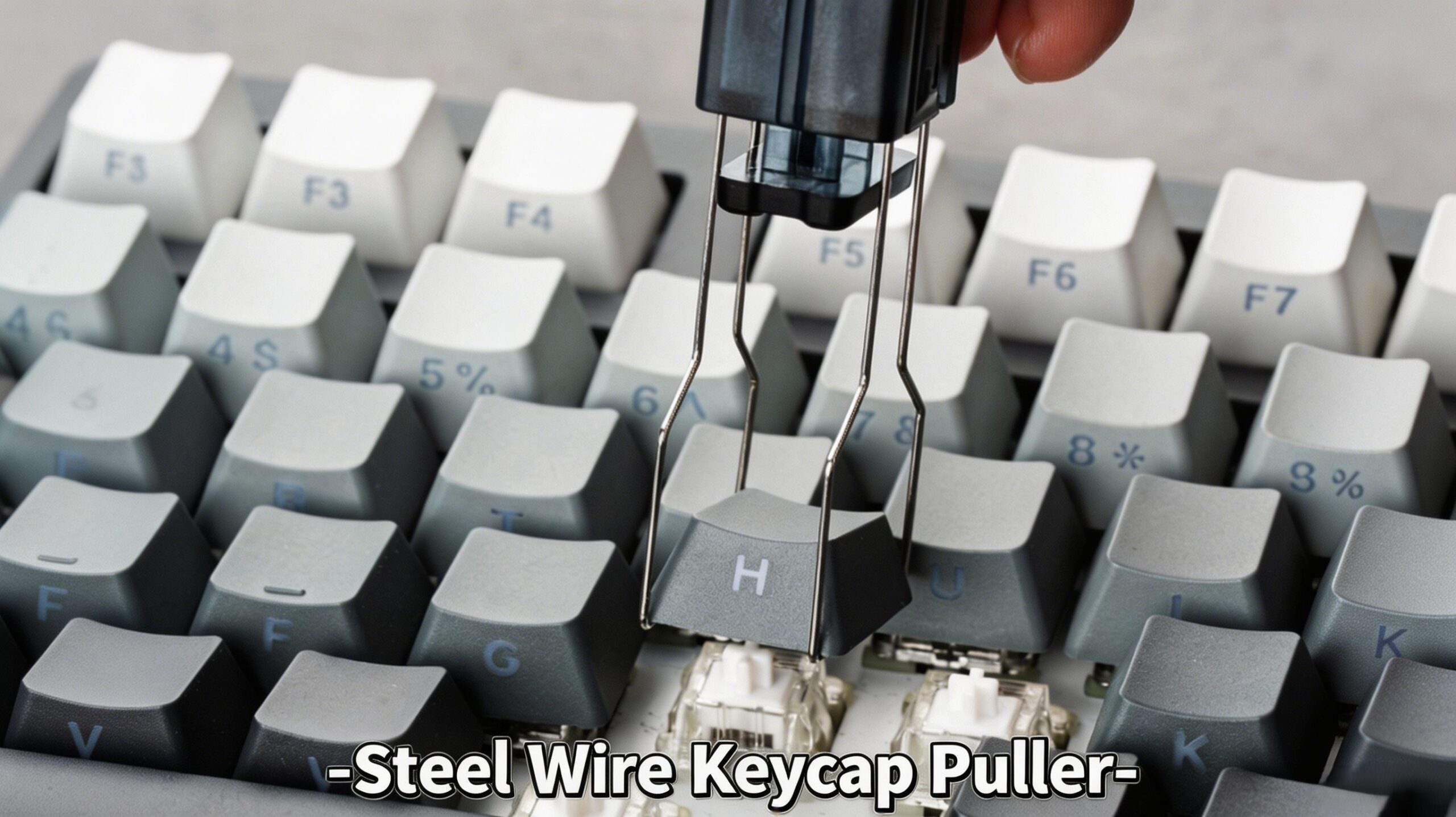
製品概要
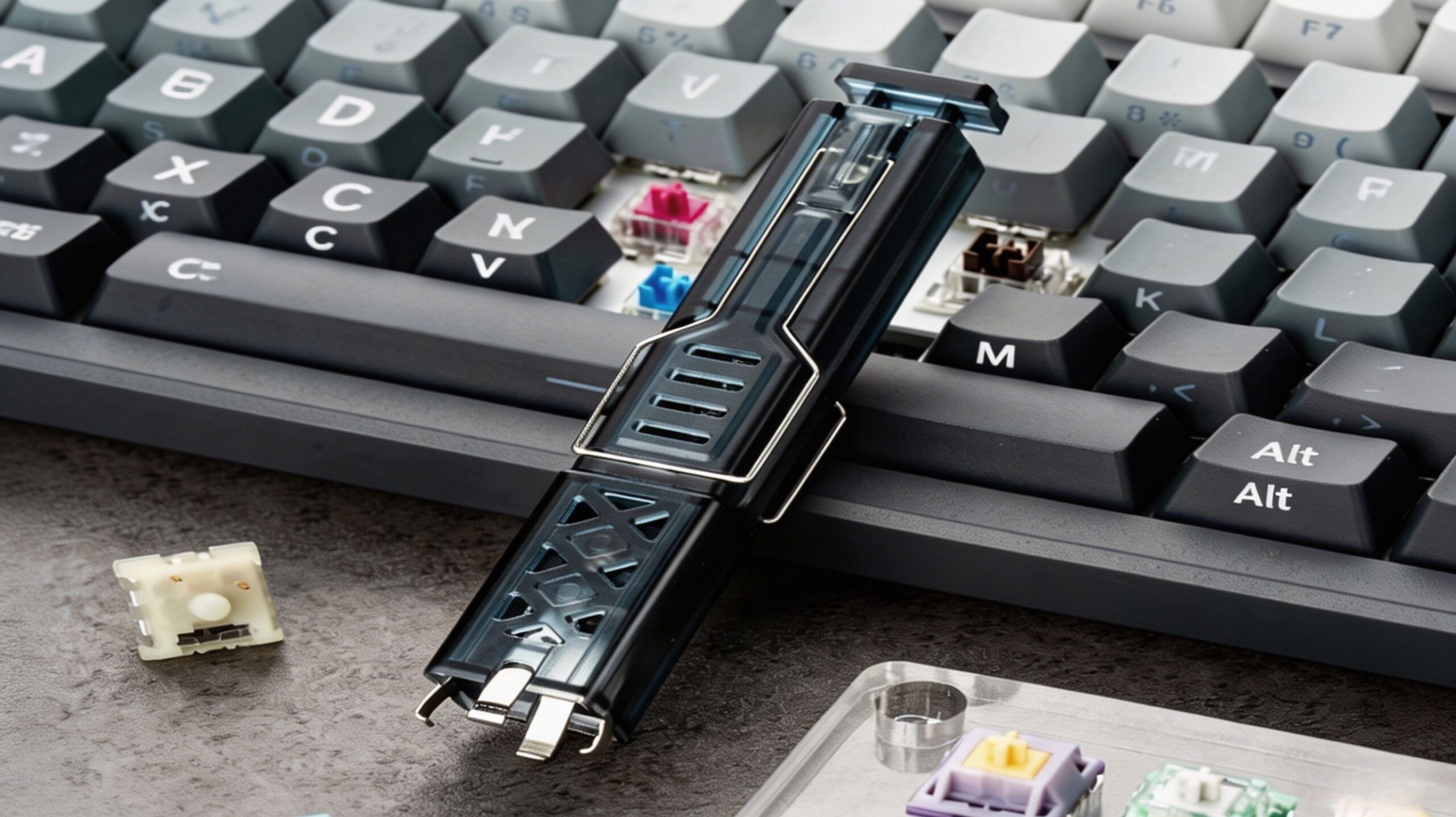
セットアップをアップグレード PAYSON 2-in-1 keycap switch puller, the essential メカニカルキーボード用アクセサリー designed for effortless removal of both keycaps and switches. Whether you are a beginner or a seasoned enthusiast, this 2-in-1 keyboard tool is perfect for customizing and maintaining your mechanical keyboard.
Featuring a durable construction and a user-friendly design, this versatile keycap and switch puller works flawlessly with both hot-swappable mechanical keyboards and magnetic switch keyboards. Make your next build a breeze with the ultimate keyboard customization tool.
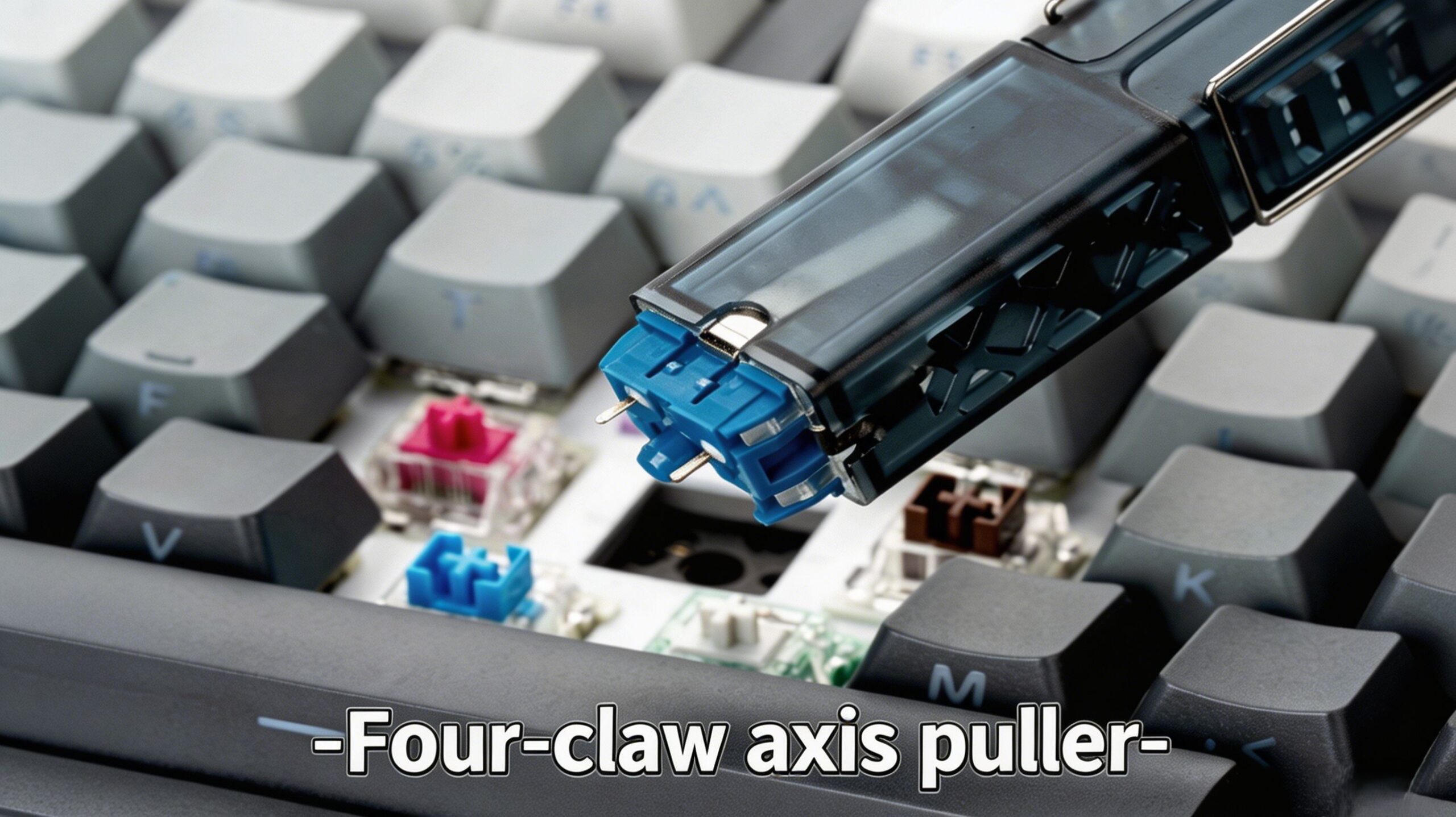
主な機能
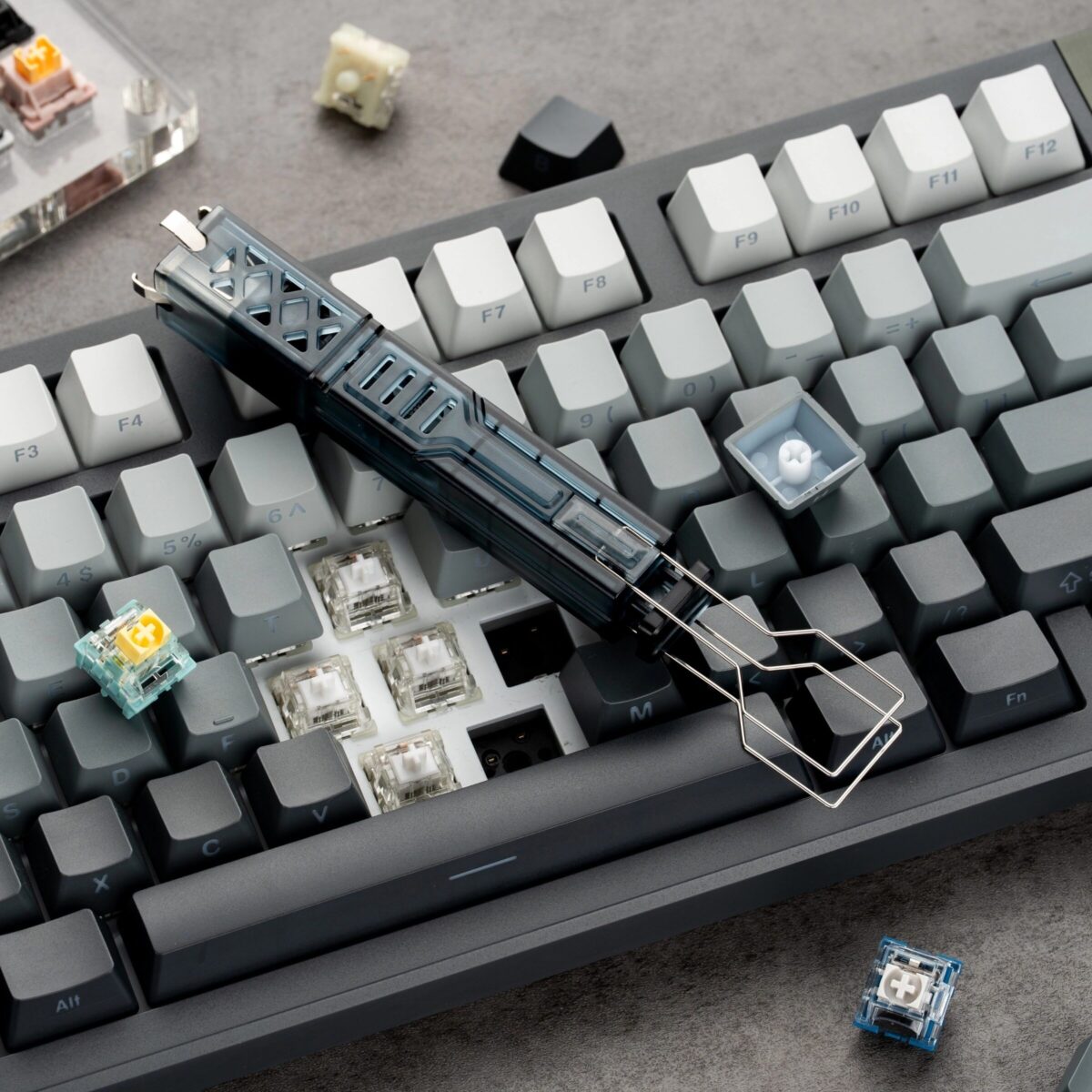
- True 2-in-1 Design: Seamlessly transition between a keycap remover tool そして switch remover tool with a single, compact device.
- 普遍的な互換性: An excellent universal keyboard puller that works with all Cherry MX-style switches, magnetic switches, and most keycap profiles. It also serves as a reliable magnetic switch puller.
- High-Strength Materials: Built to last, this stainless steel switch remover features durable manganese steel prongs for long-term use, ensuring it remains your go-to keyboard disassembly tool.
- Ergonomic ABS Handle: Designed as an ergonomic keycap puller, the high-quality ABS keycap puller handle provides a comfortable grip that won’t slip during intense modding sessions.
- Safe & Efficient: The precision-engineered 4-prong switch puller design ensures there is no risk of scratching your keyboard or bending delicate pins when used correctly.
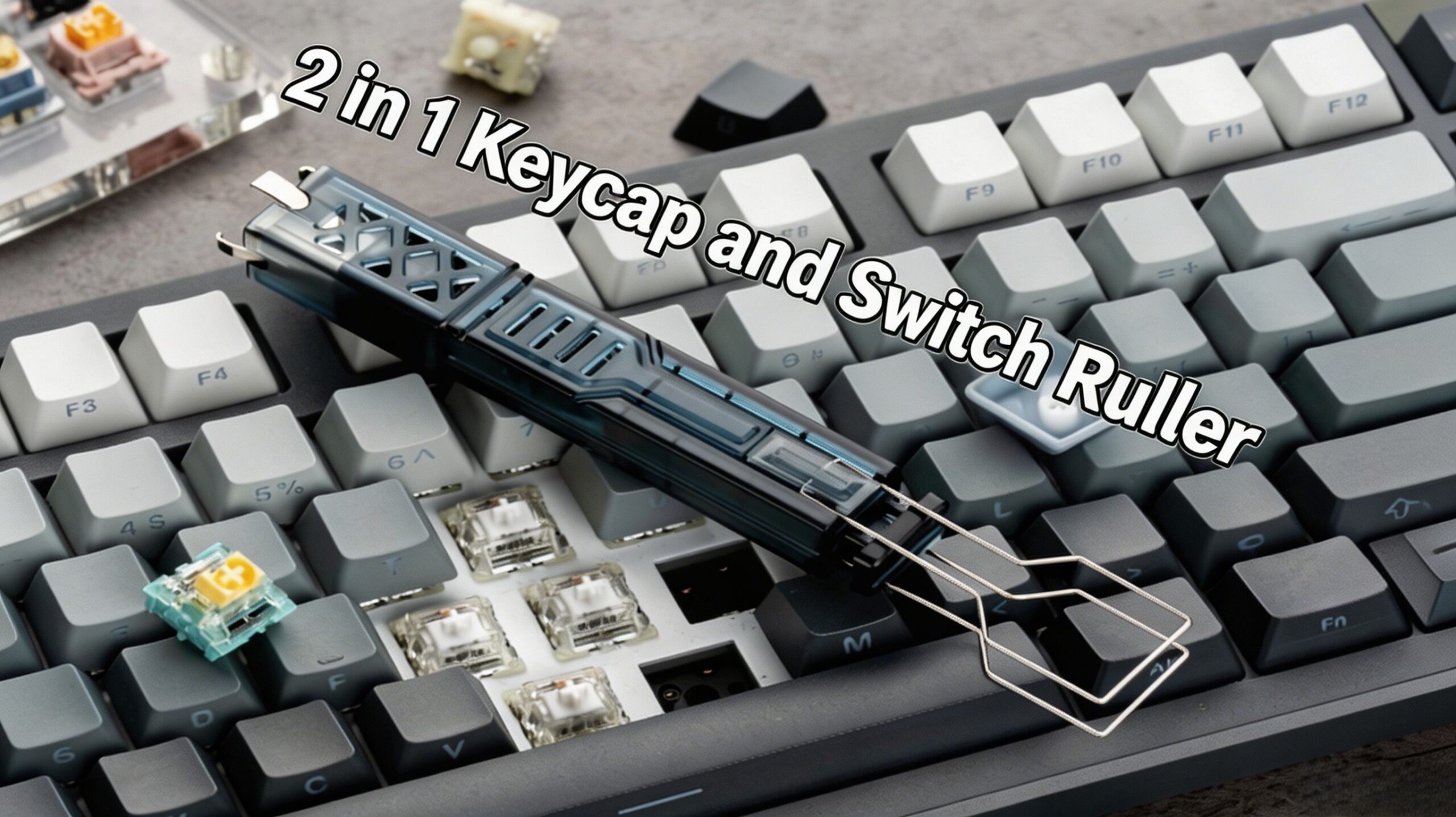
仕様
| アイテム | 詳細 |
|---|---|
| 製品名 | PAYSON 4-Prong 2-in-1 Keycap & Switch Puller |
| Shell Material | ABS Plastic |
| Metal Prong Material | Manganese Steel + Stainless Steel |
| 寸法 | 20 × 20 × 115mm |
| 重さ | 25g |
| 互換性 | Hot-swappable mechanical keyboards, hot-swappable magnetic switch keyboards |
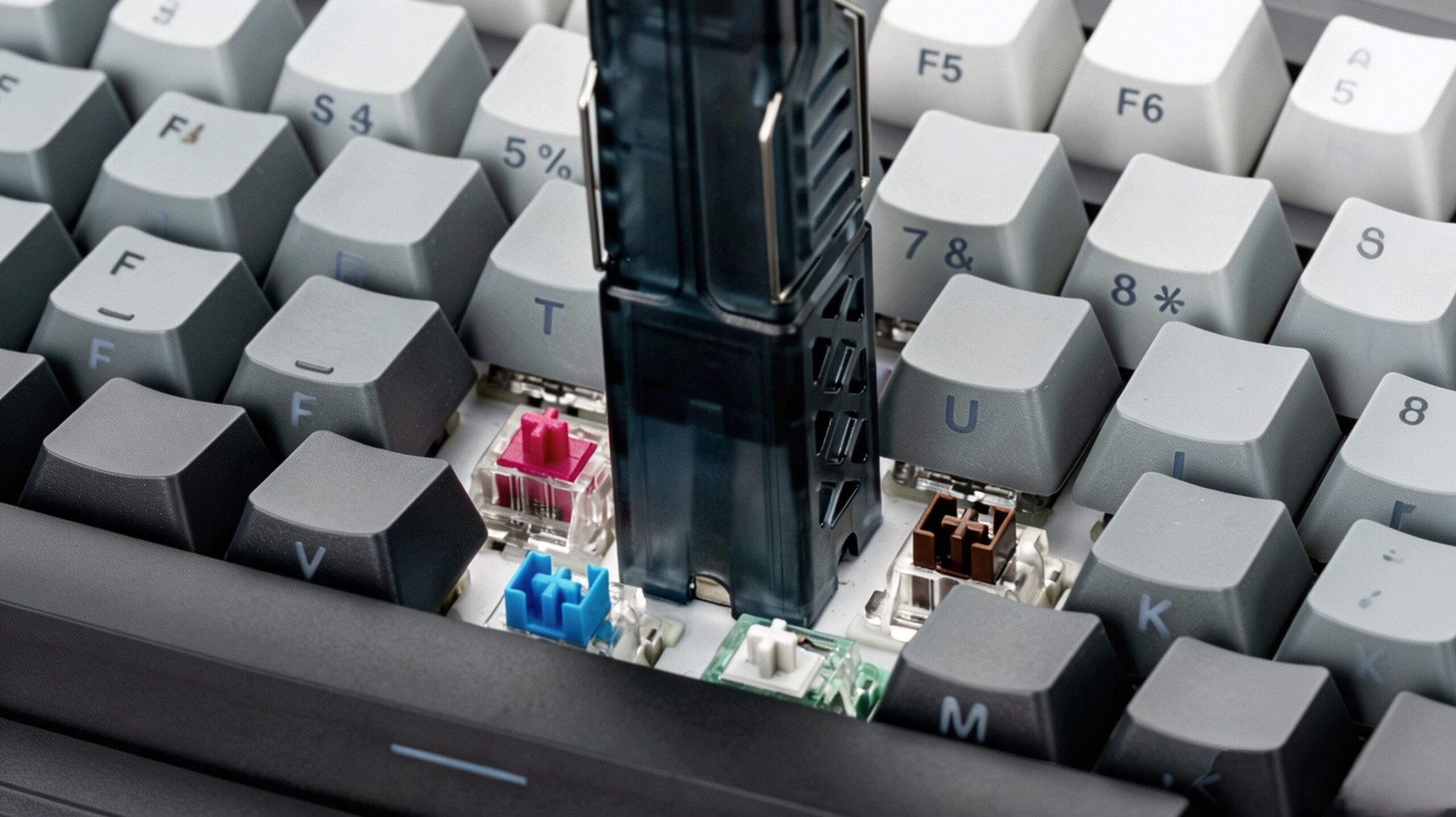
How to Use Your Keyboard Mod Tool
Removing Keycaps (Using as a Keycap Extractor)
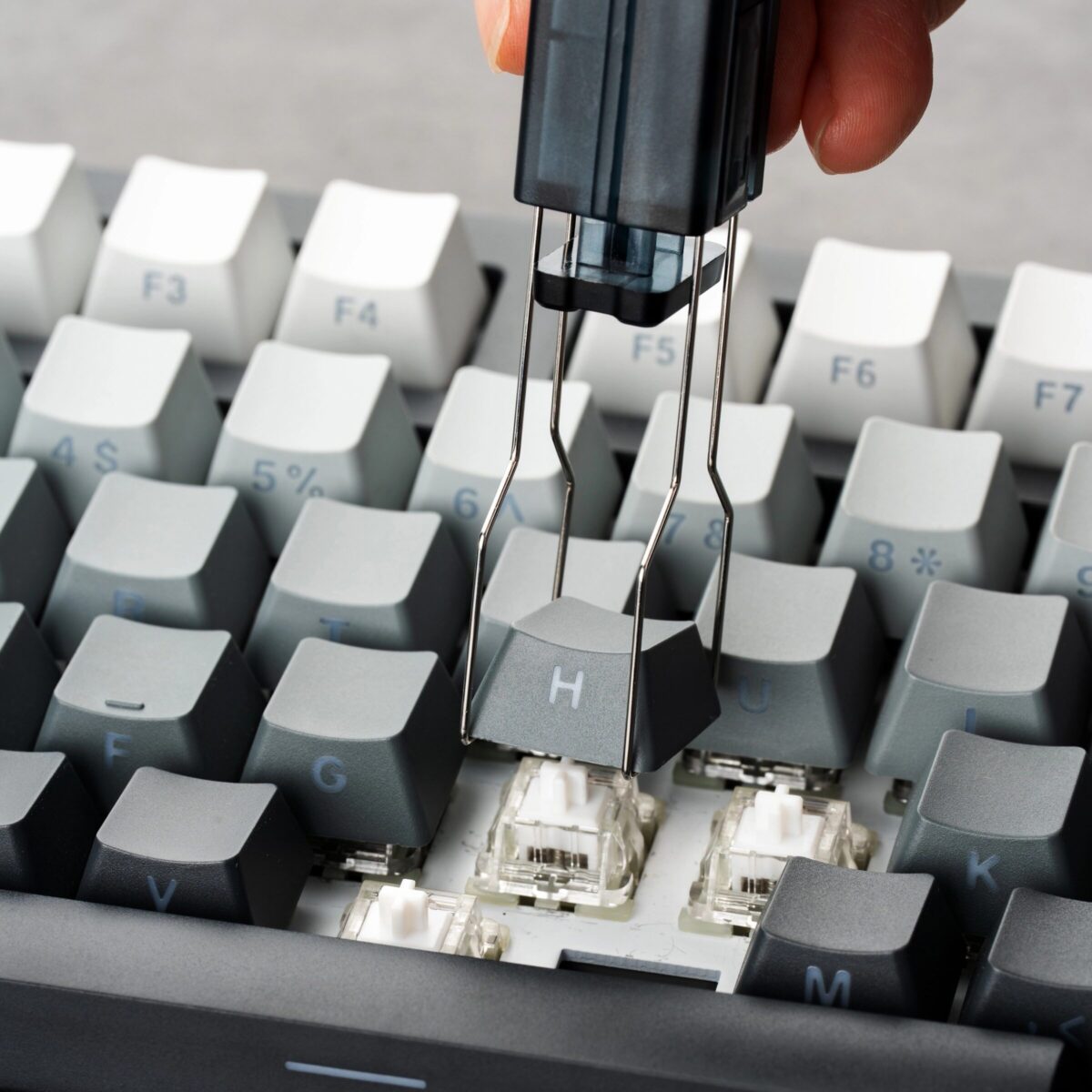
- Hook the two curved prongs under the keycap from opposite sides.
- Pull the mechanical keyboard puller straight up with even force to safely remove the keycap.
Removing Switches (Using as a Switch Puller for Hot Swap)
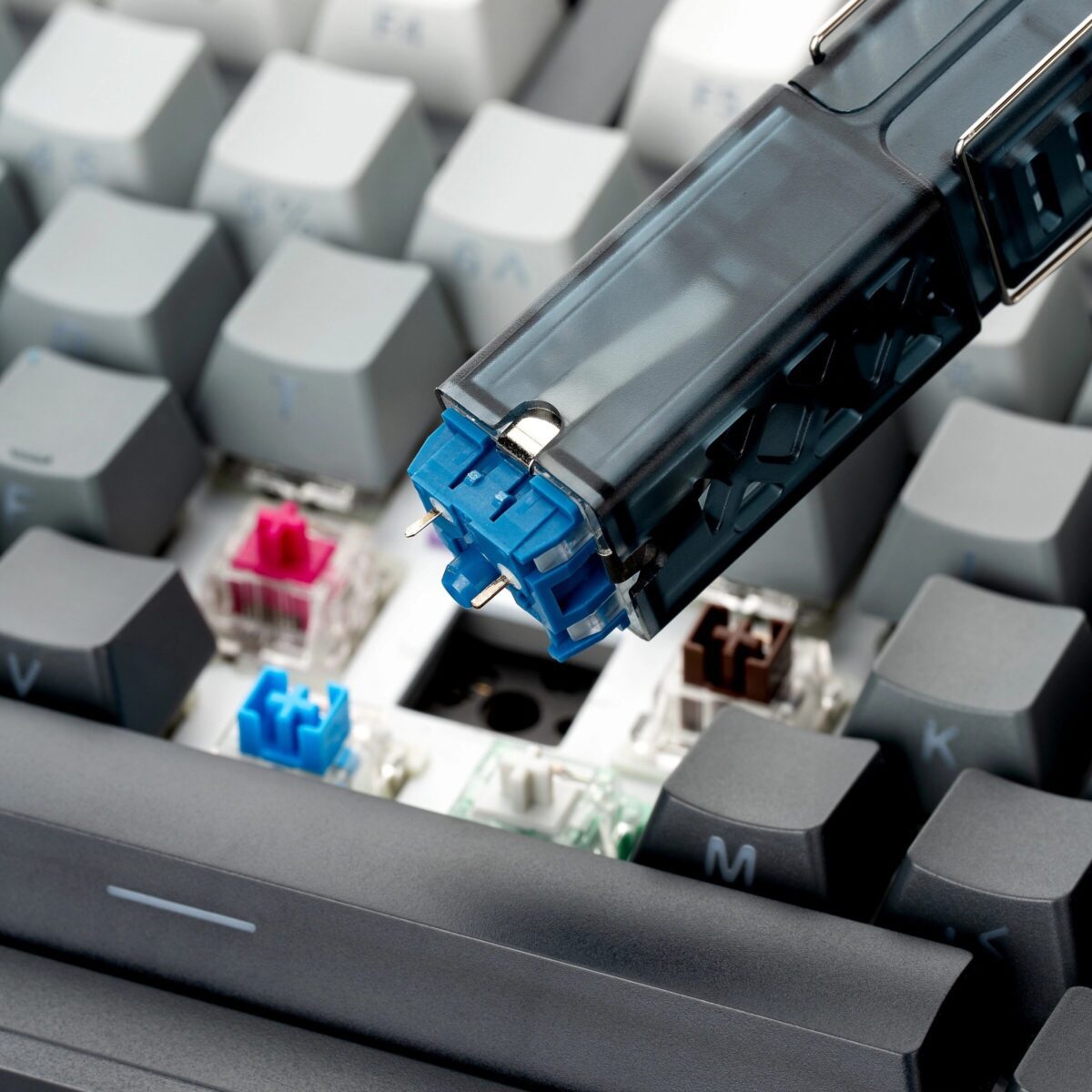
- Align the four prongs of the hot swap switch tool with the switch’s mounting clips (two on top, two on the bottom).
- Squeeze the handle to close the prongs and securely release the clips.
- Pull the switch straight out from the PCB.
パッケージ内容
- 1 × PAYSON 2-in-1 キーキャップスイッチプーラー




 English
  German
  Portuguese
  Spanish
  Italian
  Finnish
  French
  Japanese
  Korean
  Swedish
レビュー
まだレビューはありません。