
When Hall Effect Keyboards Start Competing on Couleur
For a while, the entry-level Hall effect keyboard market was a numbers game — polling rates, actuation depth, Rapid Trigger specs. But something interesting is happening: the competition is quietly shifting from specs à aesthetics.
The latest proof? MCHOSE just dropped two new colorways for the Ace 68 Air 2 Hall Effect Keyboard — Amber Gold et Mint Ice.
Up until now, the Ace 68 Air 2 lived in a world of frosted finishes: Frosted White, Frosted Pink, Frosted Blue — all leaning into a soft, matte texture. The new pair takes a sharp turn. Their keyword isn’t “matte,” it’s “ice crystal transparency.” The keycaps go from frosted to clear “ice blocks,” and the lighting shifts from soft diffusion à flowing light transmission.
This isn’t a simple recolor. It’s two visual languages for the same keyboard: one warm and amber, one cool and minty. The core question this article answers: which desk setup suits which colorway, and where exactly does their “fire and ice” personality diverge?
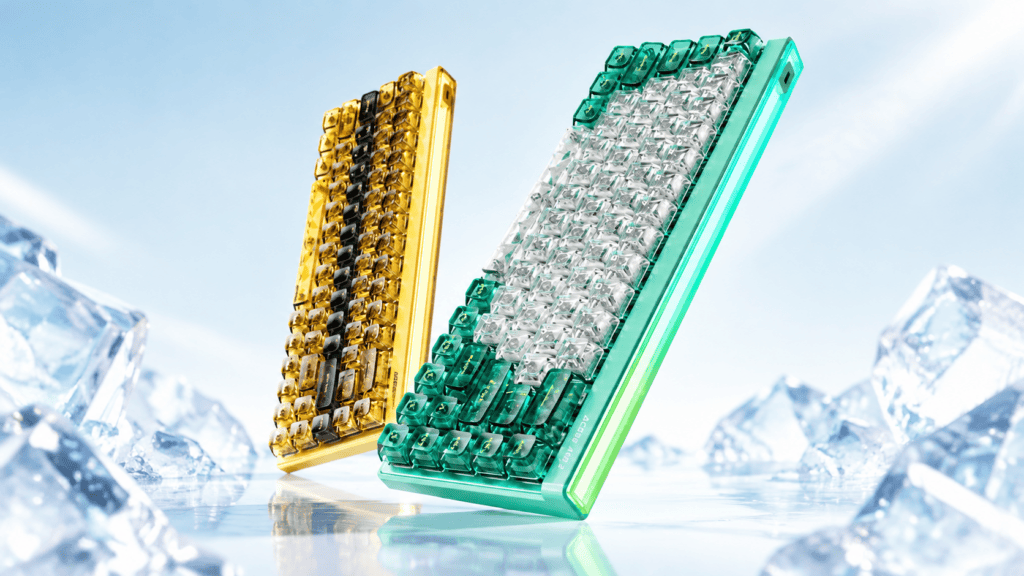
Meet the Two New Colorways: Warm Tone vs. Cool Tone
Before comparing lighting and keycaps, let’s build a first impression of each.
Amber Gold: The Vintage Warmth of Golden Metal
- Primary tone: warm gold / amber, with a metallic sheen underneath
- Personality keywords: vintage, grounded, warm, timeworn in the best way
- Visual association: a piece of amber lit from within by sunlight — warm without glare, deep without feeling heavy
- Best-matched desks: wooden desktops, walnut/oak-grain deskmats, warm desk lamps, retro-themed setups
Mint Ice: The Crystal Clarity of Cool Transparency
- Primary tone: mint green / icy blue, paired with high-transparency materials for a crisp, cool feel
- Personality keywords: fresh, see-through, clean, breathable
- Visual association: a frosted mint leaf in winter — cold, transparent, with a hint of chill
- Best-matched desks: white desktops, light-colored deskmats, minimalist builds, cool-toned lighting
Why “Fire and Ice” Fits the Naming
| Coloris | Element | Temperature | Core Traits |
|---|---|---|---|
| Amber Gold | Fire | Warm | Depth, warmth, vintage weight |
| Mint Ice | Ice | Cool | Transparency, lightness, calm |
The naming itself maps to two completely different desk aesthetics. That’s the whole point.
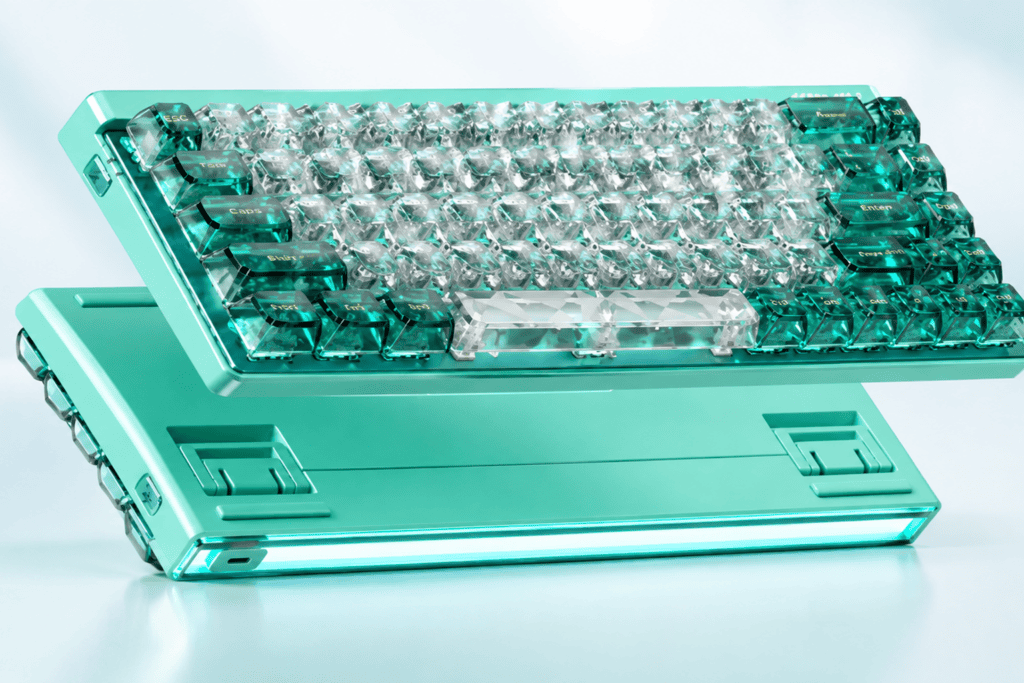
Ice-Crystal Transparent Keycaps: The Core Visual Upgrade
This is the single feature that separates the new colorways from the older Frosted series — so it’s worth unpacking in detail.
From “Frosted” to “Ice Crystal”: Two Ways to Transmit Light
The difference comes down to how light behaves as it passes through the keycap:
- Frosted keycaps (old colorways): matte texture scatters light as it passes through, creating a soft, diffuse glow.
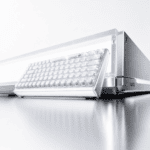
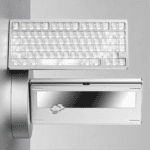
- Ice-crystal transparent keycaps (new colorways): high-transparency material lets light pass with almost no loss, forming a clear, direct light path.
In one line: frosted is soft light, ice-crystal is flowing light.
What Does “Flowing Light, Clashing-Color Ice Block” Actually Look Like?
MCHOSE describes the ice-crystal keycaps as “flowing light, clashing-color ice block.” Here’s how that breaks down:
- Flowing light → RGB passes through the transparent keycap and forms moving bands of light.
- Clashing color → the keycap’s own hue (Amber Gold / Mint Ice) contrasts or layers with the RGB color, producing a color-clash effect.
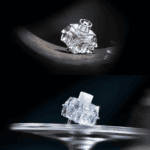
- Ice block → the high-transparency texture looks like a cut crystal — edges, facets, and refraction included.
How Ice-Crystal Keycaps Render on Each Colorway
Amber Gold + ice-crystal keycaps:
- Warm gold meets transparent material — like honey-colored or amber glass
- RGB passing through “lights up” the warm tone, creating a soft, glowing halo
- In low light, the warm amber clashes beautifully against cool RGB — a warm-cool contrast
Mint Ice + ice-crystal keycaps:
- Cool tones meet transparency — like ice-blue crystal
- RGB passing through reinforces the cool tone, producing a crisp, see-through clarity
- In low light, the mint fuses with cool RGB into one unified cool-tone light field
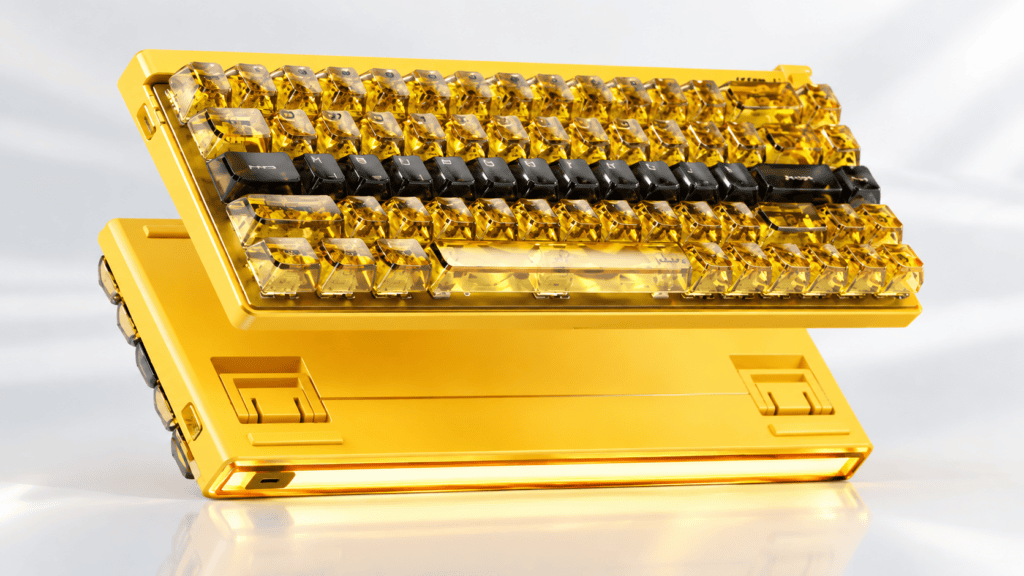
The Pairing Rules: Matching Colorway to Your Desk
Here’s where theory meets your actual desk. Use your current setup to decide which colorway fits best.
Where Amber Gold Shines
- Desk material: wooden desktops (walnut, oak, cherry)
- Deskmat / mousepad: brown, khaki, deep green — warm or earth tones
- Éclairage: warm lamps, yellow/orange ambient light
- Overall style: vintage, industrial, study-room, any desk with a sense of warmth
Effet: Amber Gold becomes the visual anchor of the desk — but never jarring. Think of it as a warm-toned mineral sitting on your desk.
Where Mint Ice Shines
- Desk material: white, light-gray, or glass desktops
- Deskmat / mousepad: white, light gray, pale blue, transparent materials
- Éclairage: cool lamps, white/blue ambient light
- Overall style: minimalist, Nordic, esports, any desk that breathes
Effet: Mint Ice blends into the desk rather than hijacking it — like a block of ice on your surface: clear, but restrained.
An “Against-the-Grain” Pairing Idea
Rules are made to be broken — intentionally:
- Amber Gold + white desk: a strong warm-cool contrast where the keyboard is the seulement warm element. Maximum visual impact.
- Mint Ice + wooden desk: a complementary-color contrast where the keyboard becomes a cool-toned art piece on a warm surface.
The core logic: same-tone pairings chase harmony; clashing pairings chase se concentrer. There’s no wrong answer — it depends on the effect you want.
RGB After Dark: Each Colorway’s “Night Mode”
Lighting is where these two personalities fully separate. Let’s look at how each performs in low light.
Amber Gold’s “Warm Light Mode”
Warm keycaps + RGB = a warm glowing halo. In the dark, Amber Gold’s lighting reads like the embers of a fireplace — warm, soft, layered. Ideal for anyone chasing a cozy atmosphere during late-night work or gaming.
Mint Ice’s “Cool Light Mode”
Cool keycaps + RGB = a cool light field. In the dark, Mint Ice’s lighting reads like polar ice-light — crisp, see-through, futuristic. Ideal for anyone chasing an immersive esports mood at night.
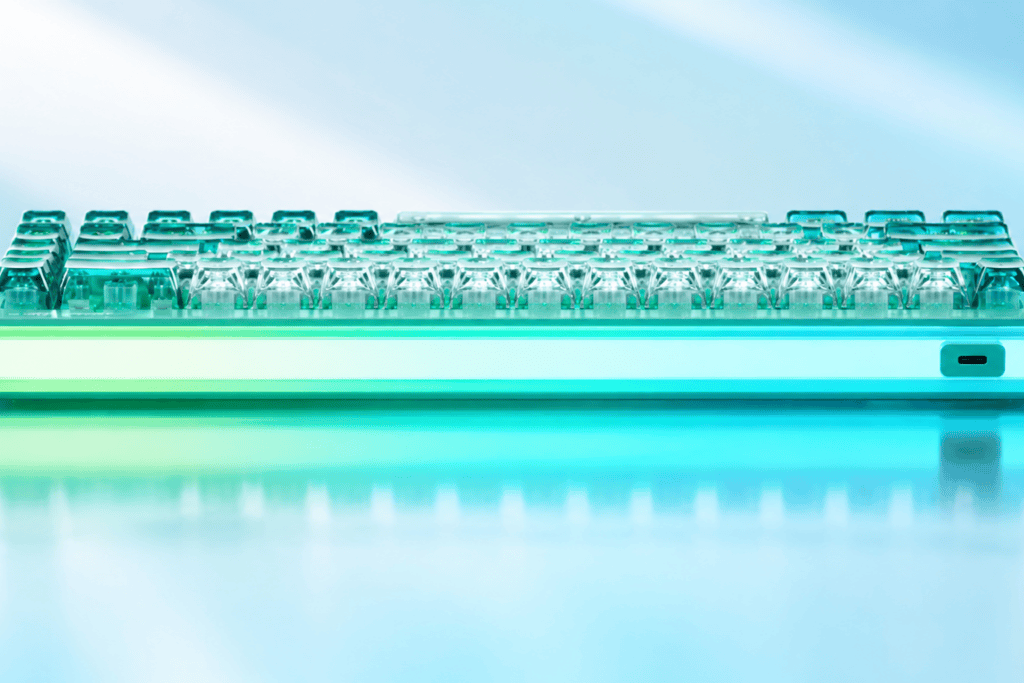
Air Rhythm Light Box + Ice-Crystal Keycaps: A Two-Layer Light System
The Ace 68 Air 2 pairs two lighting elements for a layered effect:
- Air Rhythm Light Box → the base light box pulses in sync with music or game audio
- Ice-crystal keycaps → let RGB transmit through more clearly
Together, the light box delivers the background light, while the ice-crystal keycaps deliver the foreground light — a true dual-layer lighting system. Under Amber Gold, the effect flows warm; under Mint Ice, it shimmers cool.
You can see the full lighting and keycap setup on the official Ace 68 Air 2 product page.
Fire or Ice: Which One Should You Choose?
Here’s the clean decision guide to close things out.
Choose Amber Gold if…
- Your desk is wooden or warm-toned
- You love vintage, warmth-driven design
- You want the keyboard to be the visual focal point
- You prefer a warm glow in the dark
Choose Mint Ice if…
- Your desk is white or light-toned
- You love fresh, transparent, minimalist style
- You want the keyboard to blend in rather than stand out
- You prefer a cool light field in the dark
Fire and Ice Aren’t Opposites — They’re a Choice
Amber Gold and Mint Ice aren’t a question of which is better. They represent two different desk aesthetics.
Amber Gold is “a warm-toned mineral on your desk.” Mint Ice is “a block of ice on your desk.”
Which one you pick depends on what your desk looks like now — and what you want it to become. Either way, both ride on the same solid Hall effect foundation of the MCHOSE Ace 68 Air 2.
 English
  German
  Portuguese
  Spanish
  Italian
  Finnish
  French
  Japanese
  Korean
  Swedish