
Every keyboard enthusiast eventually hears the same advice: “Once you’re tired of mechanical switches, go electrostatic capacitive.” In that story, the HHKB is the famous final stop. But “endgame” doesn’t automatically mean “quiet.” The standard HHKB still has a distinct, hollow thock at bottom-out, and that’s a problem in a library, an open office, or a bedroom at midnight.
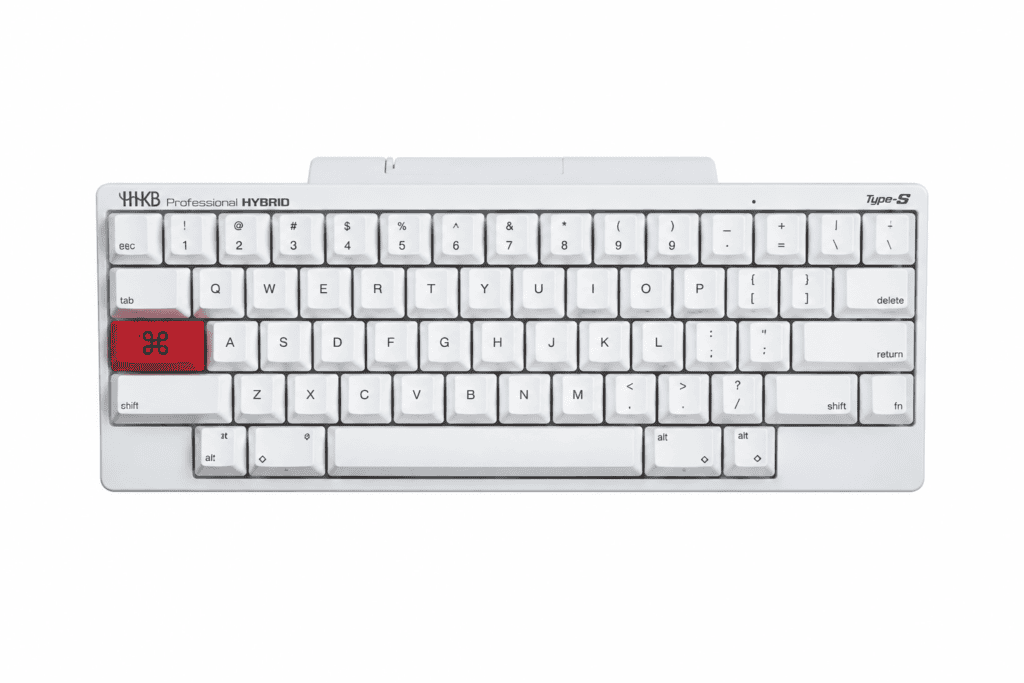
Le HHKB Professional HYBRID Type-S was built to close that gap. It keeps the Topre feel and cuts the noise. This review looks at what it gets right, what it gives up, and who it’s really for. If you want to check specs and availability as you read, here’s the HHKB Professional HYBRID Type-S product page.
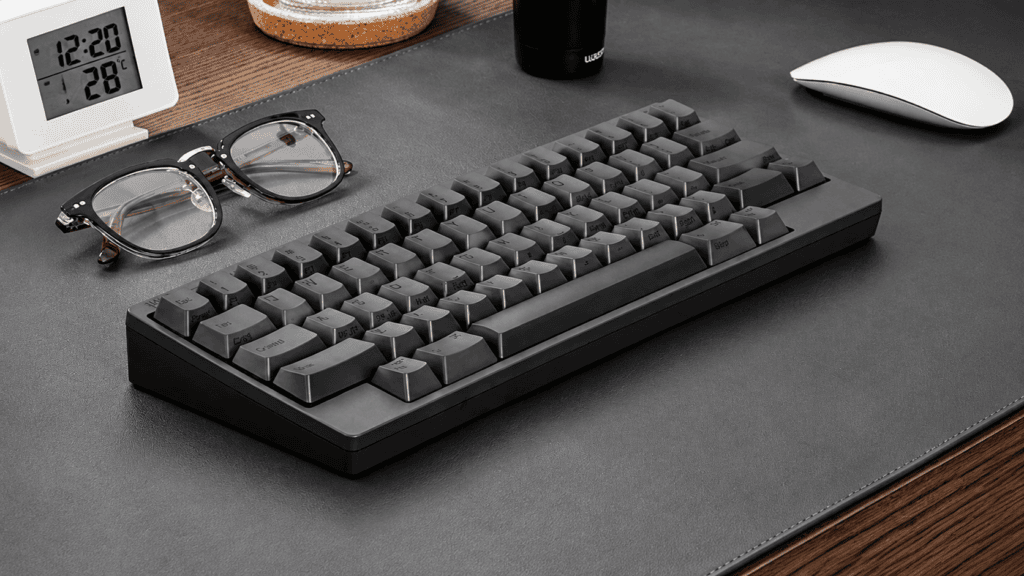
Typing Feel: What 45g Topre Is Really Like
Topre Is Not a “Premium Membrane” or a “Silent Mechanical Switch”
Topre switches combine a rubber dome, a conical spring, and a capacitive sensor. Actuation is detected electrically, with no metal contacts involved. That’s why the feel is so different from a mechanical keyboard.
- The tactile bump comes from the rubber dome collapsing, not from a metal leaf clicking.
- There’s no sharp “click,” no spring ping, and no scratchy friction.
- The whole stroke feels controlled and consistent.
Independent reviewers describe Topre as soft at the bottom, tactile near the top, and unusually fatigue-resistant over long sessions.
The “Marshmallow” Myth
Many people describe Topre as pressing into a marshmallow. That captures the softness but suggests there’s no support, which isn’t accurate. A better description:
- Pressing down: smooth, even resistance from the dome.
- Bottoming out: a cushioned catch rather than a hard collision.
- Returning up: gentle but crisp, with no mushy lag.
The Type-S uses 45g actuation force, which is moderate to light. Its Course totale de 3,8 mm is slightly shorter than the 4.0mm of a typical mechanical switch, so the bottom-out is tighter and leaves less room for sound.
An honest caveat: feel is personal. Some users find the bottom-out firmer than they expected, and Topre can take a few days to win you over.
Built for Long Typing Sessions
Topre’s real strength isn’t excitement, it’s endurance. Writers and developers often report that long days of typing leave their wrists feeling fine. That reputation is a big reason the HHKB has stayed popular among programmers for so long.
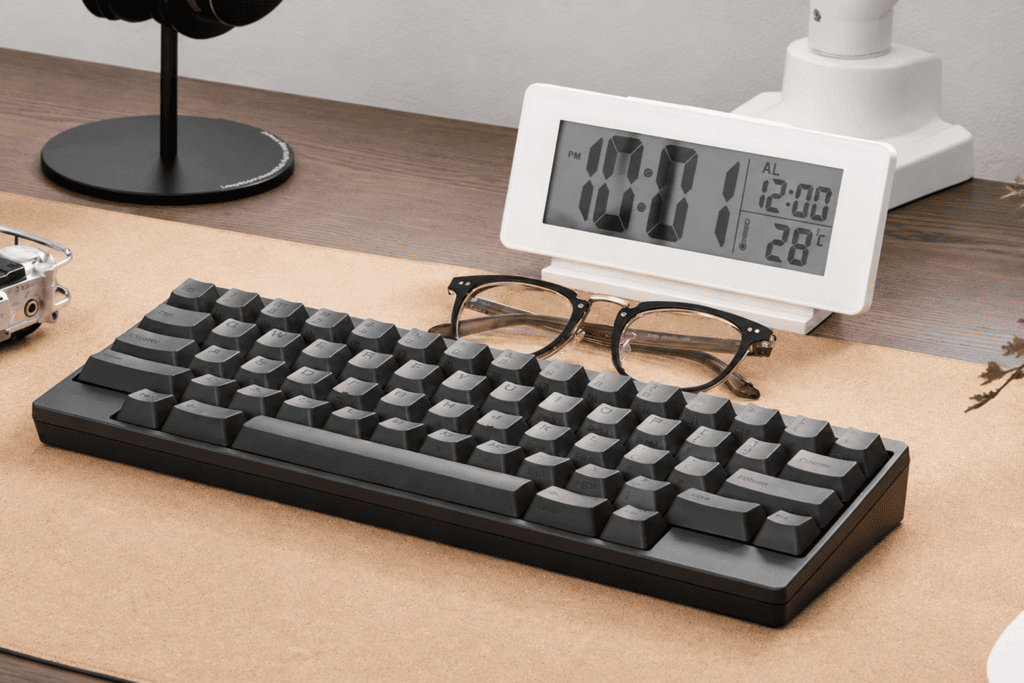
Noise Reduction: What “30% Quieter” Means in Practice
What Type-S Changes Inside the Switch
The Type-S adds high-density sound-dampening material inside the switch structure. According to the manufacturer’s lab testing, this reduces typing noise by about 30%. It isn’t just foam stuffed into a case. The dampening targets the bottom-out point, where most of the sound is created.
The result is a Topre “thock” that’s softer, deeper, and rounder, closer to a muted tap than a knock.
Can You Use It in a Library?
Short answer: yes, in most cases. Feedback from users who type fast in quiet rooms suggests the sound stays soft enough not to bother people nearby.
Still, expectations matter. The Type-S is not silent. It’s non-intrusive. The sound stays below the level that cuts through typical background noise, which is exactly what you want in:
- Shared offices
- Libraries and study spaces
- Late-night home setups
- Video calls where a loud keyboard would be picked up by your mic
The Trade-Off: A Firmer Feel
The dampening also changes the feel. Compared with the standard HHKB, the Type-S feels tighter and more solid at bottom-out, with slightly shorter travel (3.8mm vs. 4.0mm). You lose a little bounce and gain a lot of quiet. If you want crisp, pronounced bottom-out feedback, you’ll need time to adjust. If a quiet workspace matters, the exchange is a good one.
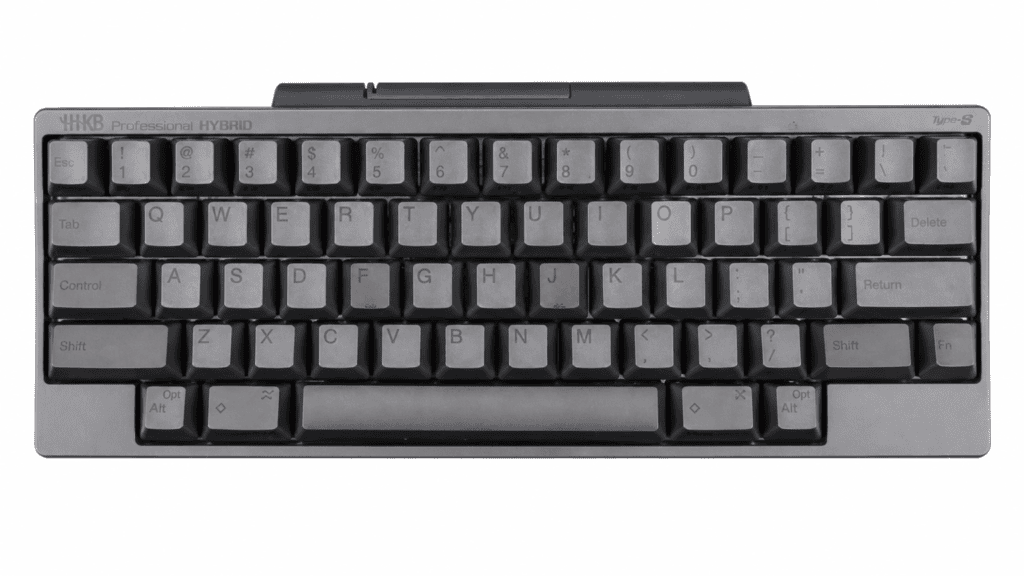
Design Compromises: Plastic Case and the Battery Bump
The Plastic Shell
Reviewers have noted that the plastic case can feel less premium than people expect from a high-end keyboard. There’s no aluminum, no gasket mount, and no heavy, dense body. The HHKB weighs roughly 534g and is all plastic.
But it’s a deliberate choice, not a limitation:
- The light body makes it easy to carry between desks.
- The plastic contributes to the softer sound profile.
- Cost goes into the parts you touch, not the parts you look at.
The AA Battery Compartment
To enable wireless use, the HYBRID model adds a noticeably raised battery bay on the underside for two AA batteries. Some reviewers say it looks like a late addition to the design, and “ugly” is a common word in user feedback.
There’s a practical argument for it, though. Replaceable AA batteries mean the keyboard won’t lose its wireless function when a built-in lithium cell ages. For a keyboard meant to last years, that’s a sensible long-term choice.
What the Compromises Tell Us
The HHKB’s priorities have never been first-impression glamour. The investment goes into:
- Topre switches
- touches PBT
- Sound-dampening structure
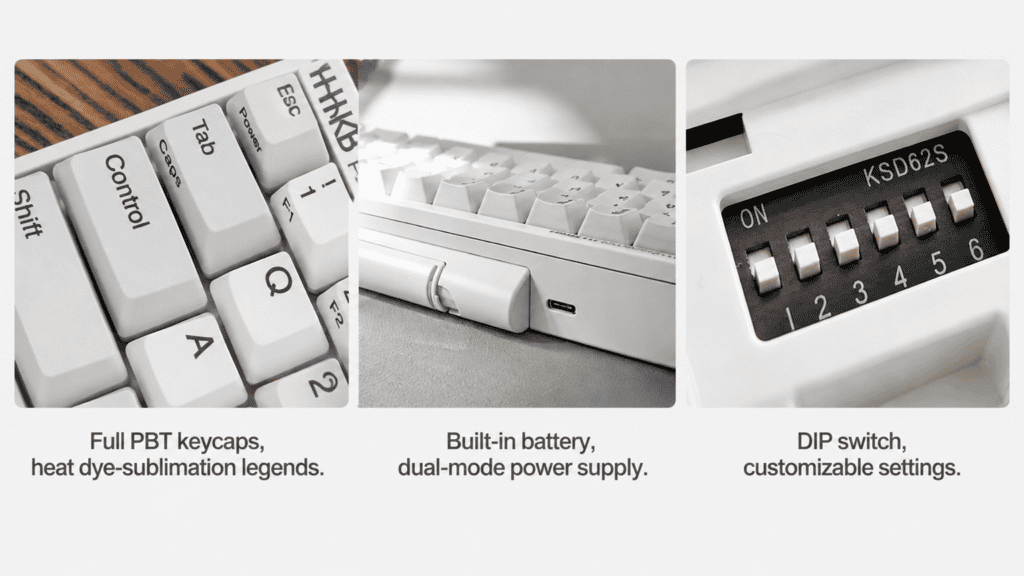
- Multi-device Bluetooth pairing (up to four devices)
- The Keymap Tool for remapping
In short, it’s built for the fingers, not the photos. Whether you accept that philosophy is the first test of whether you’re a natural HHKB user.
Verdict: Is the Type-S a Worthy Endgame Keyboard?
What It Does Well
| Area | Result |
|---|---|
| Typing feel | Cushioned bottom-out and low fatigue, with the core Topre character intact |
| Noise level | A real, noticeable reduction that suits shared and quiet spaces |
| Longevity | PBT keycaps, replaceable AA batteries, 4-device Bluetooth, remapping software |
These strengths all point the same way: a keyboard designed to be used for years, not months.
Where It Falls Short
- Build impression: The plastic body and battery bump don’t deliver the “premium unboxing” feeling some buyers expect.
- Layout learning curve: The 60% layout, Control key placement, and Fn-layer arrow keys are efficient for developers but can be frustrating for casual users.
- “Endgame” isn’t forever: Topre domes change gradually with use. Some long-term users report replacing their board after a couple of years. Think of it as a relationship that needs maintenance, not a one-time purchase.
À qui s'adresse-t-il ?
Get the Type-S if you:
- Type for hours every day (code, documents, terminal work)
- Need a quiet keyboard without sacrificing feel
- Accept that “quality” doesn’t have to mean “metal”
Skip it if you:
- Want an eye-catching, premium-looking desk centerpiece
- Don’t want to spend a week or two adapting to a new layout
- Define great feel as sharp tactile feedback or a loud, clicky sound
The Type-S doesn’t try to please everyone. It redefines “endgame” as a keyboard you can use for hours without fatigue or distraction. By that standard, its plastic shell and raised battery bay are forgivable costs. Ready to see the details? Visit the HHKB Professional HYBRID Type-S page for full specifications.
 English
 German
 Portuguese
 Spanish
 Italian
 Finnish
 French
 Japanese
 Korean
 Swedish