If you’ve been shopping for a fast FPS keyboard, you’ve probably seen “8K polling rate” plastered everywhere—especially on Hall Effect (magnetic) boards. It’s easy to walk away thinking: If I want 8000Hz, I have to buy a Hall Effect keyboard.
That’s the myth.
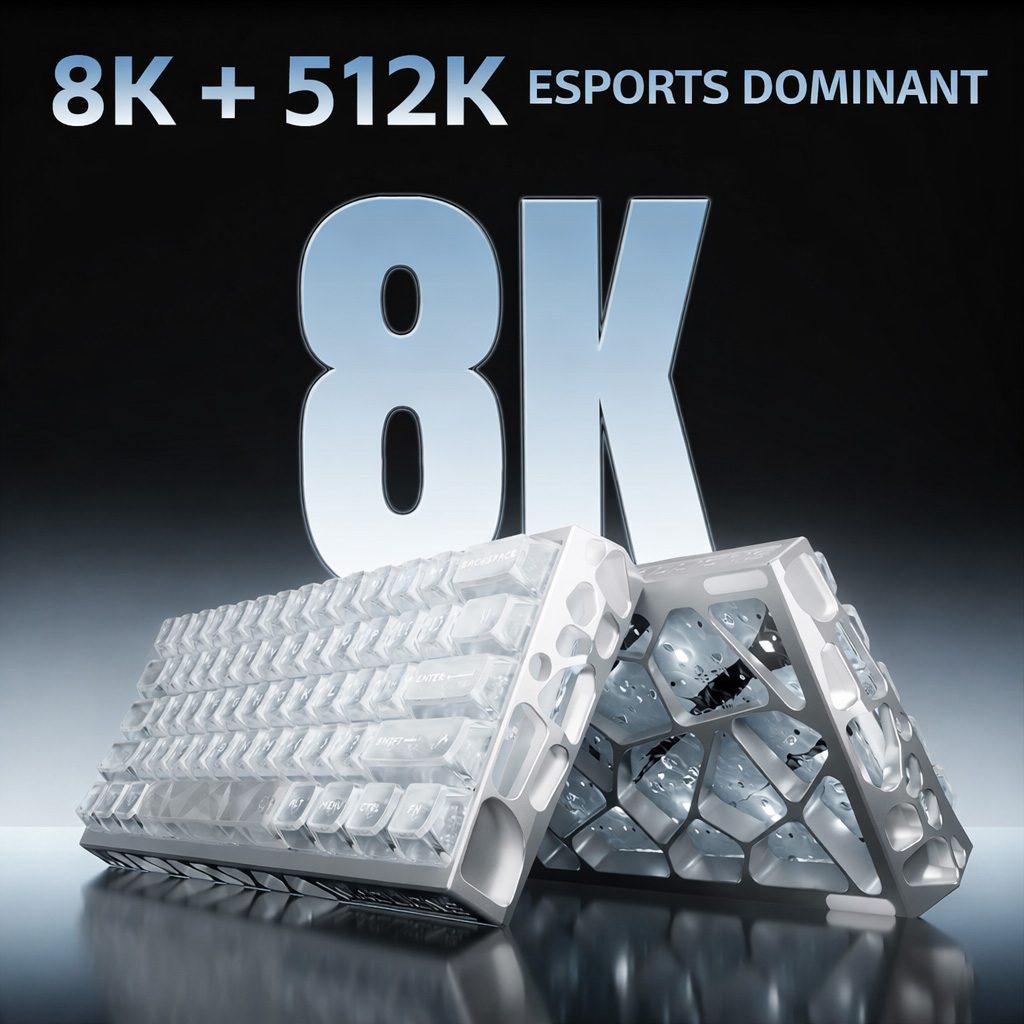
8K polling rate isn’t exclusive to Hall Effect keyboards. It’s primarily a controller/firmware capability. But 8K became famous in the Hall Effect world for a good reason: it amplifies what Hall Effect boards already do well—Déclenchement rapide (RT) and extremely fine control over when a key actuates and resets.
Let’s break it down in plain English, then turn it into a practical “what should I buy for Valorant/CS2?” decision.
The myth: “Only Hall Effect keyboards can do 8000Hz”
Hall Effect keyboards get most of the attention, but nothing about “8K” is magical or switch-exclusive.
A keyboard hits 8000Hz when its hardware + firmware can reliably send input reports to your PC at that rate, and when the rest of the pipeline (USB implementation, scanning, processing) can keep up.
So yes, traditional mechanical keyboards can also ship with 8000Hz polling if the manufacturer builds for it.
What is true: Hall Effect boards often benefit more in feel because of how they detect input (more on that in a second).
What is keyboard polling rate?
Polling rate is how often your keyboard reports its input state to the device it’s connected to, measured in Hertz (Hz).
Think of it like a shipping schedule:
- At 1000Hz, the keyboard can send a report once every 1ms.
- At 8000 Hz, it can send a report once every 0.125ms.
That’s it. The “8K” number is about reporting frequency, not marketing mysticism.
1000Hz vs 8000Hz: the latency math (and what it does in FPS)
The interval is the easy part:
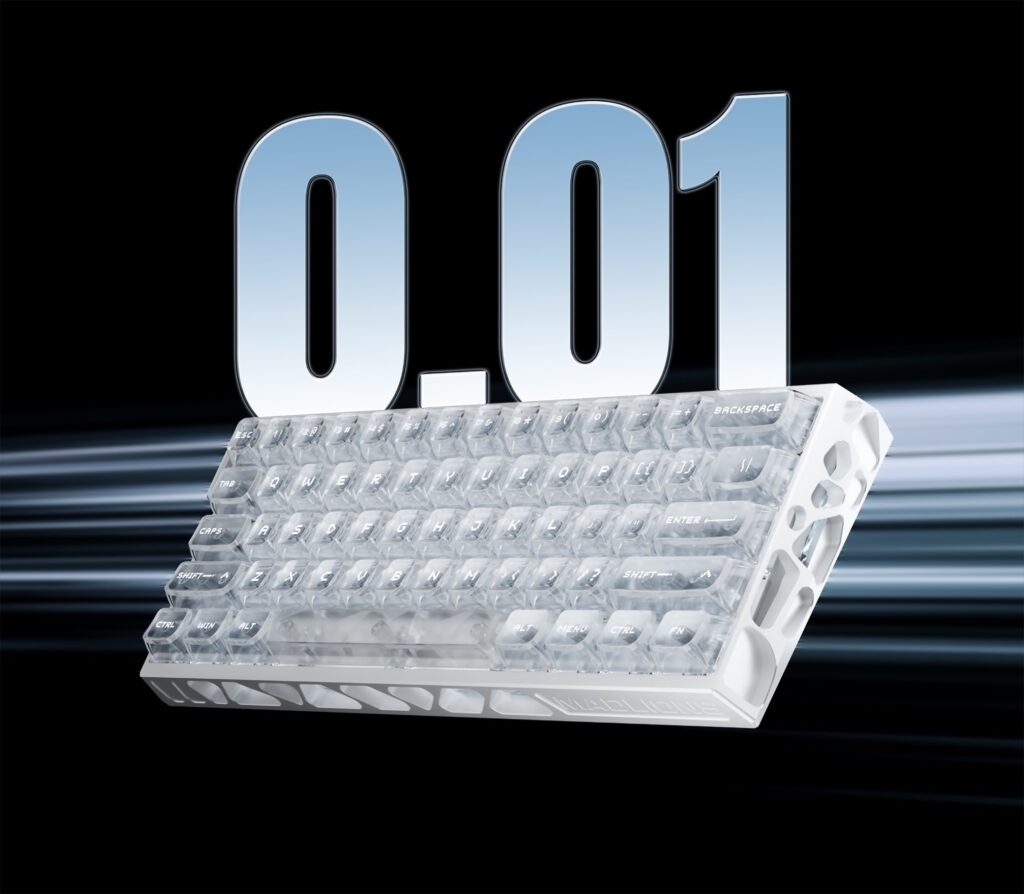
- 1000Hz = 1000 reports/sec → 1 / 1000 sec = 0.001 sec = 1ms
- 8000Hz = 8000 reports/sec → 1 / 8000 sec = 0.000125 sec = 0.125ms
So… is 0.875ms “real” or “just marketing”?
It’s real, but it’s not the whole story.
In Valorant/CS2, you’re rarely losing fights because your keyboard is “slow.” Most of the time, the bigger latency buckets are your monitor refresh, frame time, and network.
Where higher polling can still matter is consistency—tight timing windows and rapid state changes like:
- fast A/D counter-strafes
- rapid tap strafing and micro-corrections
- quick peeks where you’re trying to stop exactly when you intend
8000Hz reduces the time your input waits for the next USB report window. That can make your movement and shots feel a little more “locked in,” especially on high-refresh setups.
Key Takeaway: 8K doesn’t turn you into a better aimer. It’s a “small edge” feature that can make fast input changes feel more consistent.
Polling rate vs scan rate: the part most spec sheets don’t explain
Here’s the trap: polling rate is not the same as scan rate.
- Scan rate: how often the keyboard internally checks key states.
- Polling rate: how often the keyboard sends what it detected to the PC.
Why this matters for “8K marketing”
If a keyboard claims 8000Hz polling but its internal scanning or processing can’t keep up, you can end up with:
- unstable performance under heavy features (RGB + effects + complex firmware)
- inconsistent timing
- “on paper” specs that don’t translate into cleaner input
That’s why 8K is not just a switch choice. It’s a whole-board engineering choice.
Why 8K is so closely associated with Hall Effect keyboards
Hall Effect (magnetic) switches don’t work like traditional mechanical switches.
A traditional mechanical switch is essentially a physical contact event: off → on. With debouncing and firmware tuning, you can make it very fast, but it’s still a binary actuation model.
A Hall Effect switch uses a magnetic sensor to measure position continuously. That’s why Hall Effect boards can offer features like:
- adjustable actuation point
- Rapid Trigger (actuation + reset that follows your finger)
- “dead zone” tuning
If you want a clear, simple explanation of why Hall Effect behaves differently, this article is a good starting point: “What makes Hall Effect switches unique in keyboard technology” (halleffectkeyboard.com).
The “golden pairing”: 8K + Rapid Trigger
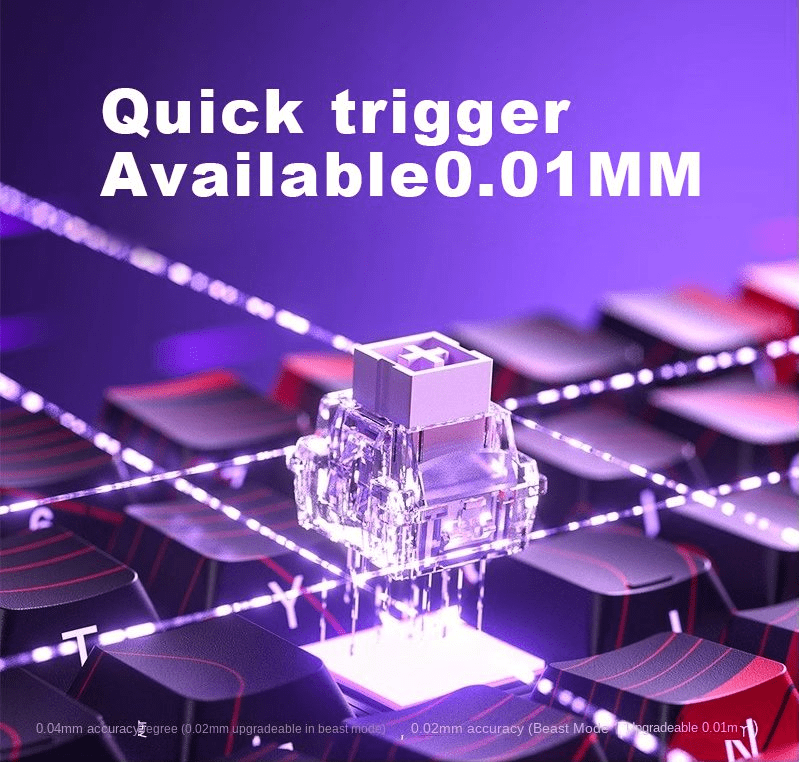
Rapid Trigger is where Hall Effect keyboards earn their reputation in FPS.
The whole point is that your key can re-trigger as soon as you reverse direction, without waiting for a fixed reset point. To do that precisely, the keyboard has to:
- scan key position frequently enough to catch tiny changes
- process that position into actuation/reset decisions
- report those decisions to your PC with minimal wait time
When the scanning and reporting are both high-frequency, you get the best version of what RT is supposed to feel like: crisp, immediate, and controllable.
Pro Tip: If you’re buying Hall Effect for Rapid Trigger, pay attention to the whole chain—scan rate, firmware, and polling—not just the “8000Hz” sticker.
Can a traditional mechanical keyboard benefit from 8000Hz?
Yes. The keyboard still reports state changes to your PC more frequently.
One quick note: marketing terms like Appuyez sur Snap (and other movement-assist / input-behavior features) are separate from polling rate. Polling rate is about how frequently input gets reported; Snap Tap/RT-style behavior is about how the keyboard interprets and triggers those inputs.
But mechanical boards have a different ceiling:
- You still have physical switch travel and return
- You still have debouncing and contact behavior (even when tuned well)
- You don’t get analog position tracking the way Hall Effect does
So while 8K on mechanical can reduce report-window wait time, it usually doesn’t unlock “new behavior” the way it can when paired with Hall Effect + RT.
The real hardware gate: MCU/controller + firmware
To run stable 8K, a keyboard needs a controller (MCU) and firmware stack that can:
- scan inputs fast enough
- package reports on schedule
- handle additional features without choking
That’s why it’s valid to say: 8K is more about the keyboard’s controller/firmware than the switch type. Switch choice affects what kind of input signal you generate; MCU/firmware affects how fast and reliably you can act on it.
A practical buying guide for Valorant and CS2
If you’re close to buying, here’s the simplest way to decide.
You’re a good fit for 8000Hz if…
- you’re on 240Hz+ (or planning to be)
- you care about the “micro feel” of counter-strafing and quick direction changes
- you’ve already optimized the big stuff (stable FPS, low input lag settings)
8000Hz probably won’t change much for you if…
- you’re on a mid-refresh setup and your PC struggles to keep stable frames
- your current bottleneck is aim fundamentals or network consistency
- you mainly want a keyboard for typing + casual gaming
Choose Hall Effect + 8K if you want the full speed toolkit
If your priority is Rapid Trigger control—the ability to stop and re-engage movement instantly with minimal “dead” travel—Hall Effect keyboards make that easier.
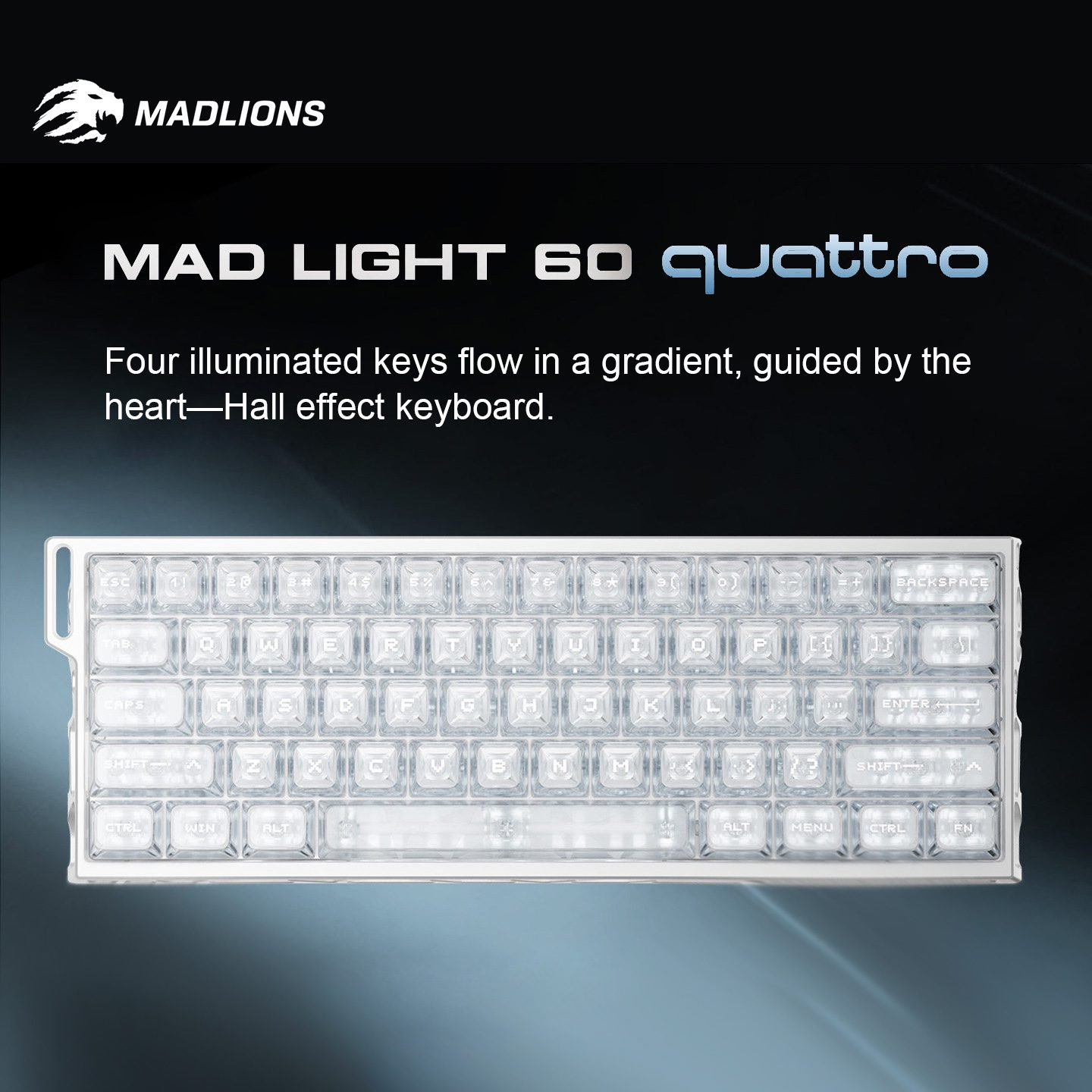
A concrete example: the MADLIONS MAD Light 60 Quattro is a wired 60% Hall Effect board that lists 8000Hz polling, a 0.08ms response time claim, et Rapid Trigger adjustable from 0.005–3.0mm in 0.005mm steps, plus a “512k scan rate” claim on its product page.
Those specs are essentially the “why people buy Hall Effect for FPS” checklist in one place: high-frequency reporting paired with fine-grained RT tuning.
Choose a mechanical + 8K board if you want traditional switch feel first
If you love classic mechanical feel (specific linears, tactiles, sound profiles, modding ecosystem) and you mainly want 8K as a “nice-to-have” latency polish, a mechanical 8K keyboard can make sense.
Just don’t confuse “8K” with “Rapid Trigger.” They’re different features with different benefits.
Bottom line: 8K isn’t a Hall Effect exclusive—Hall Effect just uses it better
- 8K polling rate is a keyboard controller capability, not a switch-only feature.
- Hall Effect made 8K famous because RT and adjustable actuation can take real advantage of high-frequency scanning + reporting.
- For Valorant/CS2 players who care about movement timing and “stop-start” precision, Hall Effect + 8K is often the most meaningful combination.
If you’re shopping right now and want a compact FPS-focused setup, start by checking whether the board supports the full chain (scan + firmware + polling) and whether the RT tuning is actually precise enough to matter in your game.
Next step: If you want a 60% Hall Effect keyboard built around 8K + Rapid Trigger tuning, the MADLIONS MAD Light 60 Quattro is a solid place to start your comparison.
FAQ
Is 8000Hz keyboard polling rate worth it for Valorant or CS2?
It can be worth it if you’re already on a high-refresh setup and you care about consistency in rapid movement changes (counter-strafing, micro-corrections). The advantage is small in raw milliseconds, but it can tighten the “feel” of input timing.
Does 8000Hz reduce input lag by 8x?
It reduces the USB report interval from 1ms (1000Hz) to 0.125ms (8000Hz). That’s 8x more frequent reporting, but total end-to-end latency also depends on scan rate, firmware processing, PC performance, and display.
Do mechanical keyboards support 8000Hz?
Some do. 8K is not Hall Effect-only. It depends on the keyboard’s controller (MCU) and firmware implementation.
What matters more: polling rate or scan rate?
They both matter. Scan rate affects how fast the keyboard detects changes internally; polling rate affects how quickly those detected changes are reported to your PC. A high polling rate can’t fully compensate for a low scan rate.