
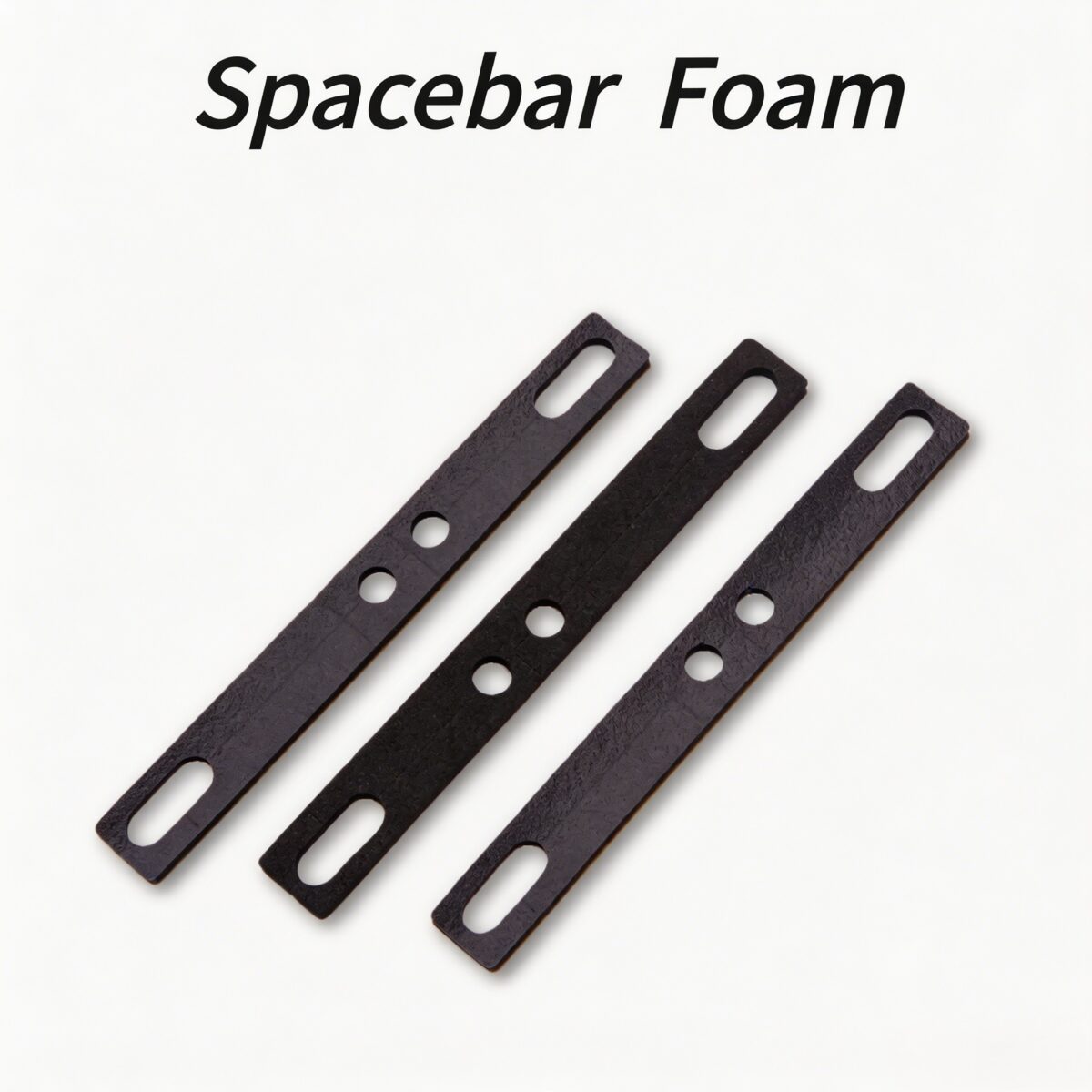
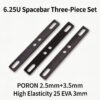
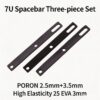
Amortiguador de espuma para barra espaciadora de teclado PAYSON: la solución definitiva para el traqueteo de la barra espaciadora.
Meta descripción: Mejora tu experiencia de escritura con el amortiguador de espuma para la barra espaciadora del teclado PAYSON. Elimina los ruidos huecos y el traqueteo del estabilizador con nuestra espuma premium de PORON y EVA. Compatible con estabilizadores de montaje en PCB y placa.
Descripción general del producto
Transforma tu experiencia de escritura con el Amortiguador de espuma para barra espaciadora de teclado PAYSON. Si estás cansado de los molestos ecos, este premium espuma amortiguadora de sonido para teclado es lo último Solución para el sonido hueco del teclado. Diseñado para actuar como un dispositivo altamente eficaz. Barra espaciadora ping reparación espuma, Elimina el sonido hueco y el traqueteo de la barra espaciadora y otras teclas grandes. Cortado con precisión para una fácil instalación, este espuma para teclado mecánico es compatible con ambos Espuma estabilizadora de PCB configuraciones y espuma estabilizadora para montaje en placa configuraciones que funcionan a la perfección con todos los perfiles de teclas comunes.
Características principales
- Amortiguación instantánea del sonido: Actúa como un poderoso amortiguador de eco del teclado y amortiguador de sonido para teclado, Eliminando ecos huecos, ruidos metálicos y vibraciones del estabilizador para lograr un perfil de sonido más profundo y sólido.
- Compatibilidad con múltiples perfiles: Este versátil Espuma amortiguadora para barra espaciadora Funciona con teclas de diferentes alturas (OEM, Cherry, SA, XDA y otras) con recortes sencillos.
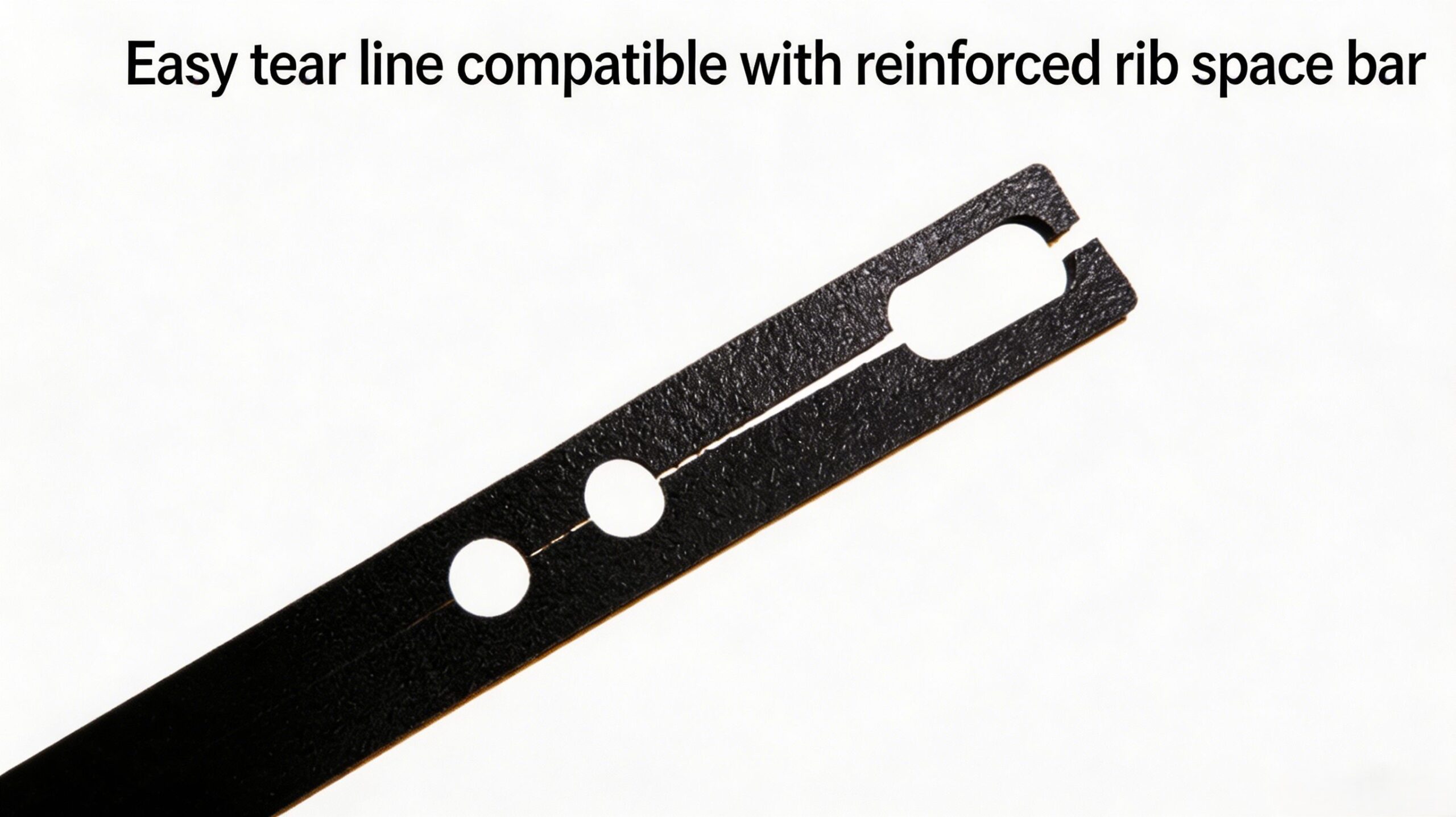
- Instalación modular sencilla: El diseño pre-punteado de este Espuma para modificación de teclado te permite cortar fácilmente el Cojín para la barra espaciadora del teclado Para adaptarse a cualquier tipo de estabilizador o altura de tecla.
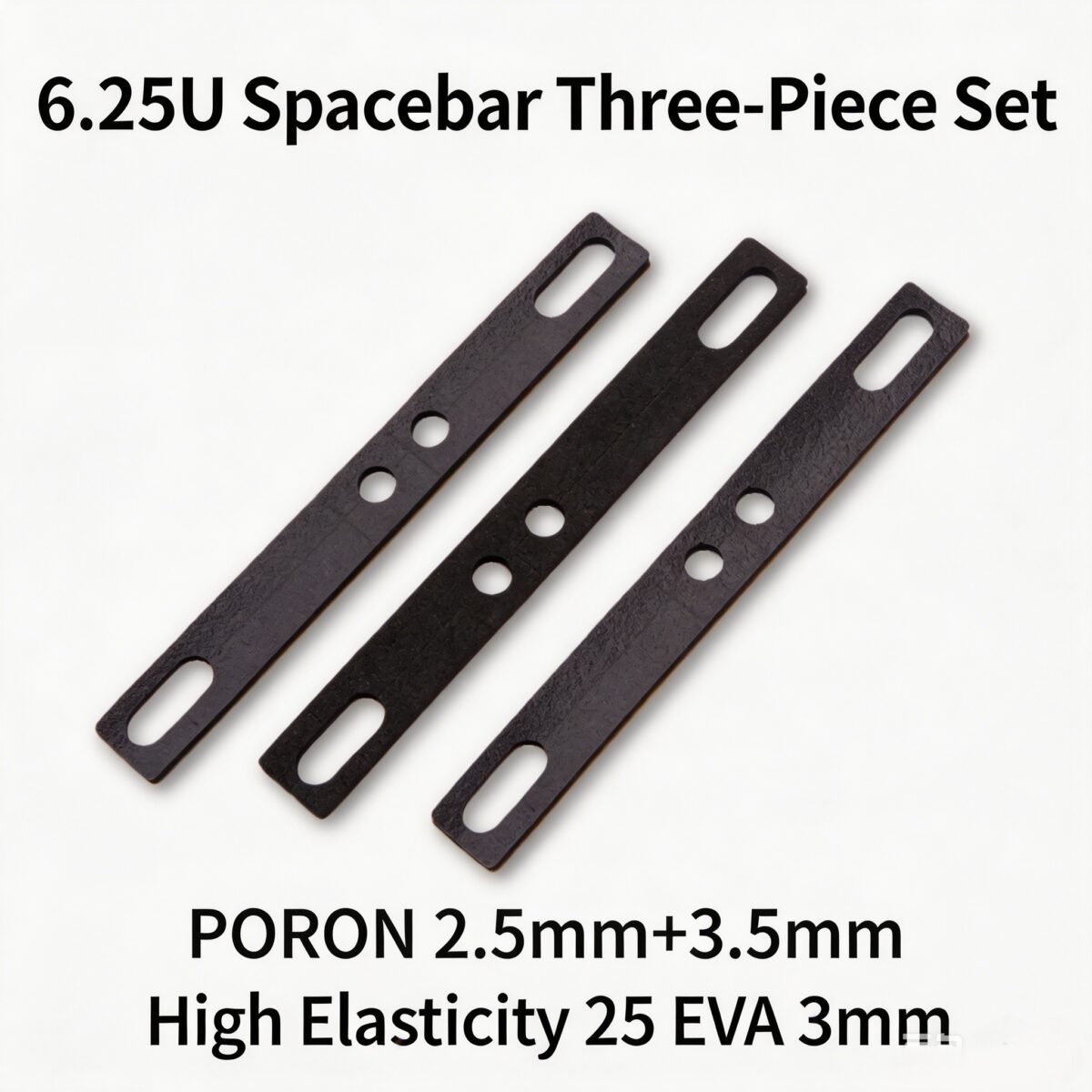
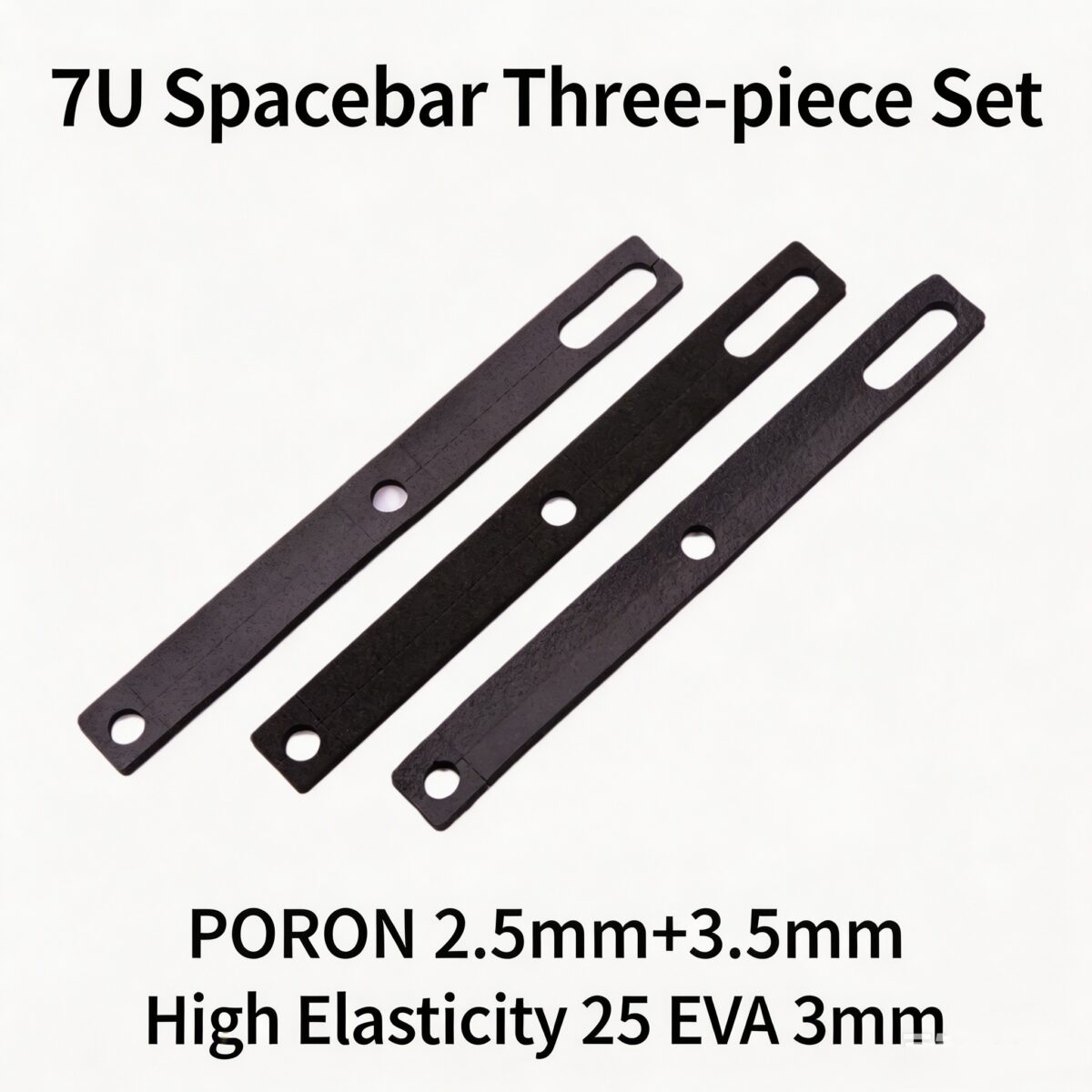
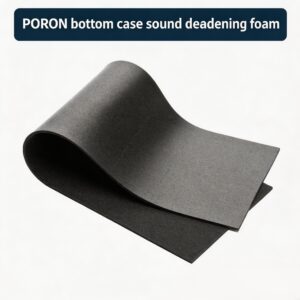
- Materiales de alta calidad: Disponible en versión premium espuma para teclado PORON y espuma EVA para teclado Opciones que se adaptan a sus necesidades específicas de insonorización.
- Durabilidad de larga duración: Nuestro confiable Inserto de espuma para teclado Conserva su forma y rendimiento incluso después de miles de pulsaciones de teclas.

Guía de instalación por perfil de tecla
Personaliza tu Amortiguador de sonido de teclas Configuración basada en tu perfil específico para lograr los mejores resultados:
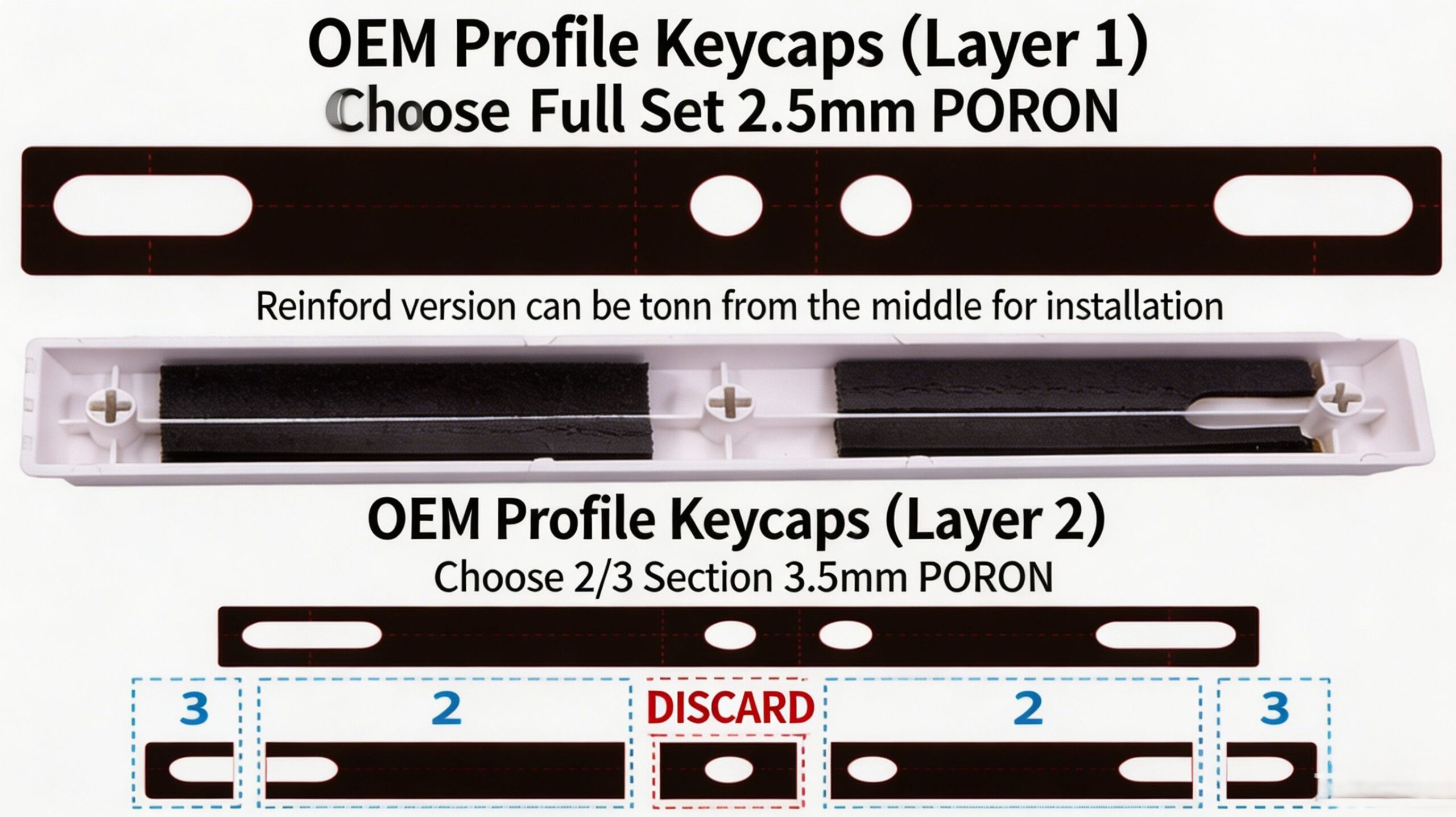
1. Teclas OEM / Cherry / Predeterminadas
- Capa 1: Utilice la espuma PORON de 2,5 mm de longitud completa (cobertura total).
- Capa 2: Utilice la sección de 2/3 de la espuma PORON de 3,5 mm (deseche la parte central).
- Nota para estabilizadores con nervaduras: La espuma se puede dividir por la mitad para facilitar la instalación.
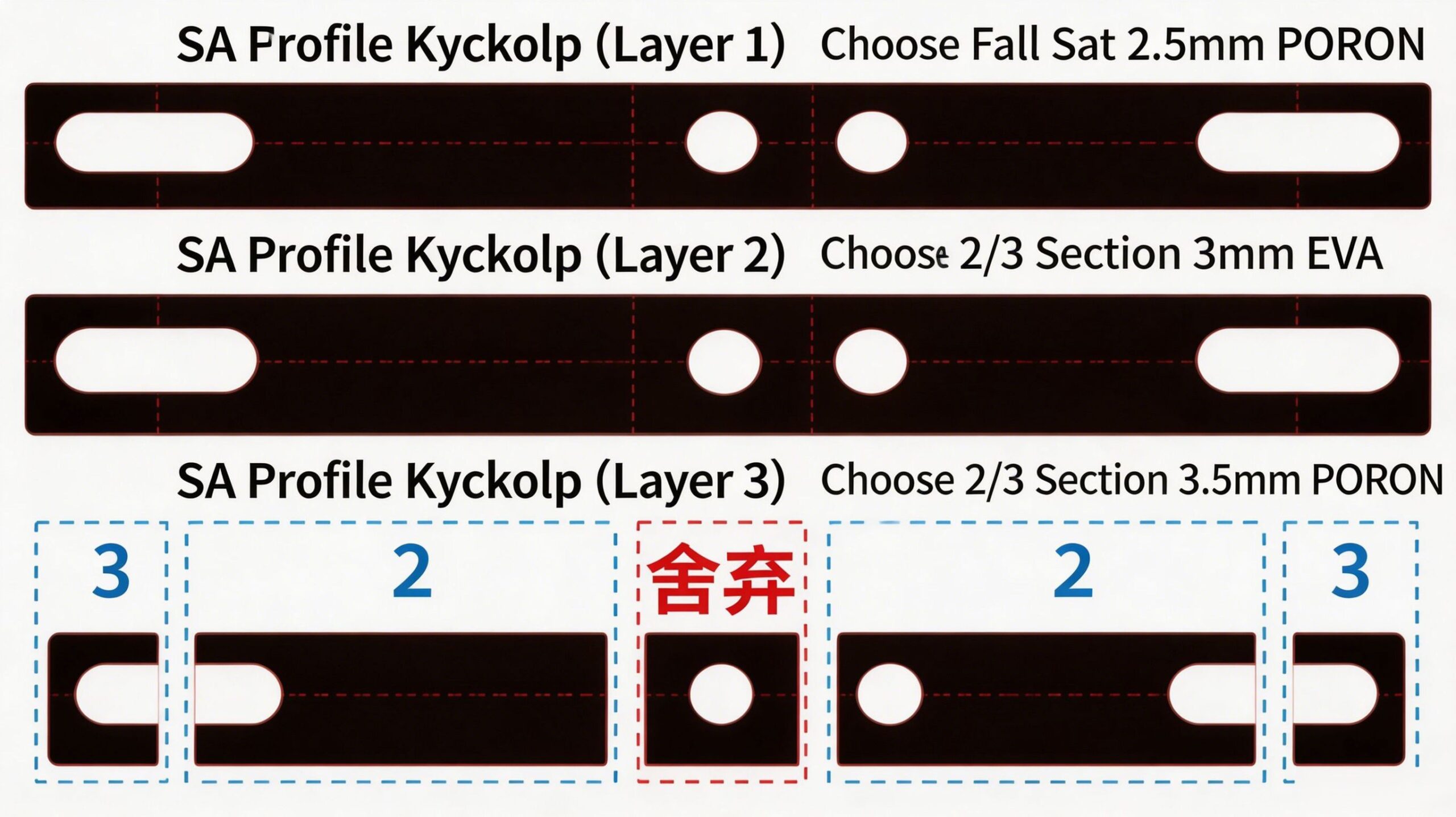
2. Teclas con perfil SA
- Capa 1: Utilice la espuma PORON de 2,5 mm de longitud completa (cobertura total).
- Capa 2: Utilice la sección de 2/3 de la espuma EVA de 3 mm (deseche la parte central).
- Capa 3: Utilice la sección de 2/3 de la espuma PORON de 3,5 mm (deseche la parte central).
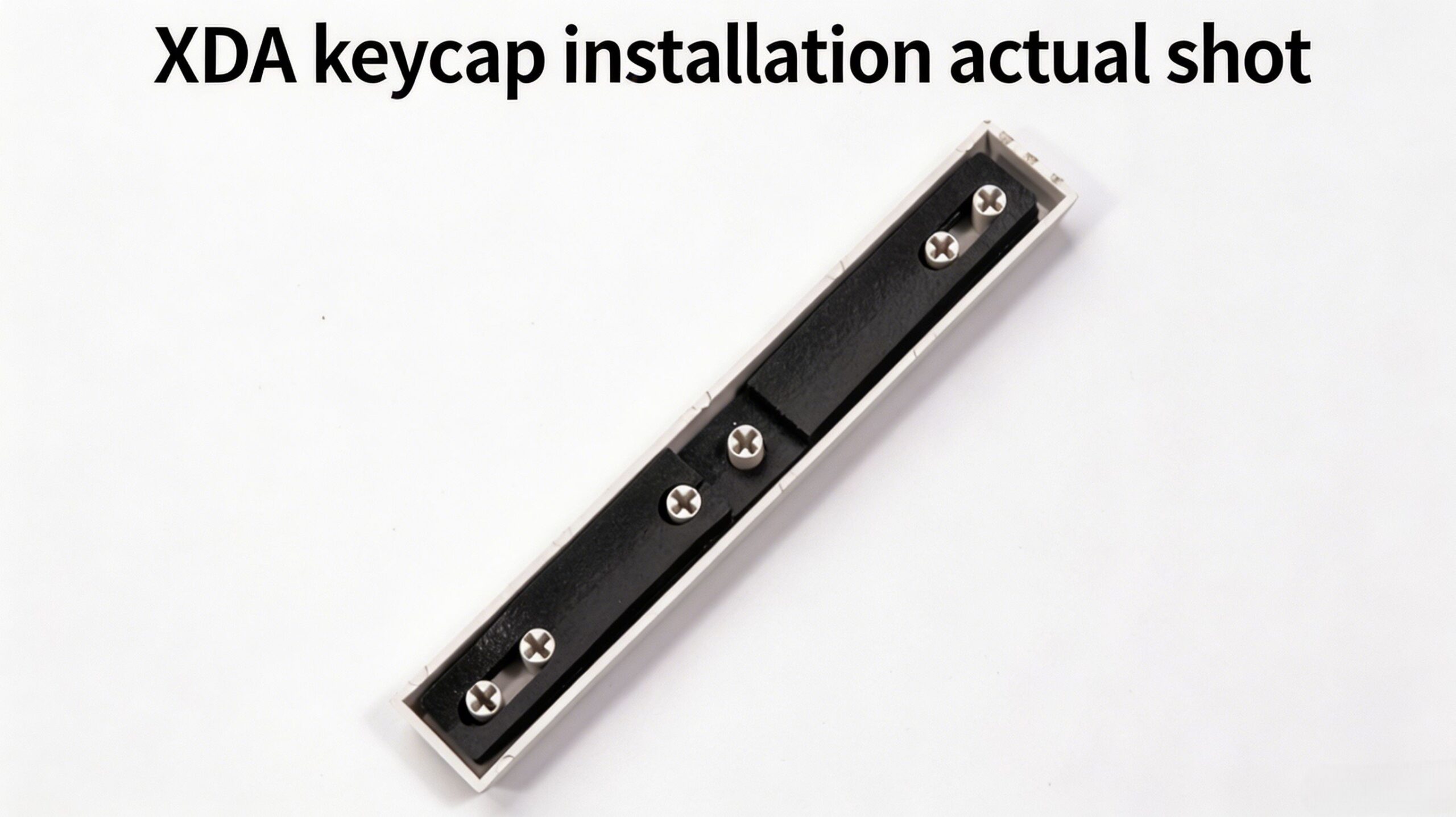
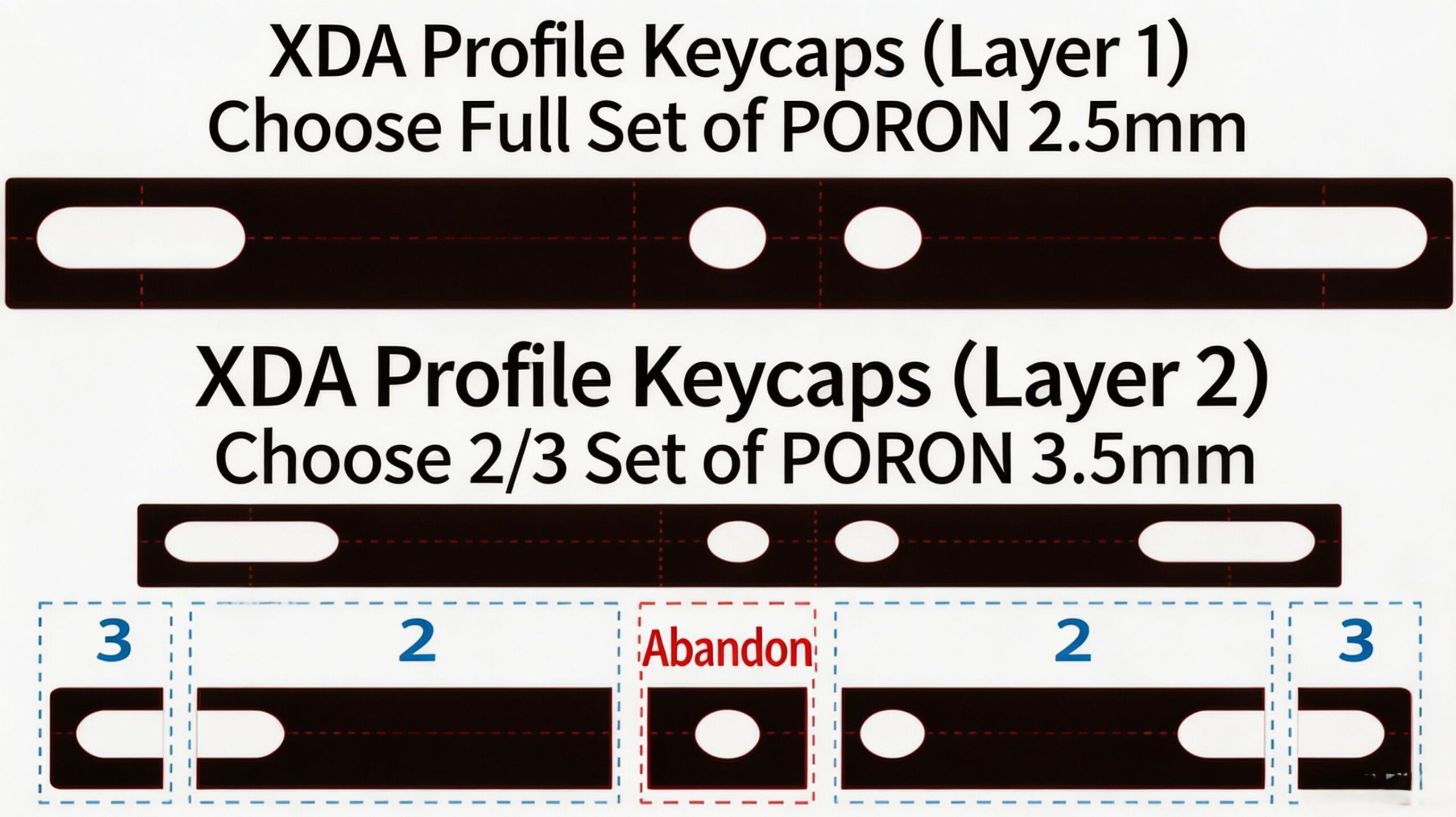
3. Teclas XDA / de perfil bajo
- Capa 1: Utilice la espuma PORON de 2,5 mm de longitud completa (cobertura total).
- Capa 2: Utilice la sección de 2/3 de la espuma PORON de 3,5 mm (deseche la parte central).
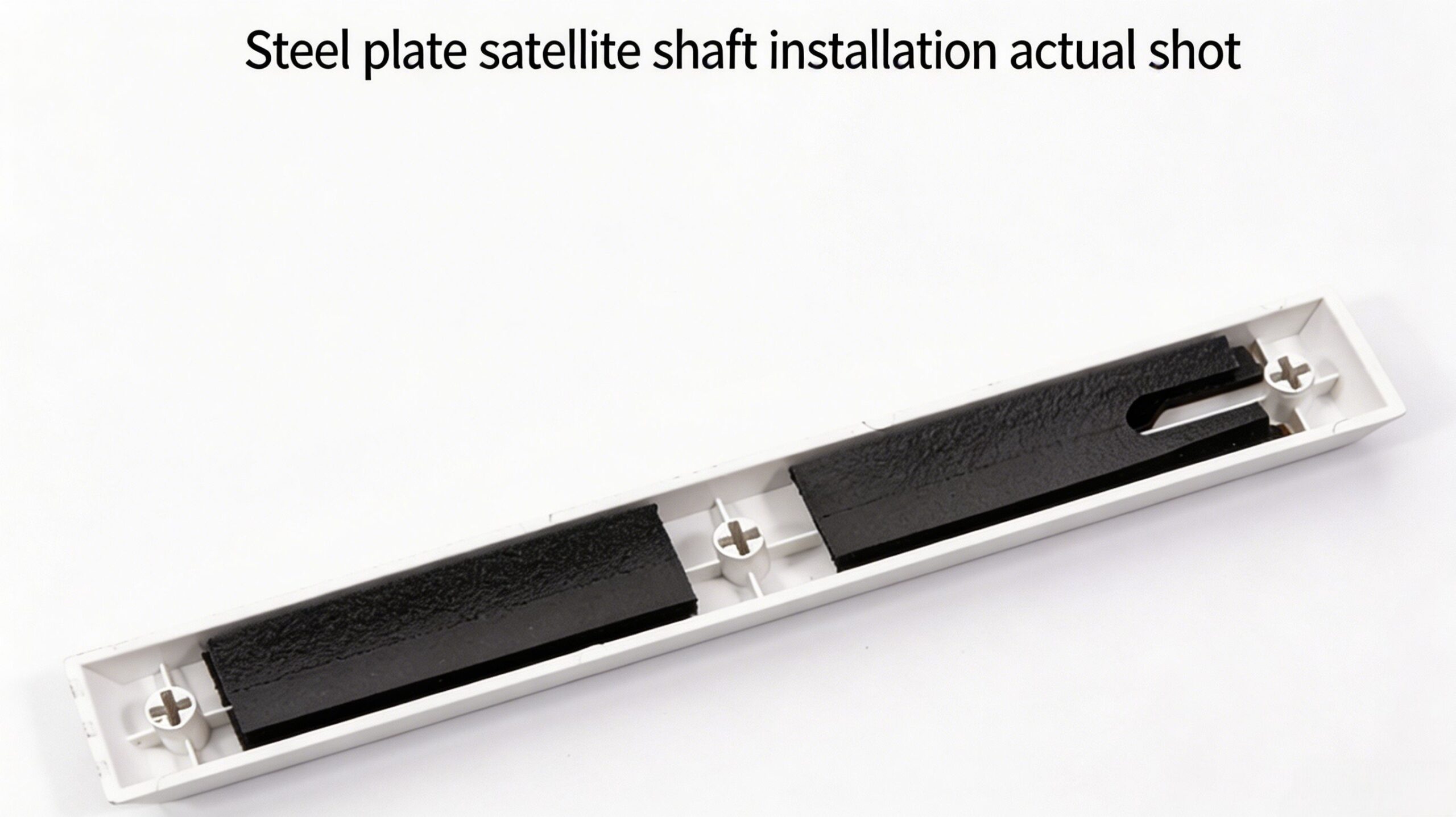
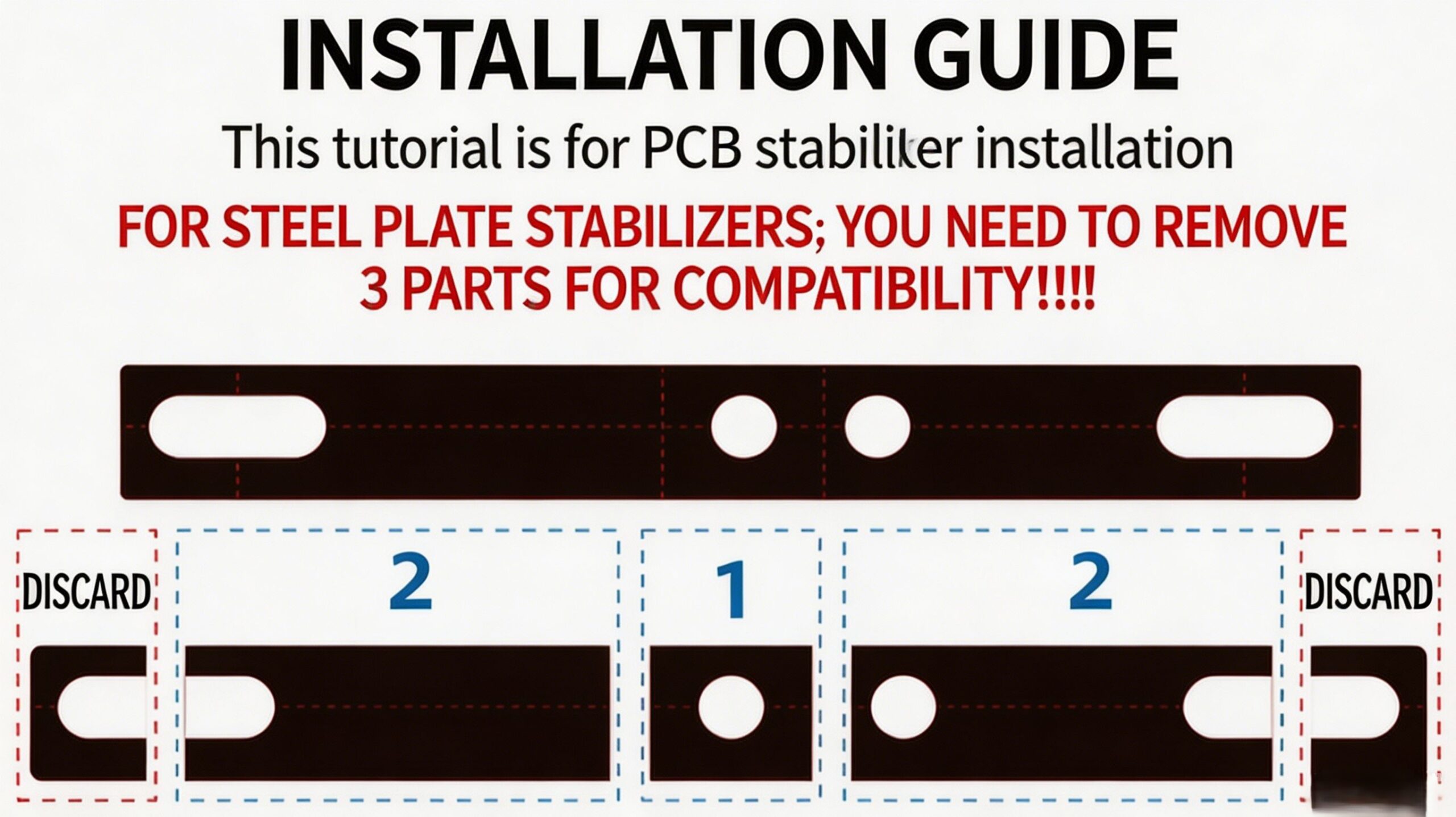
Nota importante sobre los estabilizadores de montaje en placa
Al usar esto almohadilla de espuma estabilizadora Con los estabilizadores de montaje en placa, debe retirar las secciones exteriores "3" de ambos extremos de la tira de espuma para garantizar una compatibilidad y funcionamiento perfectos de su almohadilla estabilizadora de teclado.
Cómo instalar
Lograr lo máximo Solución para el ruido de la barra espaciadora En minutos con estos sencillos pasos:
- Retire la tecla de la barra espaciadora y desmonte el estabilizador si es necesario.
- Seleccione la opción adecuada espuma para teclado personalizada Capa(s) según la guía de perfil de teclas anterior.
- Corte o rasgue la tira de espuma por las líneas premarcadas según las instrucciones.
- Retire el protector adhesivo y aplique con cuidado el espuma para la barra espaciadora del teclado dentro de la carcasa de la barra espaciadora, alineándola con la estructura estabilizadora.
- Vuelva a montar el estabilizador y vuelva a colocar la tecla.
El paquete incluye
- Precortado Amortiguador de espuma para barra espaciadora de teclado PAYSON tiras
- Guía de instalación detallada

 English
  German
  Portuguese
  Spanish
  Italian
  Finnish
  French
  Japanese
  Korean
  Swedish
Reseñas
Aún no hay reseñas