
Introduction: The “Version Difference” Everyone Overlooks
When keyboard enthusiasts compare the MADLIONS Fire68 series, the conversation almost always circles back to two things: latency (Pro at 0.2ms vs. Ultra at 0.125ms) and keycaps (the Ultra’s contour-line side-printed set).
But there’s one detail that gets mentioned constantly and understood rarely — the MADLIONS Fire68 Ultra Hall Effect Gaming Keyboard 使用する bottom lighting (down-LED) design, while the Pro version uses top lighting (up-LED).
Most people assume “lighting position” is just about whether the LED sits above or below the switch stem. That’s technically correct — but it barely scratches the surface. The choice between top and bottom lighting decides whether your side-printed keycaps actually glow, and whether light leaks out または shines through with intention.
This article answers one simple question: What does bottom lighting really mean?
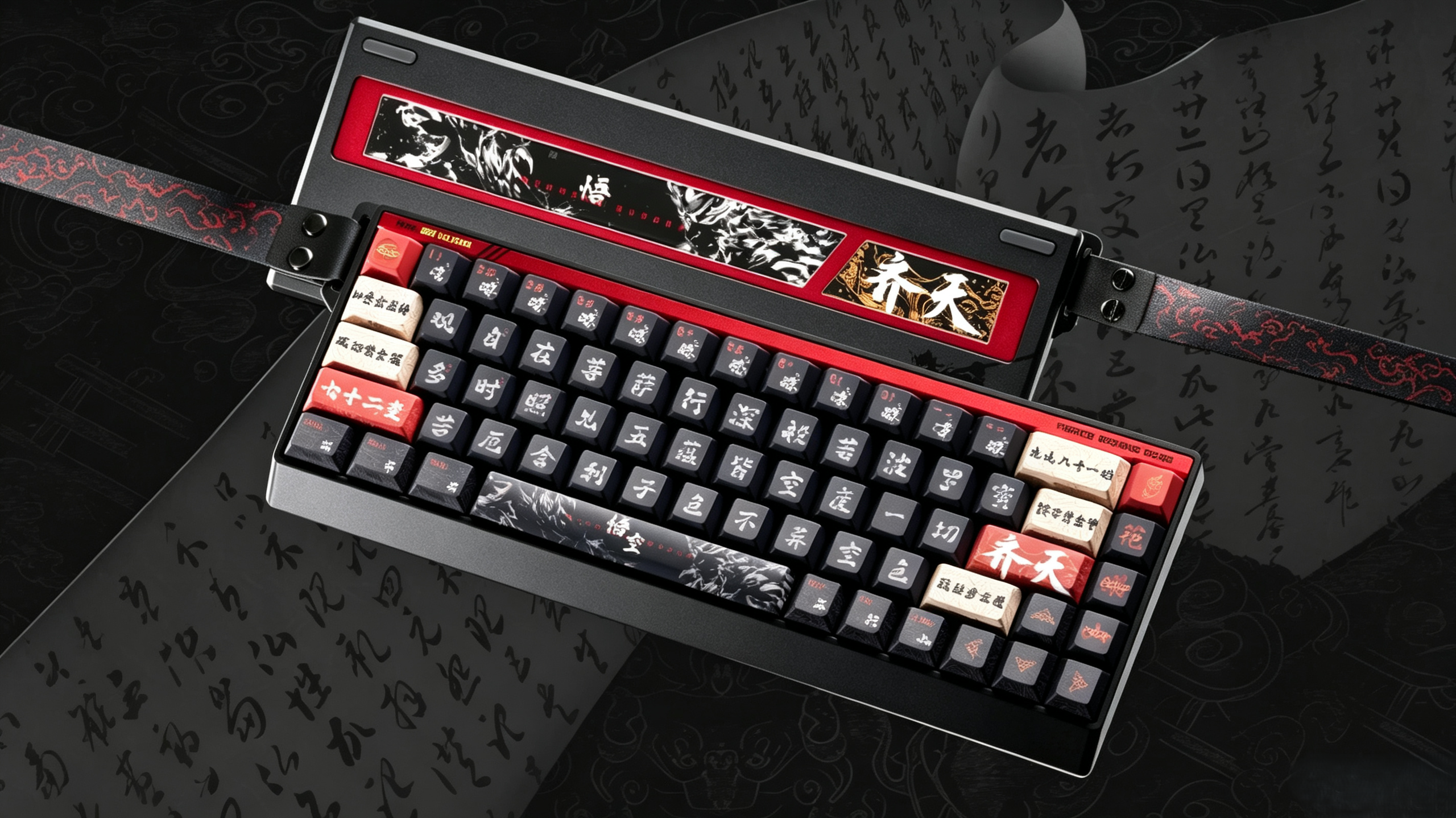
Top vs. Bottom Lighting: The Physical Difference
Let’s start with the fundamentals — the actual hardware structure behind the two designs.
A Quick Look at LED Placement
Every mechanical or Hall effect keyboard mounts its LEDs on the PCB, and each switch housing has a small light-transmitting gap.
- Top lighting (up-LED): The LED sits above the switch stem, so light escapes from the upper portion of the switch.
- Bottom lighting (down-LED): The LED sits below the switch stem, so light escapes from the lower portion.
The core distinction is simply this: is the light gap above or below the switch stem?
The Keycap Compatibility Rule
This is where it gets practical. Lighting position and keycap type must match:
| Lighting Position | Best-Matched Keycap | Character Location |
|---|---|---|
| Top lighting | Front-printed shine-through | Top face of the keycap |
| Bottom lighting | Side-printed shine-through | Side face of the keycap |
So what happens if you mismatch them? Pair top lighting with side-printed keycaps, and the light gets blocked by the switch housing and upper shell — the side characters barely glow at all.
Testers describe it vividly: with top lighting, side-printed legends show “almost no visible effect under normal room light, and you’d have to turn off the overhead lamp just to barely read them.” With bottom lighting, the same side legends stay “clearly visible even under indoor lighting.”
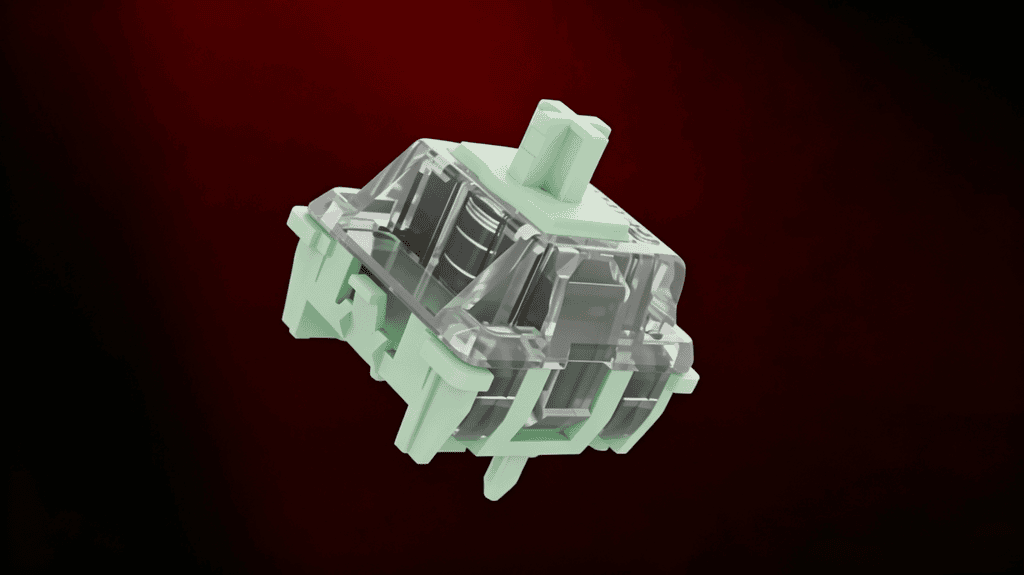
The MADLIONS Fire68 Ultra Combo: Bottom Lighting + Contour Side-Printed Keycaps
Now let’s connect the hardware to the experience — why the Ultra pairs bottom lighting with a very specific keycap style.
The Keycaps: Contour-Line Side Legends
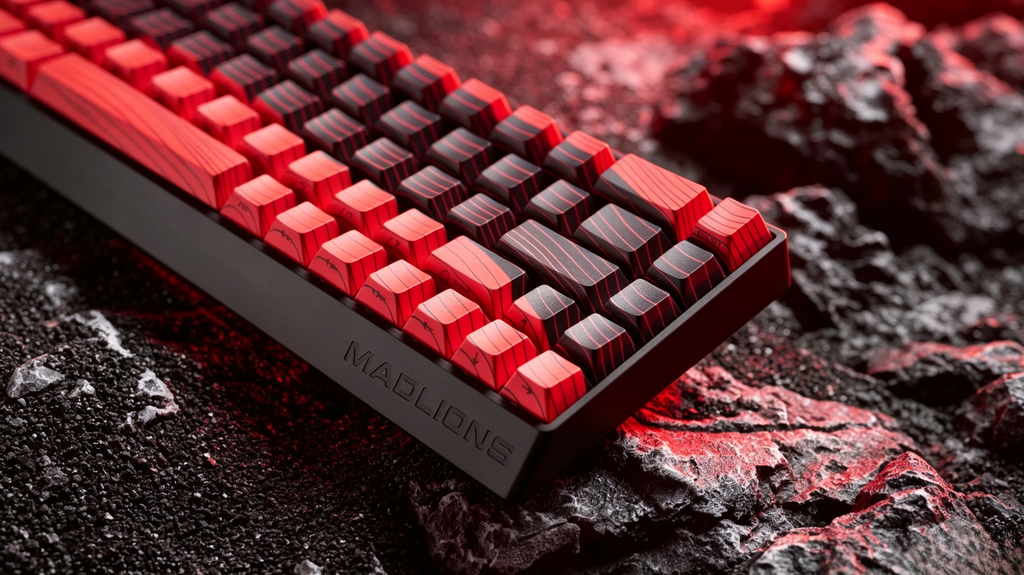
The MADLIONS Fire68 Ultra ships with contour-line, five-sided dye-sublimated, side-printed shine-through keycaps.
の “contour line” refers to topographic-map-style grooves across the keycap surface — and those lines are themselves light-transmitting. Combined with side-printed legends (characters on the side, not the top), this keycap was engineered from the ground up for bottom lighting.
Why Side-Printed Keycaps Require Bottom Lighting
The logic is purely optical:
- Side-printed keycaps have their transmitting zone on the side, not the front.
- With top lighting, light exits from above and gets trapped by the upper shell and inner keycap wall — it never reaches the side legends effectively.
- With bottom lighting, light exits from below and hits the side-printed zone その通り where it needs to.
The same applies to the contour lines: those grooves only glow when light travels upward from beneath.
The Ultra’s Core Differentiator
This isn’t an “upgrade vs. downgrade” story — it’s two entirely different lighting philosophies:
- Pro version: Top lighting + front-printed keycaps → light glows through the top, legends stay crisp and readable.
- Ultra version: Bottom lighting + contour side-printed keycaps → light spills through the sides and contour lines for a breathing, atmospheric glow.
The Pro chases front-facing legibility. The Ultra chases side-lit ambiance and contour “breathing.”
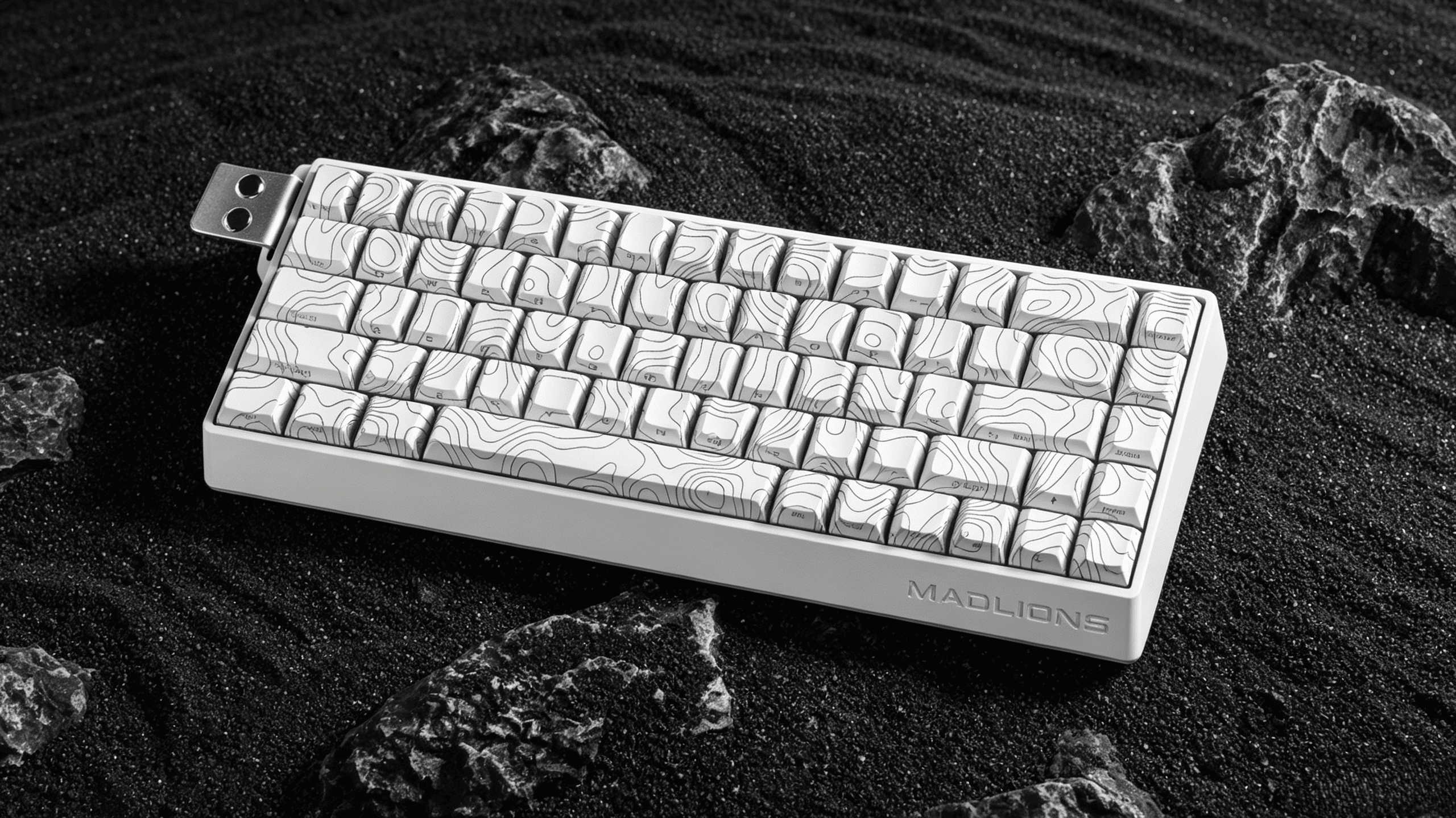
Real-World Comparison: How Big Is the Gap?
Let’s look at three concrete scenarios where the difference becomes obvious.
Scenario 1 — Legend Readability
- Top lighting + side keycaps: Side legends are nearly invisible; you’d need to kill the overhead light to barely read them.
- Bottom lighting + side keycaps: Side legends stay sharp under normal indoor light and pop even more in dim environments.
取り除く: If you’re running side-printed keycaps, top lighting essentially wastes the RGB.
Scenario 2 — Contour Line Glow
Contour keycaps need light to penetrate upward from the base. Bottom lighting diffuses along the grooves and creates a “contour breathing” effect. One reviewer captured it poetically: “not that dumb full-bright glow — it’s a thin sliver of light along the edge, like moonlight ground into a fine blade.”
Top lighting? The line glow drops off dramatically.
Scenario 3 — Overall Desk Ambiance
- Top lighting: Light concentrates on the keycap face — bright front, dim sides.
- Bottom lighting: Light spills from the base and edges, producing a more even, layered glow. As one user put it, the Ultra’s RGB “drifts slowly in the dark, like a nebula welded into your desk.”
One Trade-Off Worth Noting
Bottom lighting isn’t flawless. Some users report visible “switch leakage” from certain angles. And critically: if you use front-printed keycaps instead of side-printed ones, the effect actually suffers — “bottom lighting only looks good with side keycaps; the front-printed letters become unreadable.”
So remember the binding rule: bottom lighting ↔ side-printed keycaps. If you prefer front-printed legends, top lighting is the better fit.
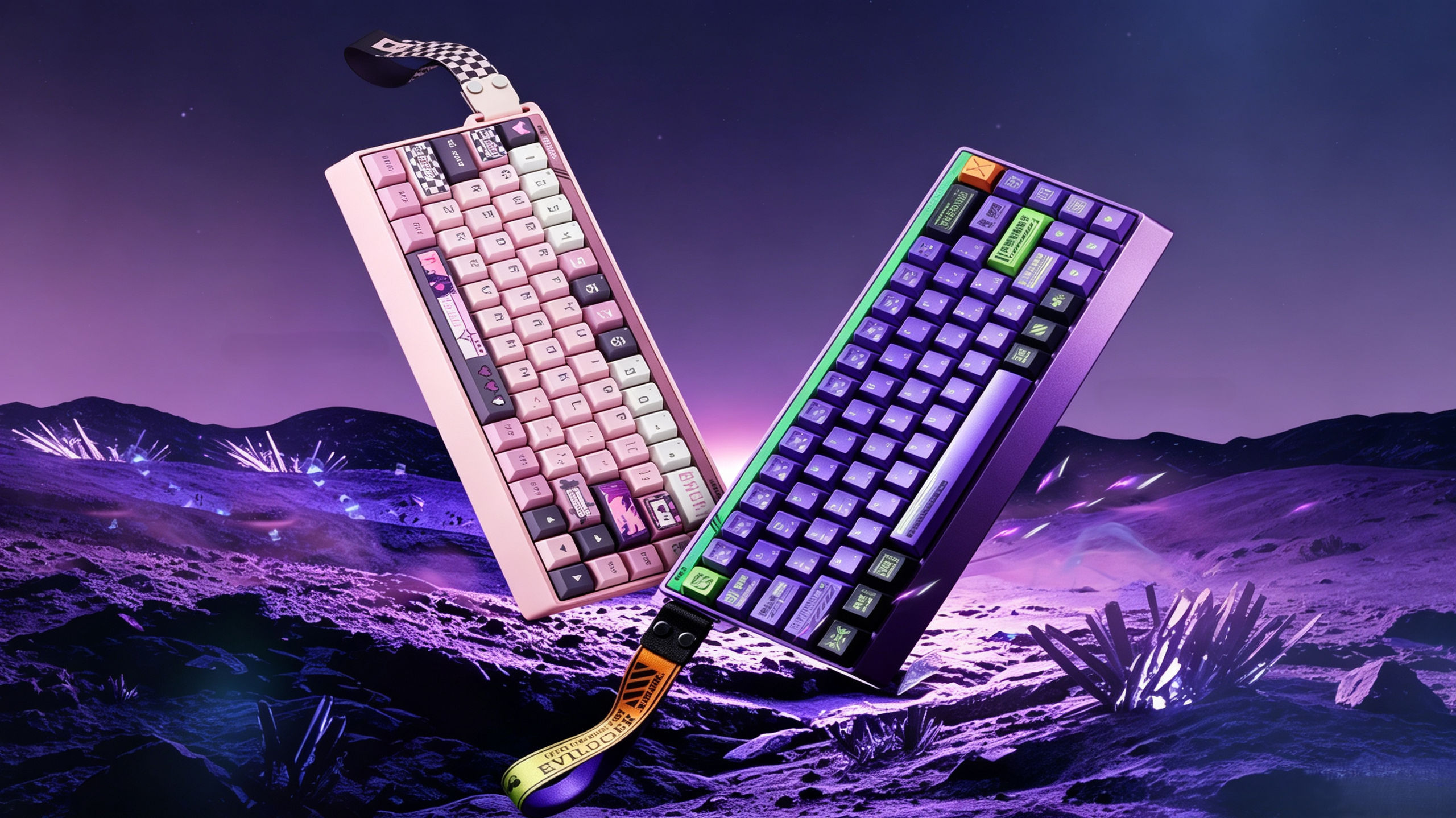
Beyond Lighting: The Product Logic Behind the Design
This decision isn’t purely aesthetic — it reflects how each version is positioned.
Positioning Drives the Lighting Choice
The three-tier lineup is deliberately clear:
| バージョン | 建てる | 点灯 | 遅延 | キーキャップ |
|---|---|---|---|---|
| 標準 | Plastic shell | Entry-level | — | 基本 |
| プロ | Full aluminum CNC | Top lighting | 0.2ms | Front-printed |
| Ultra | Full aluminum CNC | Bottom lighting | 0.125ms | Contour side-printed |
の MADLIONS Fire68 Ultra targets users who want a one-and-done flagship with strong desk aesthetics — exactly the crowd that values the ambiance that bottom lighting plus side keycaps delivers.
An Industry Trend in Hall Effect Keyboards
Bottom lighting is becoming increasingly common in magnetic-switch keyboards. Even the ASUS TUF Gaming K4 Magnetic promotes its bottom-lighting PCB design as a selling point, citing “optimized keycap compatibility.”
The reason is simple: Hall effect users increasingly care about personalization — side-printed, contour, and custom keycaps — and bottom lighting adapts to all of them beautifully.
But Bottom Lighting Isn’t Universally Better
If you run front-printed keycaps, top lighting wins. Legend clarity is more direct that way. There’s no absolute “better” here — only what matches your keycaps and habits.
Conclusion: So, What Does Bottom Lighting Really Mean?
Bottom lighting is far more than an LED coordinate. It determines which keycaps you can use, how your light is presented, 、 そして how far your desk ambiance can go.
The MADLIONS Fire68 Ultra chose bottom lighting because its target users prize side-legend glow and atmospheric lighting — and bottom lighting is the physical prerequisite for both. The Pro chose top lighting for its practical, legibility-first audience.
If you’re torn between the two, ask yourself one question:
Do you want to see “the letters on the front,” or “the light on the side”?
- “The front letters” → the Pro’s top lighting is all you need.
- “The side light” → the Ultra’s bottom lighting is what you’re after.
 English
  German
  Portuguese
  Spanish
  Italian
  Finnish
  French
  Japanese
  Korean
  Swedish