
Scroll through #keebtok or #typingasmr on TikTok and you’ll notice something. The videos with millions of views are rarely about the most expensive specs. They’re about sound: that deep, satisfying “thock” that makes you want to type all day.
Many people buy the same keyboard and the same switches as their favorite creator, then end up with a sound that feels thin, hollow, or just too sharp. The overlooked culprit is the keycap. Think of it as the keyboard’s vocal cords.
In this guide, we use the AULA F75, one of the most popular 75% keyboards, as our test bench. It already has a strong foundation: a gasket-mount structure and multiple layers of sound-dampening foam. Then we swap the stock keycaps for custom PBT Cherry profile side-printed keycaps and listen to what changes. Every keycap in this test has been featured on our TikTok channel @halleffectkeyboard, with close-up detail shots and real typing sound demos.
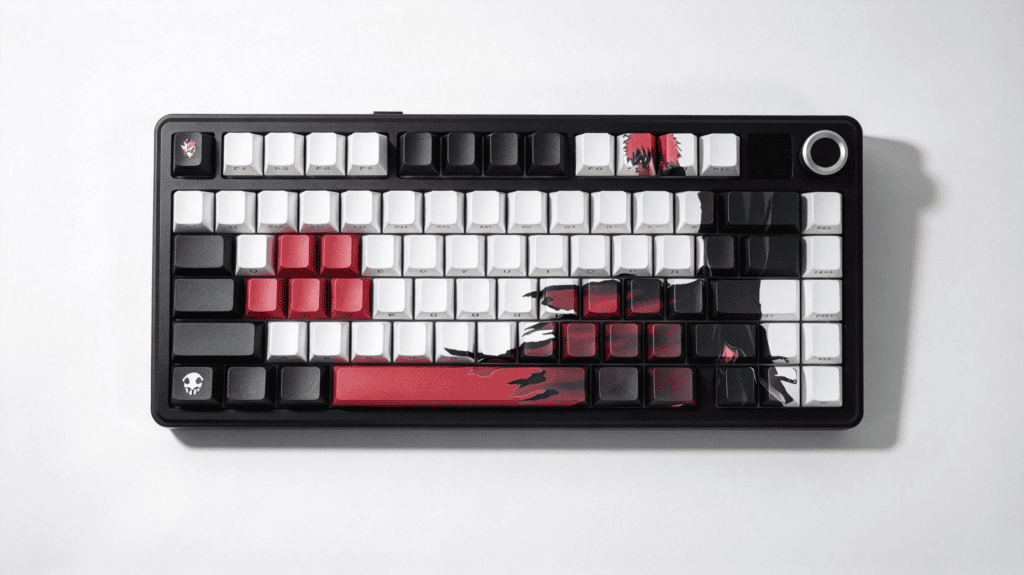
How Keycaps Shape Keyboard Sound and Feel
Keycaps change sound in three main ways: height, material and thickness, y printing craftsmanship. Here’s how each one works.
1. Keycap Profile Height Shapes the “Tone”
- Stock OEM profile: Taller keycaps have a larger hollow cavity inside. Sound bounces between the keycap interior and the keyboard case, which often produces a bright, crisp “clack” and a slightly hollow resonance.
- Cherry profile: Cherry keycaps sit lower and closer to the switch. The smaller internal cavity shortens the path sound travels, so the result feels more focused, compact, and solid.
2. Material and Wall Thickness Set the “Sound Floor”
- Thin-wall PBT or PC keycaps: These vibrate at higher frequencies. The sound spreads out and leans toward a light, plasticky tone.
- Thick-wall PBT keycaps: Denser and heavier, they carry more inertia on every press and rebound. The bottom-out sound is more muted and rounded, which is the key ingredient behind the sought-after “thocky” o marble-like sound profile.
3. Printing Process Affects Sound “Purity”
Dye-sublimation and side-printed legends sit inside or flush with the material, leaving the surface smooth and consistent. Cheap keycaps with rough coatings or raised printing can add tiny textures and unwanted noise.
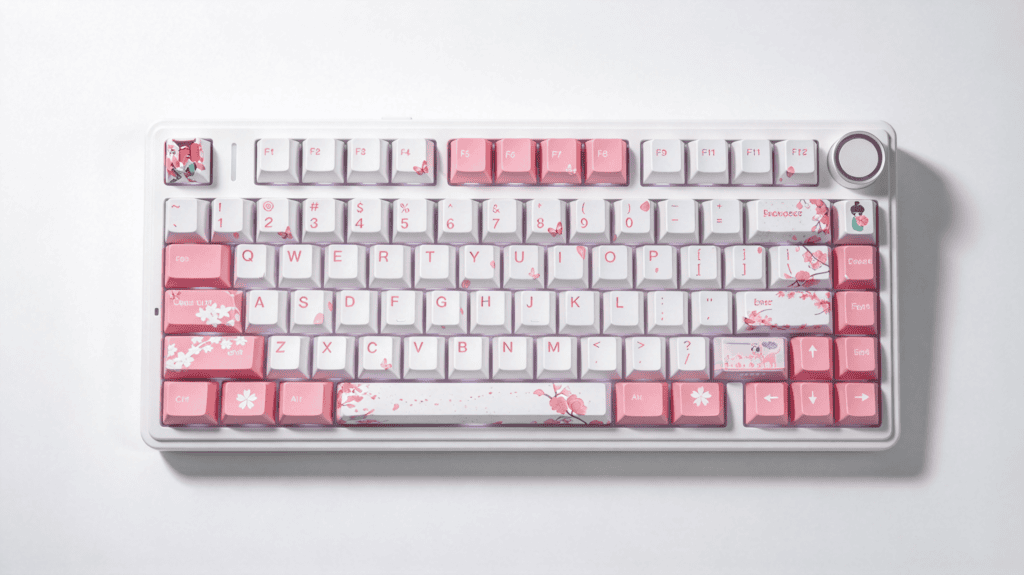
The Sound Test: From Sharp Clack to Deep Thock
We kept everything else identical (same AULA F75, same switches, same desk) and changed only the keycaps.
Stock Keycaps: Bright and Crisp
- Sonido: The taller stock keycaps give the F75 a lively “clack” with prominent high frequencies.
- Sentir: The OEM profile has a pronounced step between rows. It suits traditional typing posture, though the bottom-out feedback feels fairly direct.
Custom PBT Cherry Profile Keycaps: Deep and Dense
- Sonido: After the swap, the plasticky edge fades. The thicker keycap walls keep the sound contained, producing a low, rounded “tok-tok” that’s often described as pebbles dropping into deep water. Hi-Fi character goes way up.
- Sentir: The Cherry profile’s surface curvature sits comfortably under the fingertip. Combined with the weight of thick PBT, the bottom-out feels smoother and more substantial, which can make long typing sessions more comfortable.
Hear It Yourself on TikTok
Reading about sound only goes so far. We’ve posted both the keycap details and the typing sound demos on TikTok:
- Typing sound comparison (stock vs. custom): Watch the sound test on TikTok
- Keycap close-ups and side-print lighting: See the keycap details on TikTok
Follow @halleffectkeyboard for more keycap showcases and keyboard sound tests.
Visual Bonus: Side-Printed Legends and RGB
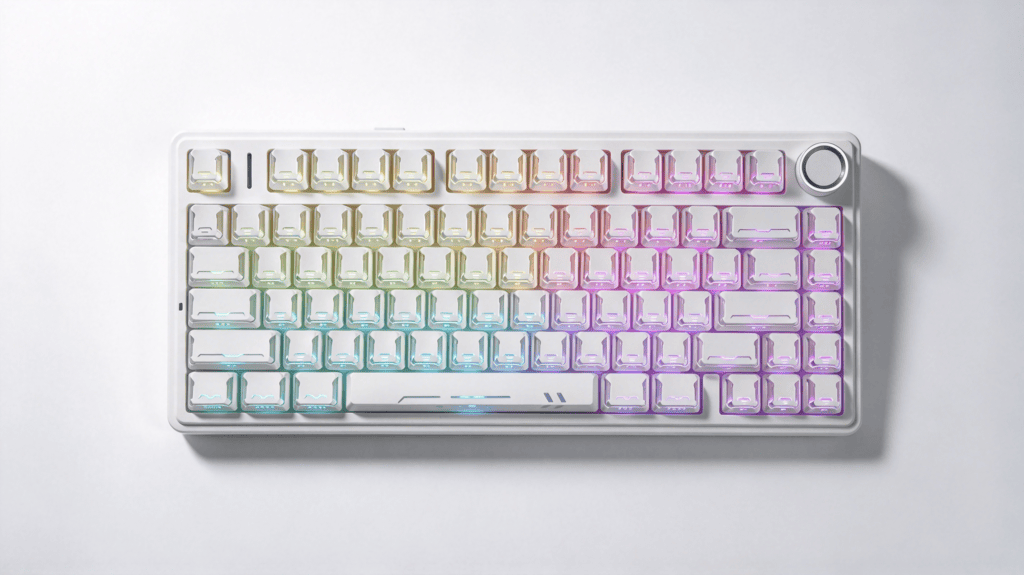
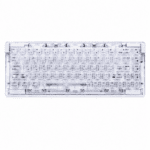
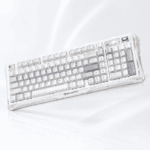
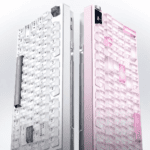
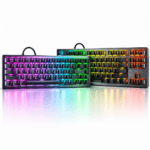
Most stock sets use top-printed legends. Our custom set offers side-printed options. In low light, RGB glow passes through the sides of the legends. It looks soft rather than harsh, with a floating, layered effect that also happens to look great on camera.
| Característica | Stock Keycaps | Custom PBT Cherry Profile |
|---|---|---|
| Perfil | OEM (taller) | Cherry (lower) |
| Sound character | Bright, crisp clack | Deep, dense thock |
| Material feel | Lighter, plasticky | Thick PBT, weighty |
| Legend style | Top-printed | Side-printed option |
| Lo mejor para | Casual typing | Sound-focused builds, content creators |
The takeaway: the keycap swap shifts both the acoustic signature and the visual identity of the board without touching the switches or the case.
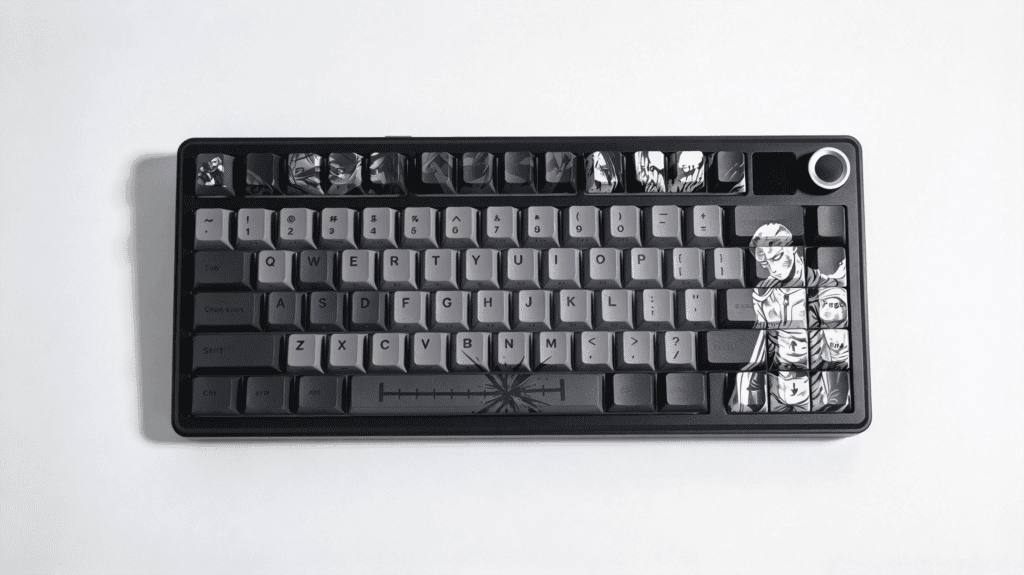
Final Thoughts: A Small Upgrade With a Big Sonic Payoff
Swapping keycaps is one of the most cost-effective ways to upgrade both sound and looks. If your AULA F75 (or any 75% keyboard) sounds too thin, too sharp, or just looks stale, a thick PBT set can make it feel like a new board.
Nuestro custom PBT Cherry profile side-printed keycaps combine the balanced Cherry height, the visual appeal of side-lit legends, and the durability of PBT. They’re a simple way to give your 75% layout a richer voice and a fresh desk look.
 English
 German
 Portuguese
 Spanish
 Italian
 Finnish
 French
 Japanese
 Korean
 Swedish