
Der MADLIONS NANO68 V2 goes on sale today, and if you’re hovering over the “Buy Now” button, this is the three-minute read you want first. Instead of dumping every spec on you, this guide answers the five questions that genuinely shape your buying decision: what the numbers mean, how mixed-switch play works, whether the lighting is worth it, how much tinkering it demands, and — most importantly — whether it fits your setup.
Let’s break it down so you can decide with confidence, not FOMO.
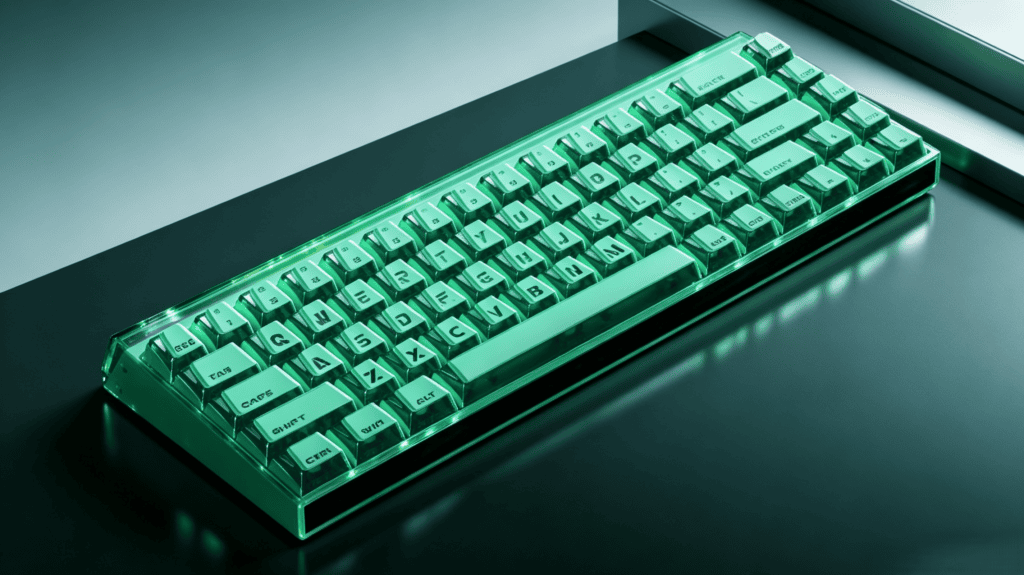
Thing #1: What 8K Polling + 0.001mm RT Precision Really Mean at an Entry Price
The headline specs sound flagship-grade — and on paper, they are. But the real question is whether you’ll feel the difference.
The specs, plainly stated
- 8K polling rate: A theoretical latency of just 0,125 ms, eight times faster than a standard 1KHz keyboard.
- 0.001mm Rapid Trigger precision: An adjustable actuation range of 0.01–3.3mm, with true zero-deadzone tuning.
- 32K full-key scan rate: Paired with 8K polling to form a complete low-latency input chain.
Taken together, this is genuinely flagship-tier performance for a Hall Effect keyboard in this price bracket.
The honest question to ask yourself
Before you get “spec drunk,” check two things:
- Is your monitor 240Hz or higher? If not, the perceived gain from 8K polling is minimal.
- Are you a serious Valorant oder CS2 player? If yes, RT precision and zero deadzone are real, tangible advantages.
If both answers are “no,” these numbers are nice to have rather than must have.
One key reminder
Specs are the ceiling, not the experience. Real performance depends on calibration — and MADLIONS explicitly notes that you must recalibrate the switches after every firmware update. This is ongoing maintenance, not a one-time task.
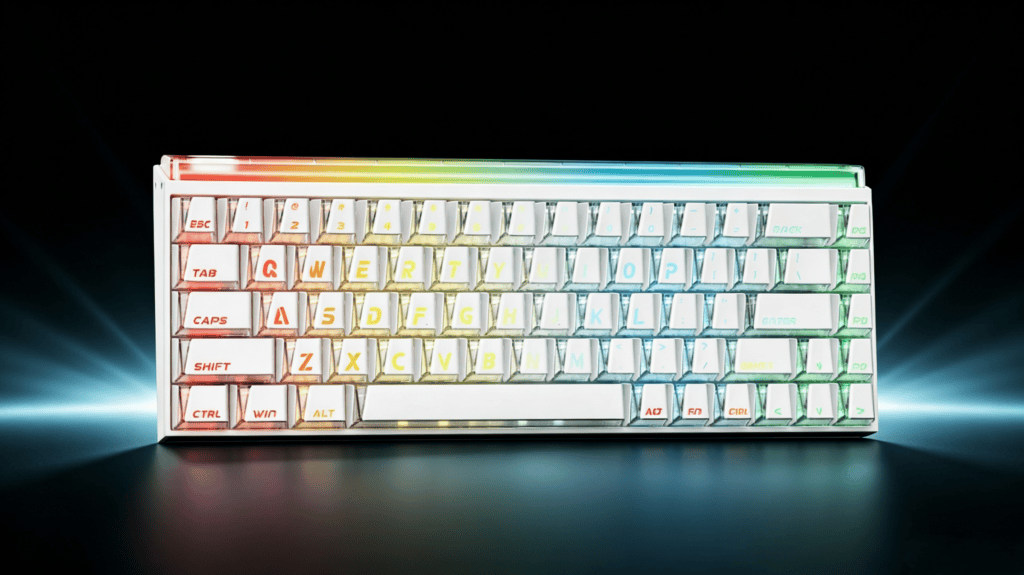
Thing #2: How Mixed-Switch Play Actually Works
This is the NANO68 V2’s standout differentiator — and the reason enthusiasts are paying attention.
What is “mixed-switch” play?
Most magnetic keyboards ship with fixed switches, forcing you to swap the entire set. The MADLIONS NANO68 V2 supports full-key hot-swap and mixed switches, meaning you can run different switches on different keys within the same board.
How you’d actually set it up
| Zone | Suggested Switch | Warum |
|---|---|---|
| WASD cluster | Light-pressure switch | Faster response and better tracking |
| Space / Shift | Heavier switch | Prevents accidental presses |
| Number row / F-keys | Standard switch | Balanced feel and stability |
The core value: tailor the feel of every key to how you actually use it.
The hidden costs of going mixed
Mixed-switch freedom isn’t free:
- Extra switches cost money — the keyboard itself is only the starting point.
- Calibration workload increases — different switches can have varying magnetic flux.
- Trial and error takes time — finding your perfect combo won’t happen overnight.
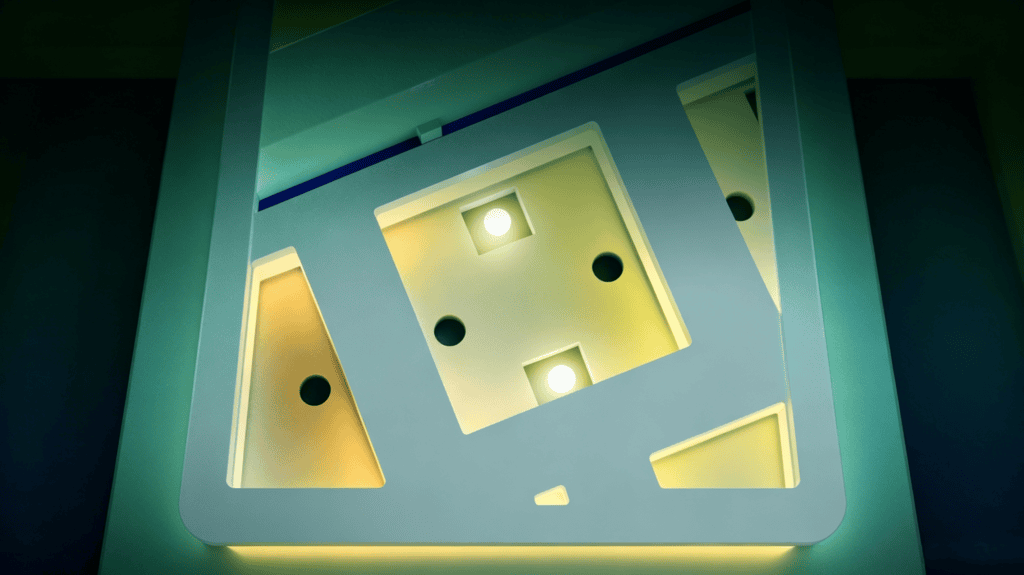
Thing #3: Is the RGB Light Box + Prism Keycaps Worth It?
Lighting is often a “look pretty in photos, forget in daily use” feature. Here’s a realistic take on the NANO68 V2’s system.
What the lighting system includes
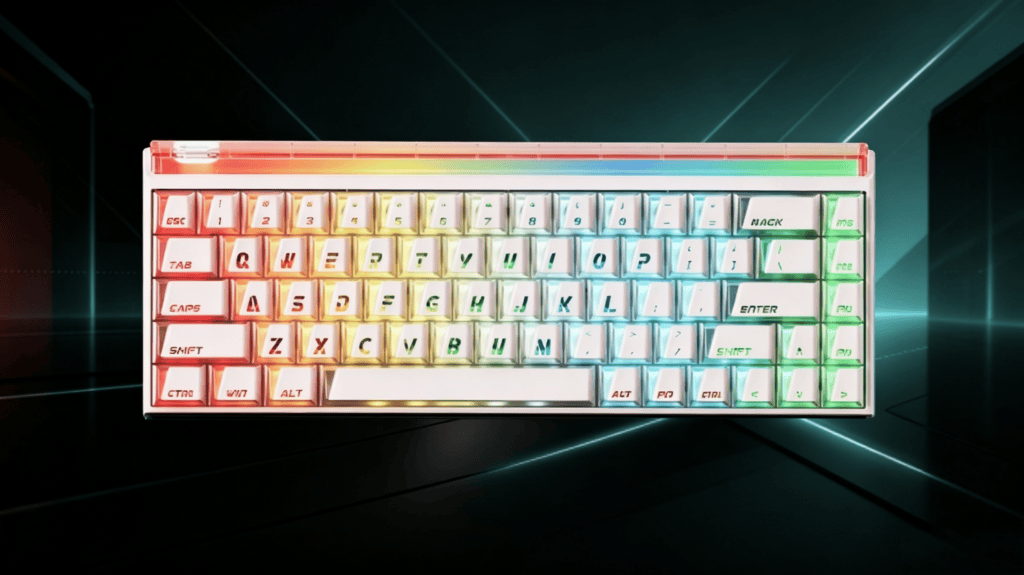
- Top RGB high-transparency light box: A dedicated module at the top of the board that spills light outward.
- Transparent prism keycaps: Light-transmitting caps with internal prism structures for more even diffusion.
- Dual-light-position design: Works with switch light pipes for layered effects.
What to realistically expect
- In dim lighting: Strong ambiance, rich layering, and a genuinely immersive desk feel.
- In bright lighting: Visibility drops, though the transparent keycaps still look premium.
- Worth noting: Legend readability on transparent caps under strong light may lag behind traditional keycaps.
The honest positioning
This isn’t “light pollution” flexing — it’s desk ambiance. If your keyboard is part of your desk setup aesthetic, it’s a clear bonus. If you’re indifferent to RGB, redirect that budget toward switches instead.
Thing #4: Web Driver + Manual Calibration — How Much Tinkering Is Required?
Let’s be transparent about the “fiddle factor,” because it shapes whether you’ll love or resent this board.
The convenience of the web driver
- Launch it instantly with an FN + hotkey combo.
- No client install required — even locked-down work PCs can use it.
- Full coverage: key remapping, RT adjustment, lighting settings, and mixed-switch configuration.
Why manual calibration is non-negotiable
This is not plug-and-play:
- First-time setup requires manual, key-by-key calibration.
- The method: Press and hold each key steadily for one second, repeating 2–3 times.
- The catch: Recalibration is mandatory after every firmware update.
The tinkering-cost verdict
| Task | Time / Frequency |
|---|---|
| Initial calibration | ~10–15 minutes |
| Ongoing maintenance | Repeat after each firmware update |
Fazit: Great for users who enjoy tuning; frustrating for office users who want it to “just work.”
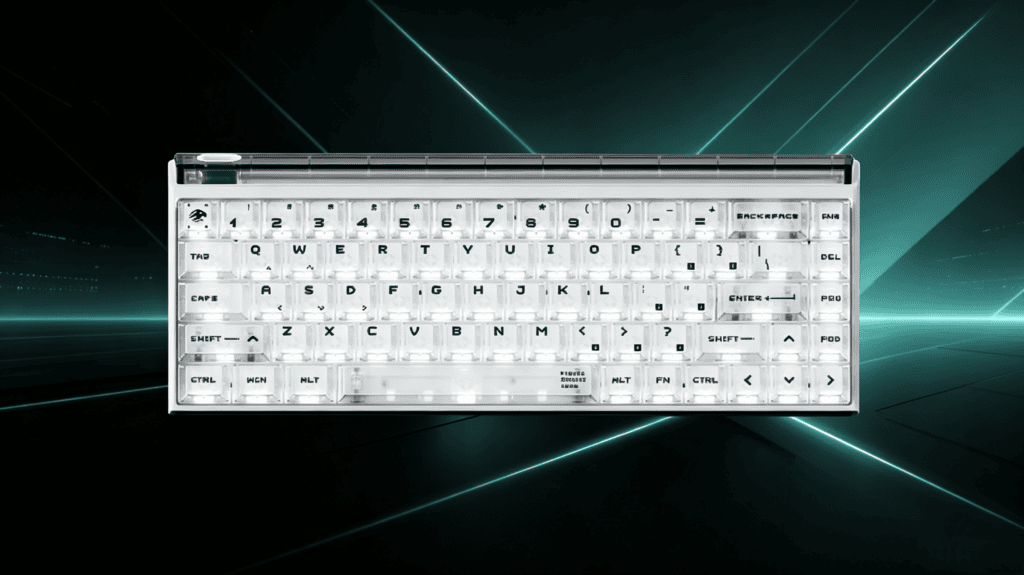
Thing #5: Who Should Buy on Launch Day — and Who Should Wait?
Here’s the clearest way to decide: match yourself to a profile.
Buy on launch day if you’re…
- A budget-conscious FPS enthusiast — flagship RT precision and 8K polling at an entry price.
- An advanced tinkerer — you enjoy mixed switches, manual calibration, and driver tuning.
- A desk-setup aesthete — the top RGB light box and prism keycaps speak to you.
- An existing MADLIONS user — you run a Titan68 Turbo or MAD75 and want a 68-key addition.
Consider waiting if you’re…
- An office user wanting plug-and-play — mandatory recalibration is a real barrier.
- Sensitive to first-batch quality control — wait for early community feedback, especially on stabilizer feel and case quality.
- Indifferent to RGB — spend elsewhere.
- In need of wireless — this is a verdrahtet keyboard, so confirm that fits your workflow.
Final Word: A Launch Is About Choosing, Not Grabbing
Here’s the honest synthesis: the MADLIONS NANO68 V2‘s “spec-jumping” is real — 8K polling, 0.001mm RT precision, and mixed-switch support are genuinely rare at this price. But specs aren’t the whole story. The web driver, manual calibration, and mixed-switch tinkering all form a real usage threshold.
Today’s launch isn’t about “grab it and win.” It’s about thinking clearly before you commit.
- If you read those five questions and answered “that’s me” every time — today is your day.
- If you’re still on the fence — waiting for first-batch feedback costs you nothing.
 English
  German
  Portuguese
  Spanish
  Italian
  Finnish
  French
  Japanese
  Korean
  Swedish