
PAYSON 2-in-1 키캡 스위치 풀러: 최고의 기계식 키보드 정비 도구

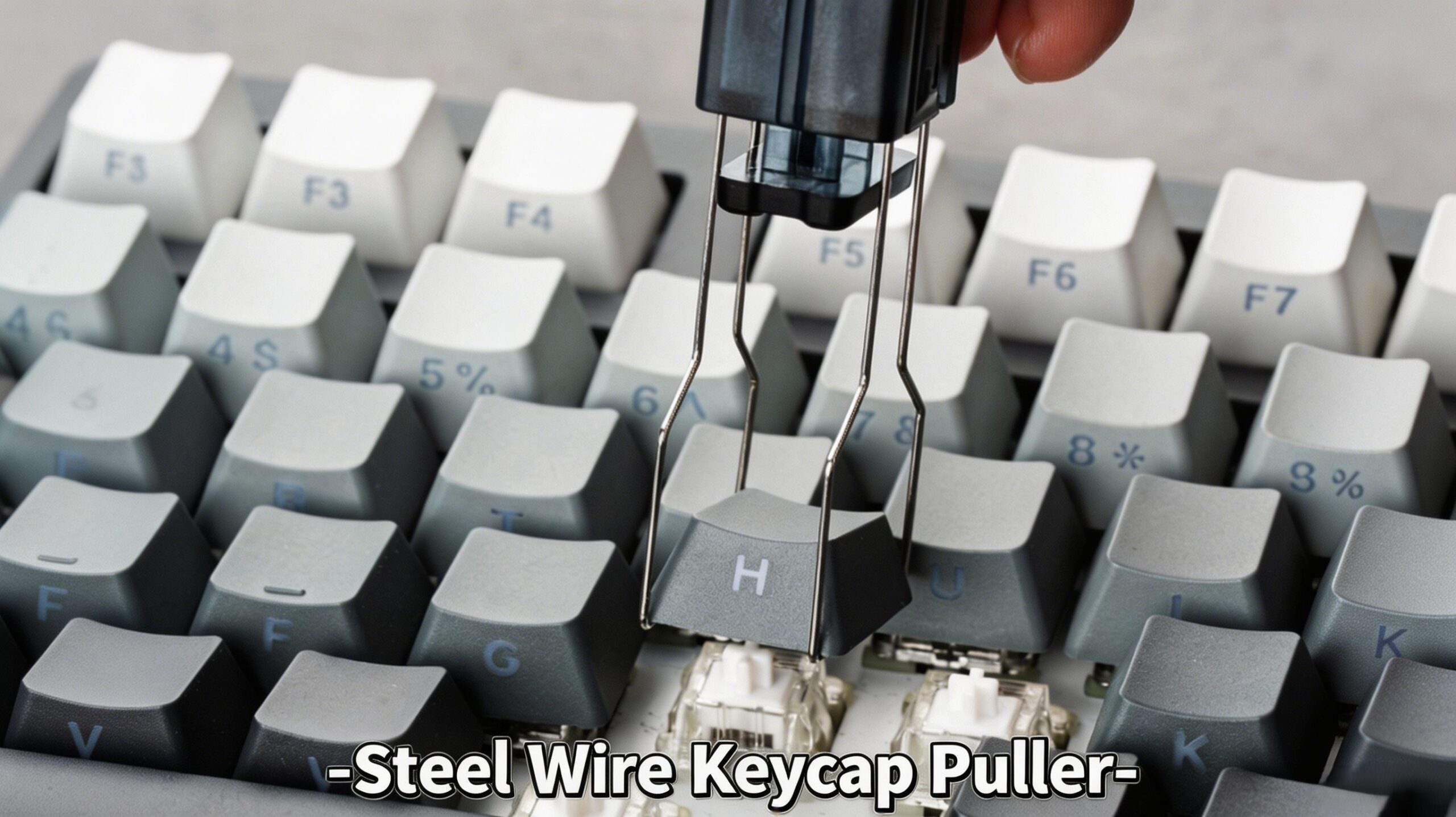
제품 개요
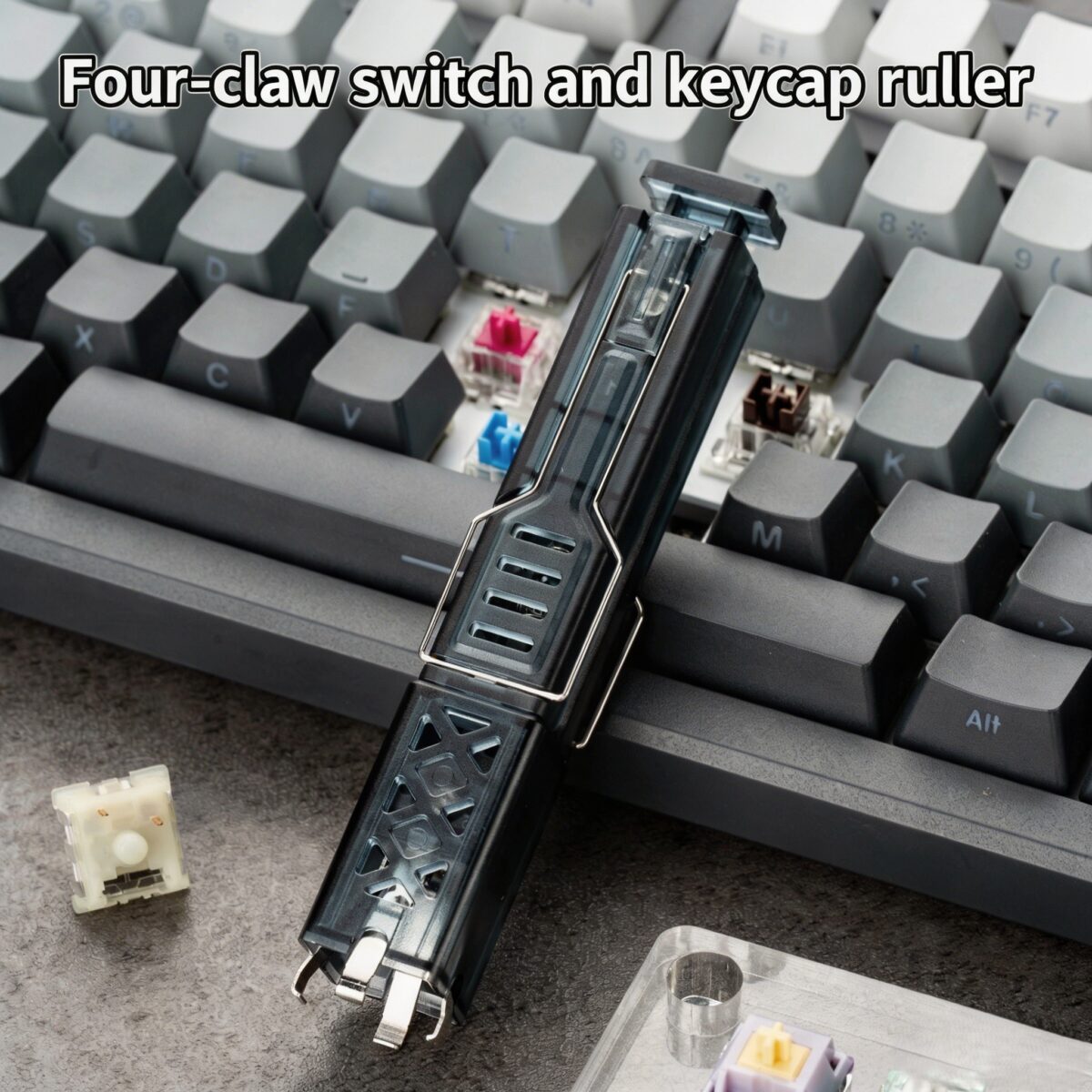
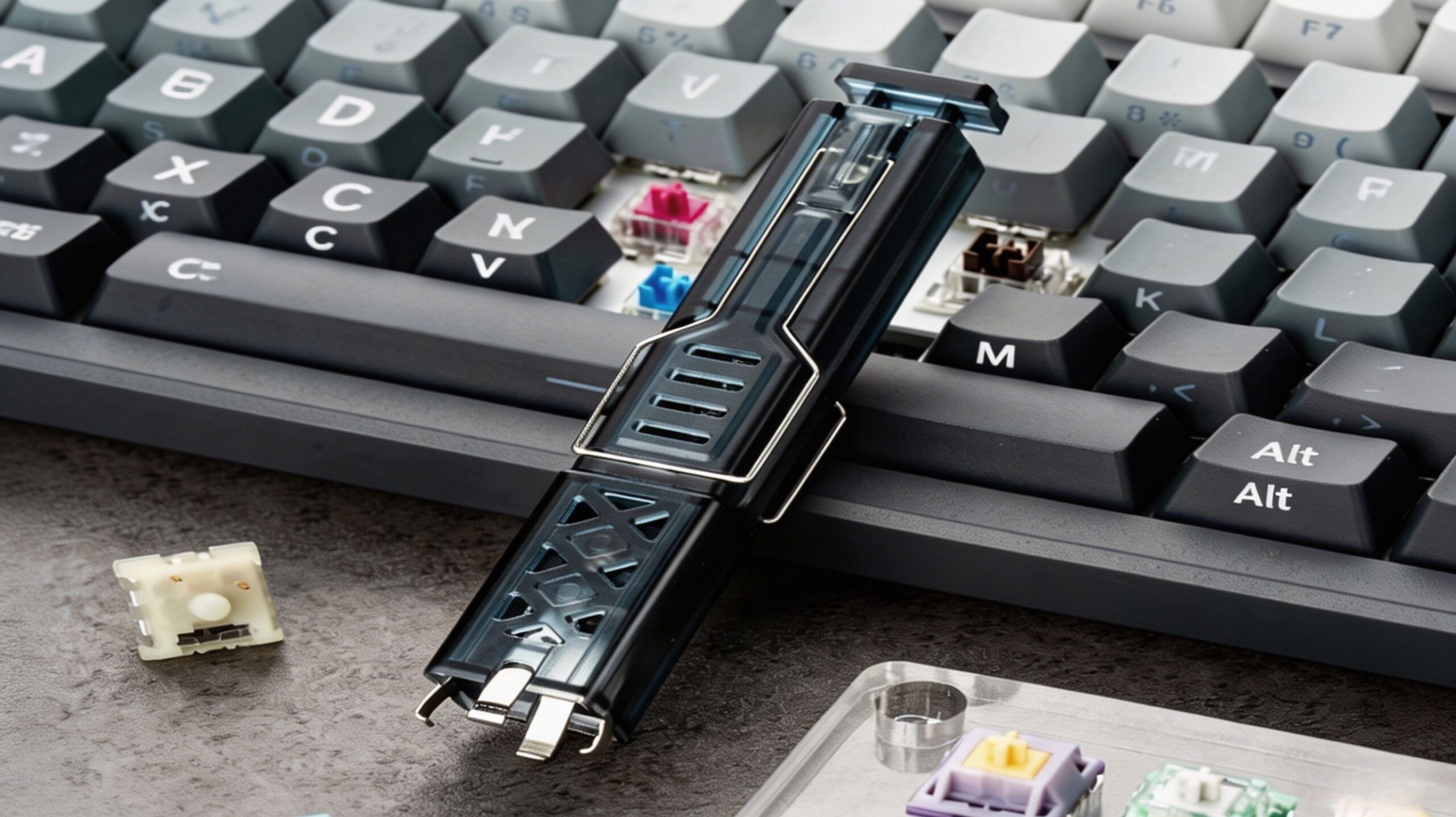
업그레이드된 시스템으로 시스템을 강화하세요 PAYSON 2-in-1 키캡 스위치 풀러, 필수적인 기계식 키보드 액세서리 키캡과 스위치를 손쉽게 분리할 수 있도록 설계되었습니다. 초보자든 숙련된 애호가든 상관없이, 이 제품은 여러분에게 유용할 것입니다. 2-in-1 키보드 도구 이 제품은 기계식 키보드를 맞춤 설정하고 관리하는 데 완벽합니다.
견고한 구조와 사용자 친화적인 디자인을 특징으로 하는 이 다용도 제품은 키캡 및 스위치 제거 도구 핫스왑 방식의 기계식 키보드와 마그네틱 스위치 키보드 모두에서 완벽하게 작동합니다. 최고의 성능으로 다음 조립을 더욱 간편하게 만들어 보세요. 키보드 사용자 지정 도구.
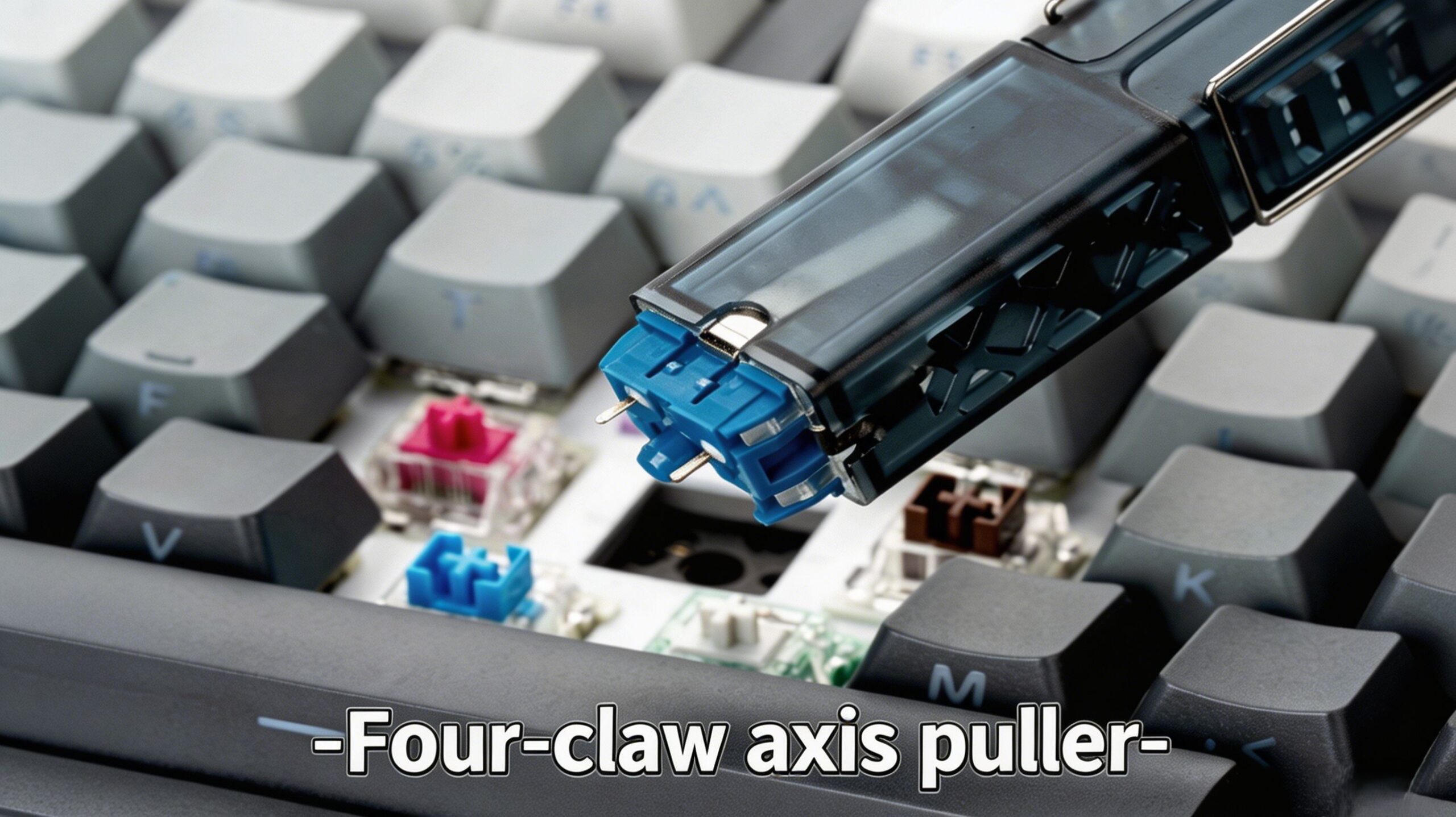
주요 특징
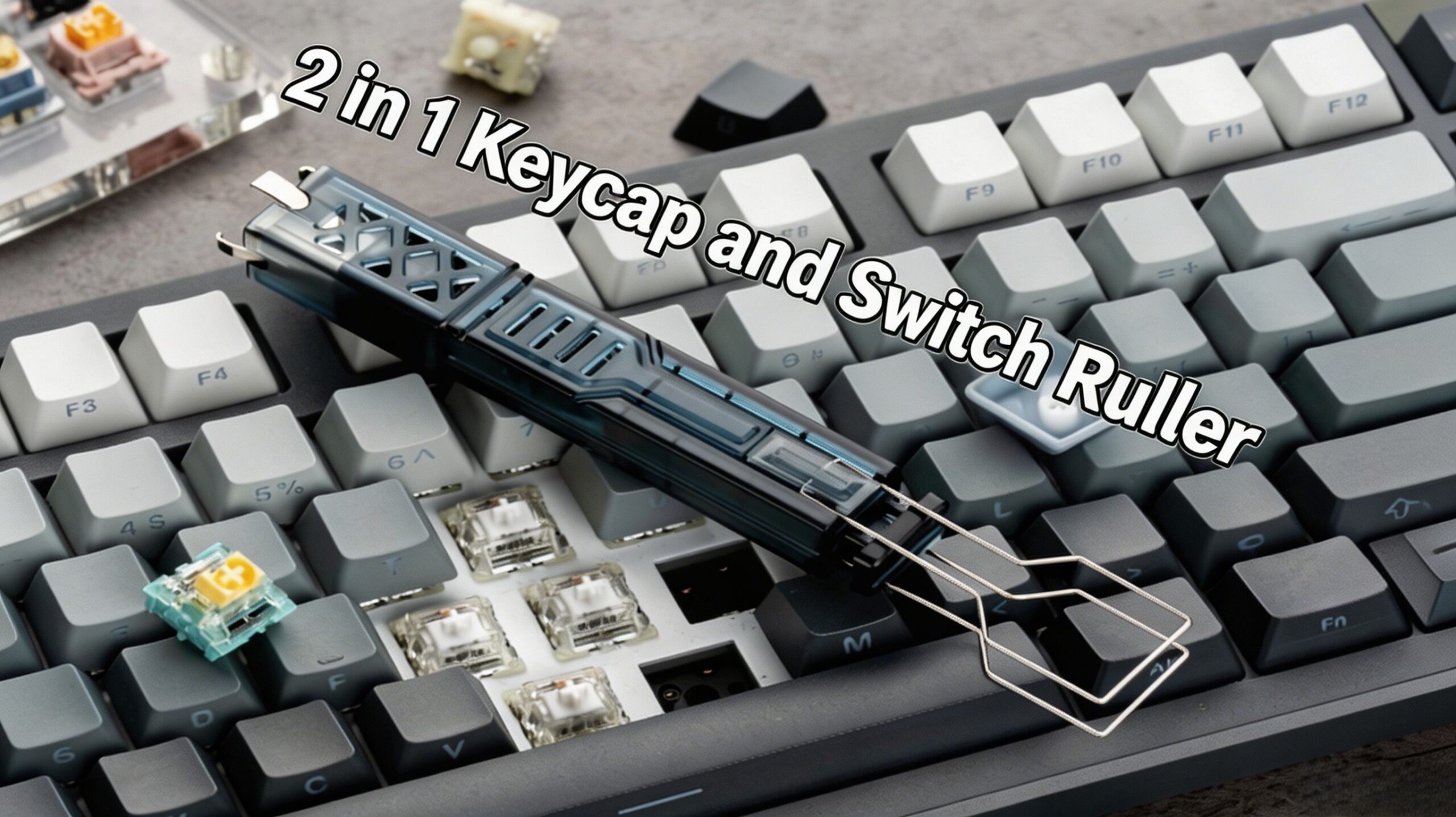
- 진정한 2-in-1 디자인: 두 가지 사이를 매끄럽게 전환하세요 키캡 제거 도구 그리고 스위치 제거 도구 하나의 작고 간편한 기기로.
- 범용 호환성: 훌륭한 범용 키보드 분리 도구 체리 MX 스타일 스위치, 마그네틱 스위치 및 대부분의 키캡 프로파일과 호환됩니다. 또한 안정적인 성능을 제공합니다. 자석 스위치 풀러.
- 고강도 소재: 오래도록 사용할 수 있도록 제작되었습니다. 스테인리스 스틸 스위치 제거 도구 내구성이 뛰어난 망간강 재질의 갈퀴를 사용하여 오랫동안 사용할 수 있어 꾸준히 애용하게 됩니다. 키보드 분해 도구.
- 인체공학적 ABS 손잡이: 다음과 같이 설계되었습니다 인체공학적 키캡 풀러, 고품질 ABS 키캡 제거기 손잡이는 격렬한 모딩 작업 중에도 미끄러지지 않는 편안한 그립감을 제공합니다.
- 안전하고 효율적입니다: 정밀하게 설계된 4구 스위치 풀러 올바르게 사용하면 키보드에 흠집이 나거나 섬세한 핀이 구부러질 위험이 없도록 설계되었습니다.
명세서
| 목 | 세부 |
|---|---|
| 제품명 | PAYSON 4구형 2-in-1 키캡 및 스위치 풀러 |
| 쉘 소재 | ABS 플라스틱 |
| 금속 갈고리 재질 | 망간강 + 스테인리스강 |
| 치수 | 20 × 20 × 115mm |
| 무게 | 25g |
| 호환성 | 핫스왑 가능 기계식 키보드, 핫스왑 가능 마그네틱 스위치 키보드 |
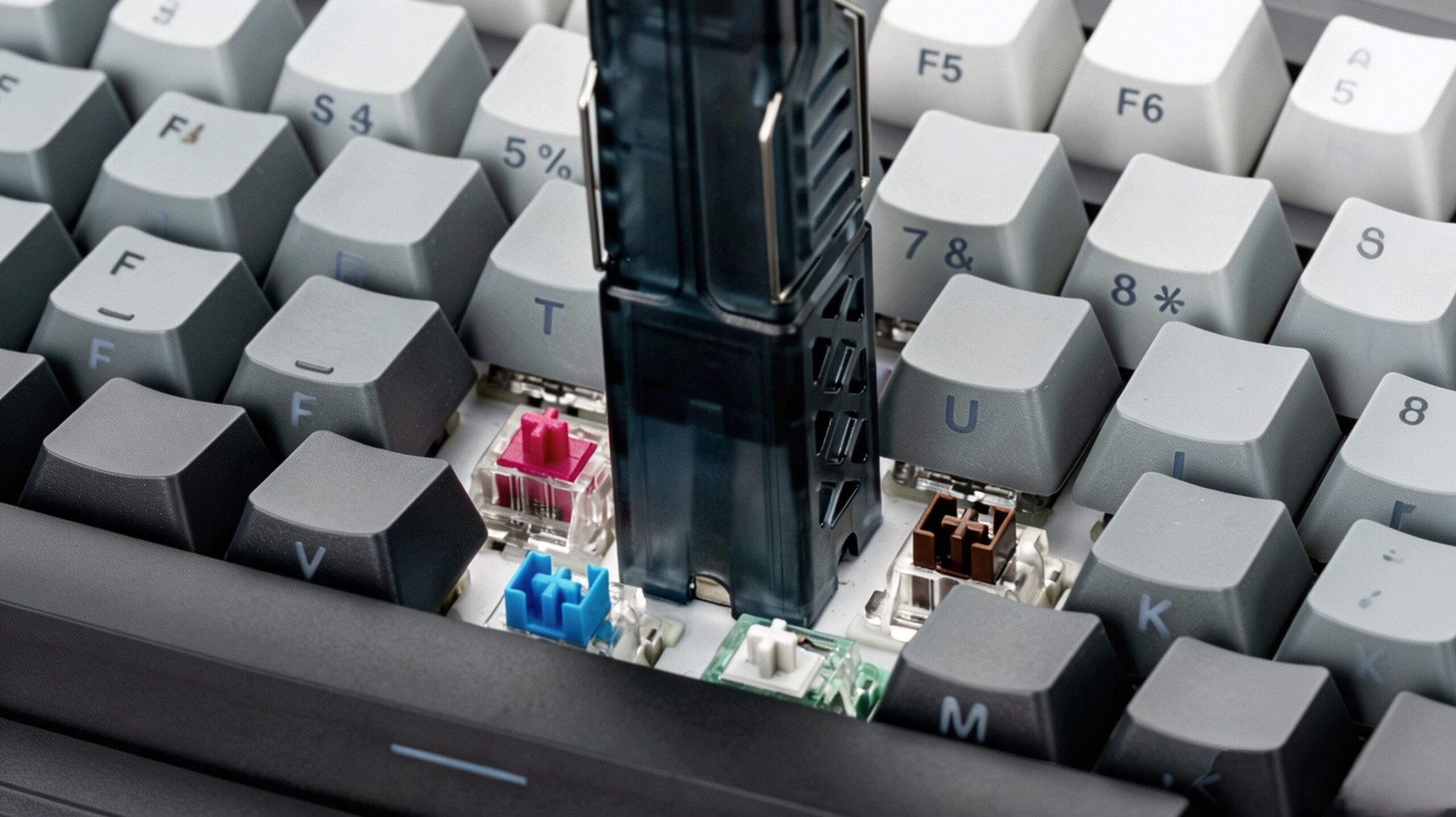
키보드 개조 도구 사용 방법
키캡 제거하기 (키캡 추출기로 사용하기)
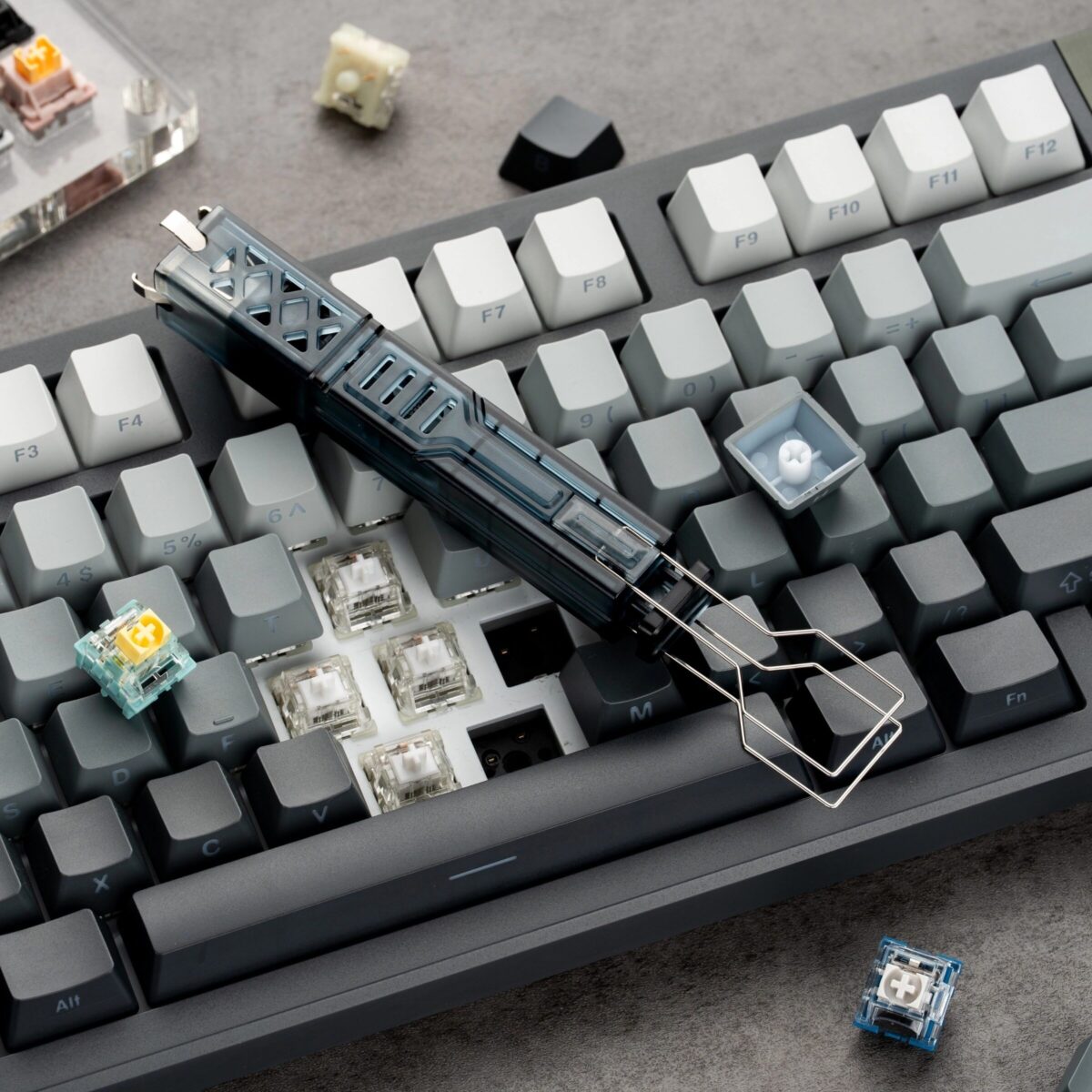
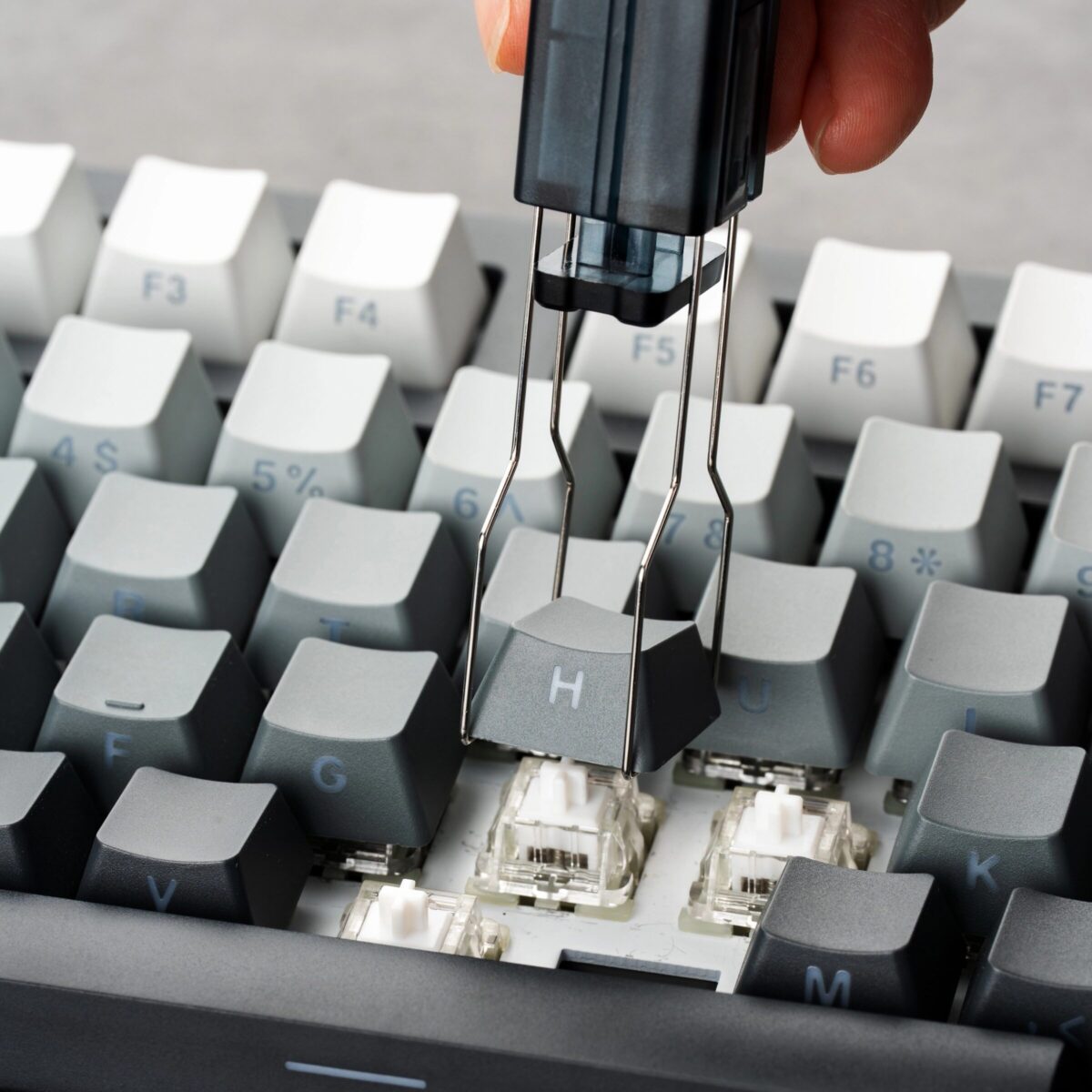
- 구부러진 두 개의 갈고리를 키캡의 반대쪽 아래에 걸어주세요.
- 당기세요 기계식 키보드 분리기 키캡을 안전하게 제거하려면 일정한 힘으로 똑바로 위로 들어 올리세요.
스위치 제거 (핫 스왑용 스위치 풀러로 사용)
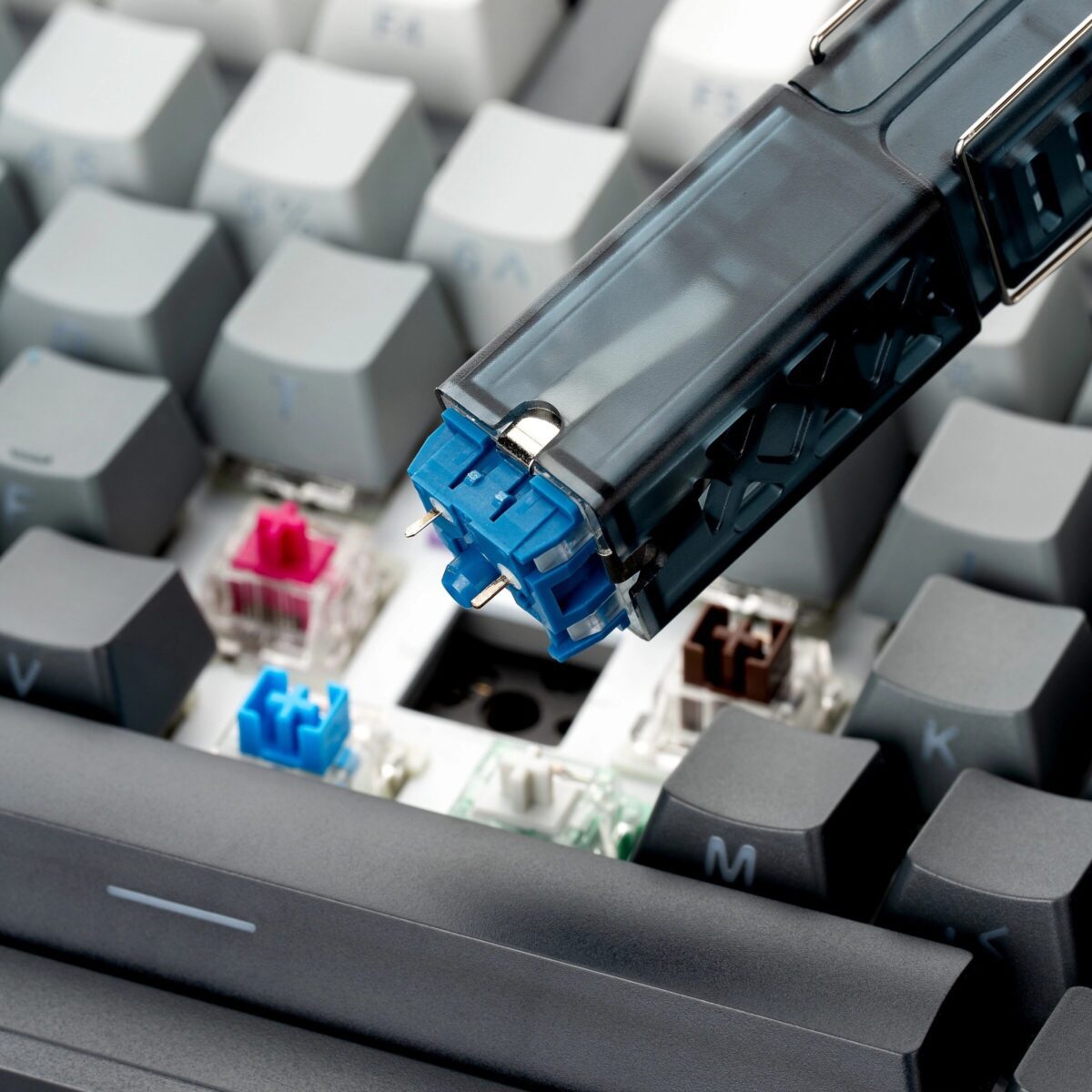
- 네 개의 갈래를 정렬하세요 핫스왑 스위치 도구 스위치의 장착 클립(위쪽에 2개, 아래쪽에 2개)을 사용하여 고정합니다.
- 손잡이를 꽉 쥐어 갈고리를 닫고 클립을 안전하게 분리하세요.
- 스위치를 PCB에서 똑바로 잡아당겨 빼내세요.
패키지 구성품
- 1 × PAYSON 2-in-1 키캡 스위치 풀러

 English
  German
  Portuguese
  Spanish
  Italian
  Finnish
  French
  Japanese
  Korean
  Swedish
리뷰
아직 리뷰가 없습니다.