If you play CS2 or Valorant long enough, you’ve probably felt it: movement that should be clean starts to feel slightly “sticky.” Counter-strafes aren’t as crisp. Rapid A/D taps don’t always translate the way your brain expects.
A lot of players call it “input lag” and stop there. But when you’re comparing a mechanical keyboard vs Hall effect keyboard, the real difference isn’t one magic number—it’s how the keyboard detects and resets inputs.
Below is a practical, gamer-first breakdown of what changes, what doesn’t, and what you should watch out for.
Mechanical keyboard vs Hall effect keyboard: a quick comparison
| Criteria | لوحة المفاتيح الميكانيكية | Hall effect (magnetic) keyboard |
|---|---|---|
| How it detects a press | Physical metal contacts close | Magnet + sensor detects position |
| Debounce | Yes (usually a few ms) | No contact bounce → no debounce delay |
| Actuation point | Fixed | Adjustable via software |
| Reset behavior | Fixed reset point (hysteresis) | Can support Rapid Trigger (dynamic reset) |
| Tuning | Mostly “plug and play” | Requires setup (actuation/RT calibration) |
| Best for | Simplicity, feel variety | Competitive movement control, repeat taps |
1) How the keyboard detects a keypress (and why debounce exists)
A mechanical switch is basically a tiny physical circuit: press the stem, metal leaves touch, and the key registers.
That’s the core difference in a hall effect switch vs mechanical switch: mechanical uses physical contact, Hall effect uses magnetic sensing.
The catch is contact bounce—those leaves can “chatter” for a moment. To prevent accidental double inputs, firmware adds a debounce delay.
A Hall effect switch uses contactless sensing: a magnet moves closer to a sensor, and the sensor measures the change in magnetic field. HallEffectKeyboard.com explains this mechanism (and why it avoids bounce) in its breakdown of what makes Hall effect switches different.
Key Takeaway: Mechanical switches need debounce because they physically collide. Hall effect switches don’t—so they can detect input changes without that delay.
2) Actuation vs reset: the part that changes movement control
Most people focus on actuation (“how far down until the key triggers”). For FPS movement, reset is often the bigger deal.
Mechanical: fixed reset = a built-in “dead zone”
Mechanical switches typically have a fixed actuation point and a fixed reset point. After a key actuates, you must release it past the reset point before the keyboard will register the next press.
In practice, that means there’s a small band of travel where you’re moving your finger, but the input state can’t change yet.
Hall effect + Rapid Trigger: reset happens as soon as you lift
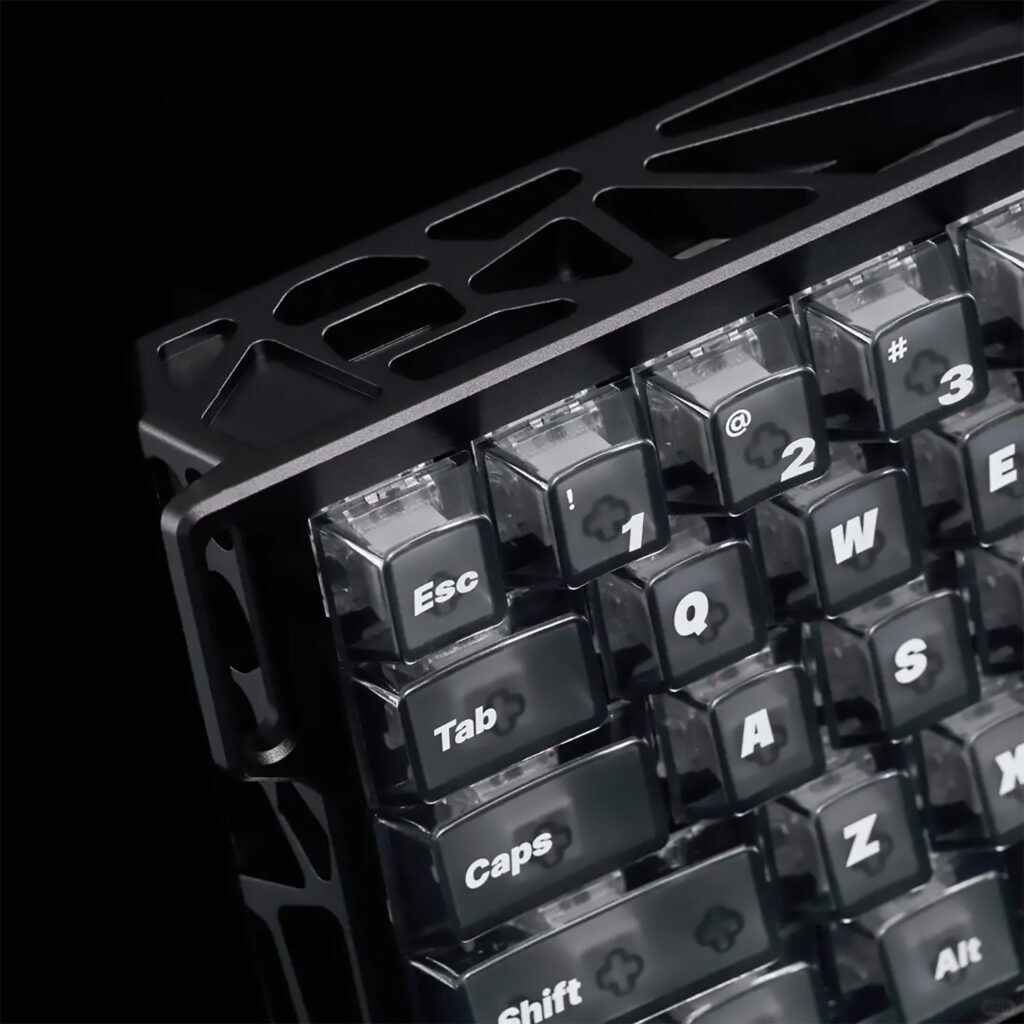
Because a Hall effect board can continuously measure switch position, it can support الزناد السريع behavior: the key resets the moment you start releasing, and actuates again the moment you press back down.
HallEffectKeyboard.com describes this rapid-reset behavior (and why people like it) in its overview of why Hall effect switches are popular.
For games like Valorant, this is why rapid trigger keyboards feel “snappier” during:
- counter-strafes (fast stop-start timing)
- jiggle peeks (short A/D taps)
- repeated micro-corrections while tracking
Pro Tip: If you try Rapid Trigger, don’t set everything to ultra-shallow on day one. Start slightly deeper, then move shallower as your control improves.
3) The latency stack (and why Hall effect keyboard latency can feel different)
When people quote “0.1ms,” they’re usually mixing several ideas. A more useful model is:
- Debounce delay (mechanical only): added to prevent chatter.
- Scan rate: how often the keyboard checks switch states internally.
- Polling rate: how often the keyboard reports updates to your PC.
Higher scan/poll rates can reduce the time between “a change happened” and “your PC hears about it.” But it’s not a free win.
8K polling: what’s the trade-off?
Running 8,000 reports per second creates more frequent USB interrupts. On a modern PC it’s usually fine—but on older or CPU-limited systems, it can be a stability/performance trade.
Corsair (a major peripheral manufacturer) explicitly notes in its help article “Higher polling rates for keyboards and mice” that higher polling rates come with higher CPU usage. Corsair adds that for keyboards the impact is minimal but older generation systems can see greater effects, and advises plugging into a motherboard USB port (not a hub) for stability.
⚠️ Warning: If you notice stutter after enabling 4K/8K polling, drop back to 1K/2K and retest. Consistent frame time beats theoretical micro-latency.
4) Consistency and durability: why contactless can feel “more stable” over time
Mechanical switches can change subtly as contacts wear, oxidize, or accumulate debris. Most players won’t notice day-to-day—but heavy use can eventually show up as inconsistency (or the infamous chatter on some boards).
With Hall effect, the detection is contactless. The appeal is less about “infinite durability” marketing, and more about reducing one real-world failure mode: physical contact wear.
5) Tuning complexity: the most common way people ruin the experience
Hall effect boards are powerful because they’re configurable—but that also means you can misconfigure them.
Common mistakes:
- Setting actuation too shallow for every key (you get accidental inputs)
- Using aggressive Rapid Trigger settings before your muscle memory adapts
- Forgetting to calibrate after firmware updates or environmental changes
If you care about competitive consistency, treat tuning like sensitivity:
- pick stable baseline settings
- change one variable at a time
- test in the same routine (DM, range drills, etc.)
6) Why a 60 percent keyboard for FPS is still popular
A 60 percent keyboard for FPS isn’t about aesthetics—it’s geometry.
Less keyboard width means more mouse space, which helps low-sens players avoid slamming into their keyboard during big swipes. That’s why 60% layouts show up constantly in competitive setups.
The trade-off is missing dedicated keys (arrows, nav cluster). The fix is layers and remaps—fine once you build the habit.
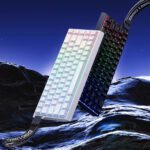
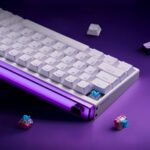
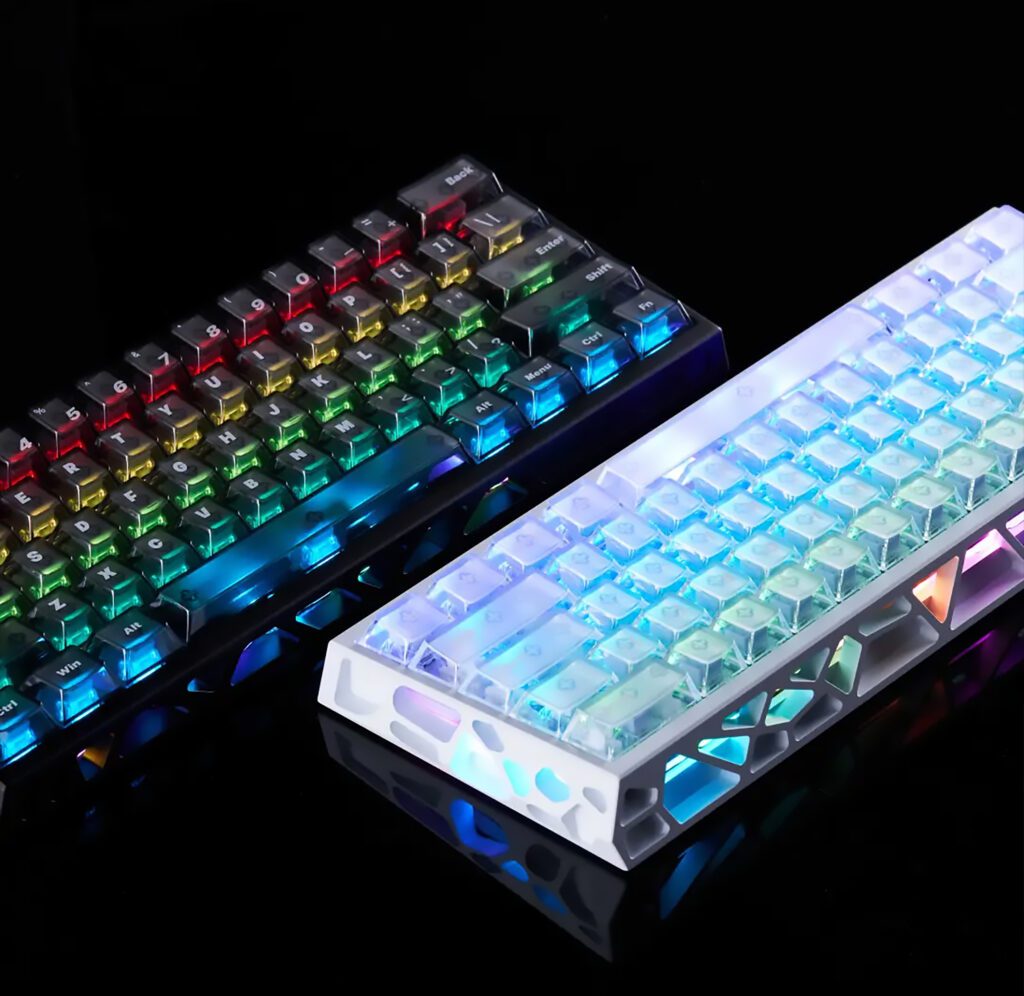
A concrete example: MAD Light 60HE (Hall effect, 60%, 8K)
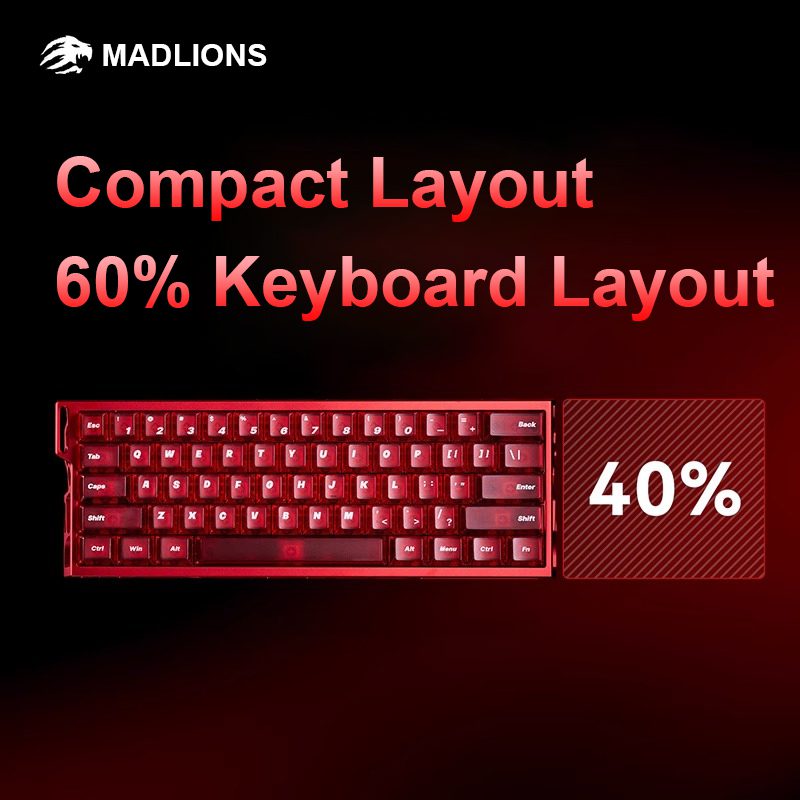
If you want a real spec sheet to anchor all of the above, the MAD Light 60HE is a clean example of what modern Hall effect boards are shipping:
- marketed 0.1ms latency
- 8KHz polling rate and 128KHz scan rate
- Rapid Trigger range adjustable from 0.01mm to 3.5mm (with 0.01mm accuracy)
- 61-key 60% layout
- CNC aluminum case and browser-based web driver
This isn’t here as a “buy this” pitch—just a concrete reference so you can compare specs and features across boards without guessing what terms mean.
التعليمات
Is a hall effect keyboard always faster than a mechanical keyboard?
Not always in a way you’ll feel. The bigger advantage is often control latency—how quickly the key resets for repeat taps—especially with Rapid Trigger. A good mechanical board can still feel extremely responsive.
What is a rapid trigger keyboard?
A rapid trigger keyboard is one that can reset a key dynamically based on key movement (instead of using a fixed reset point). That can make repeated taps and stop-start movement feel more immediate.
Will 8K polling lower my FPS?
It can on weaker or older CPUs, or if your USB path is unstable (hubs/docks). Corsair’s article “Higher polling rates for keyboards and mice” (linked earlier) is a good baseline: if you see issues, reduce the polling rate and plug directly into a motherboard USB port.
Why do I get accidental keypresses on Hall effect keyboards?
Usually because actuation (or Rapid Trigger sensitivity) is set too shallow for your current control. Start deeper, then tune down in small steps.
Next steps
If you’re early in the learning curve, the best move is to understand the mechanism first—and only then decide if you’ll benefit from tuning.
- Learn the fundamentals of what makes Hall effect switches different in this guide: what makes Hall effect switches different (contactless sensing, debounce, actuation).
- For a real spec reference, check the MAD Light 60HE product page.